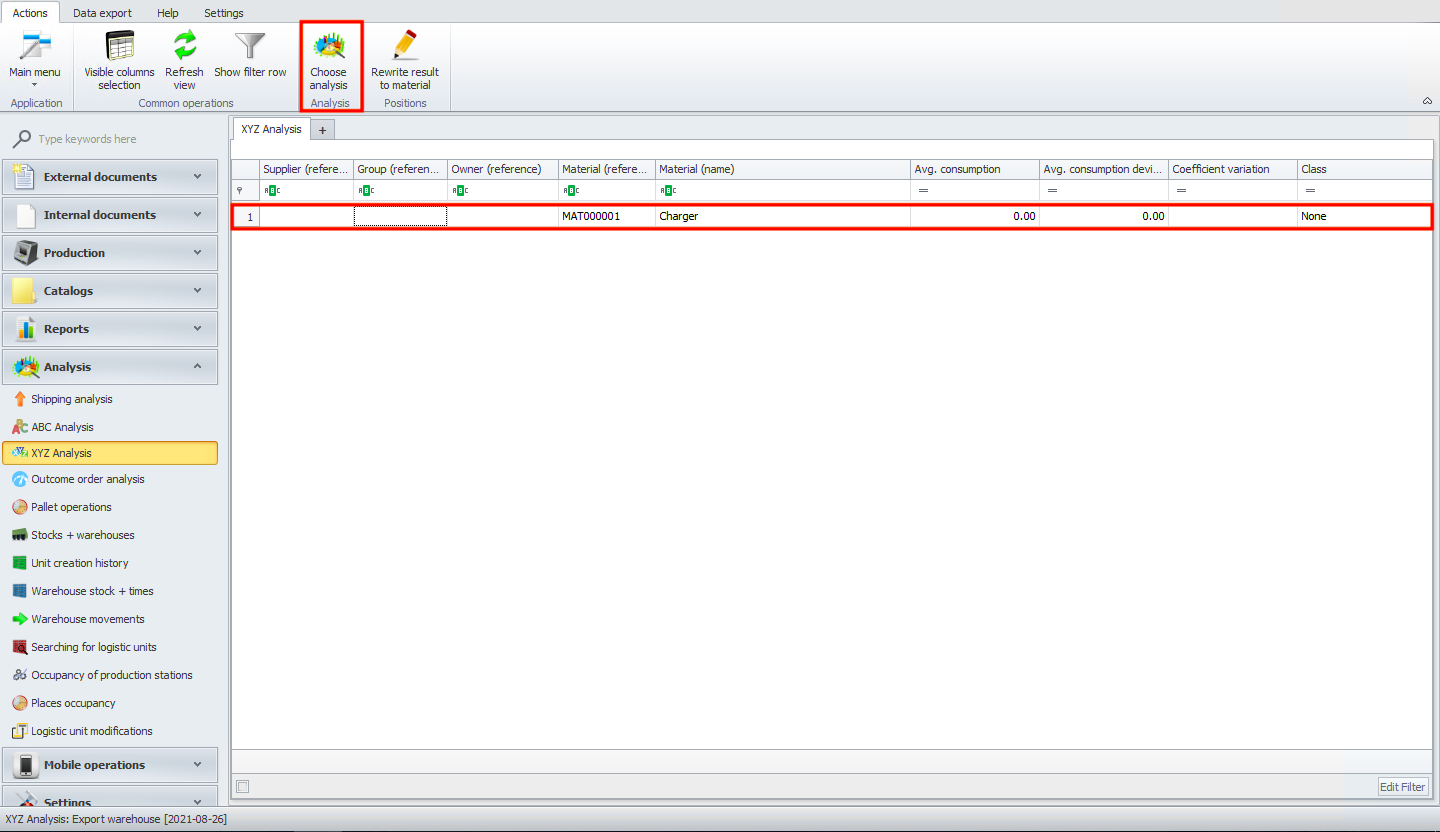
XYZ Analysis
In this module you can add xyz analysis.
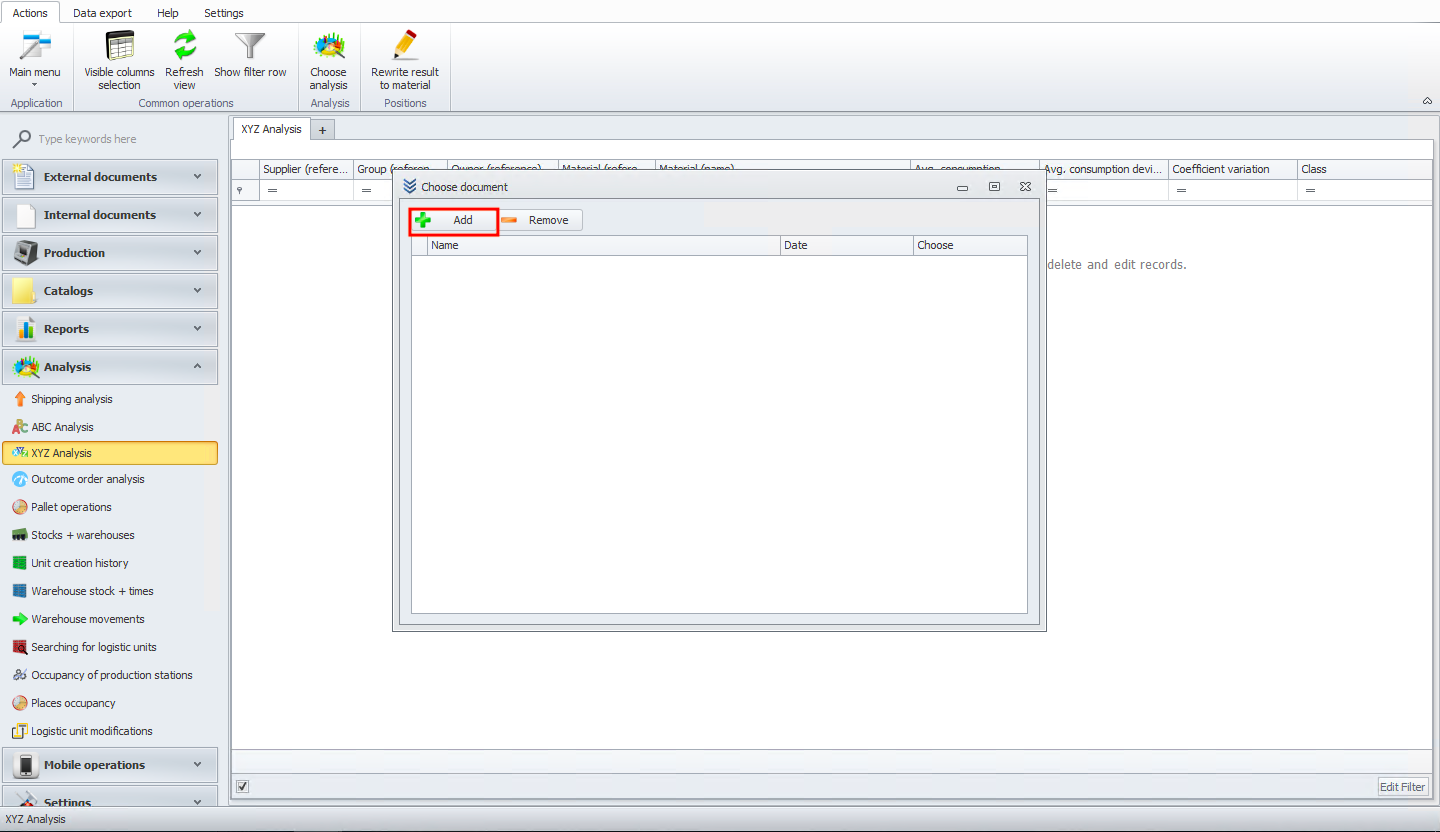
First click on add button.
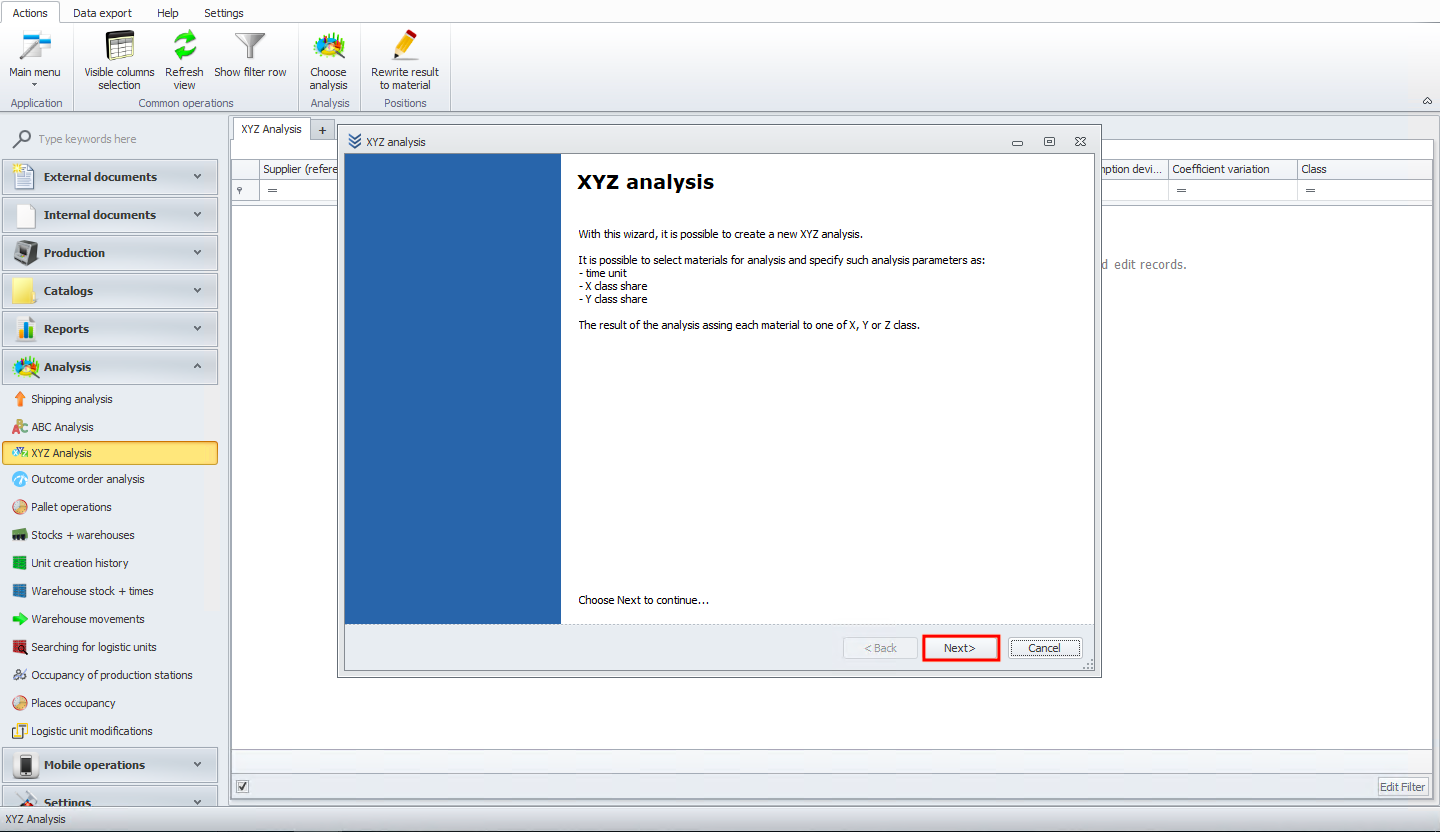
You should see new wizard window. Read information and click next button.
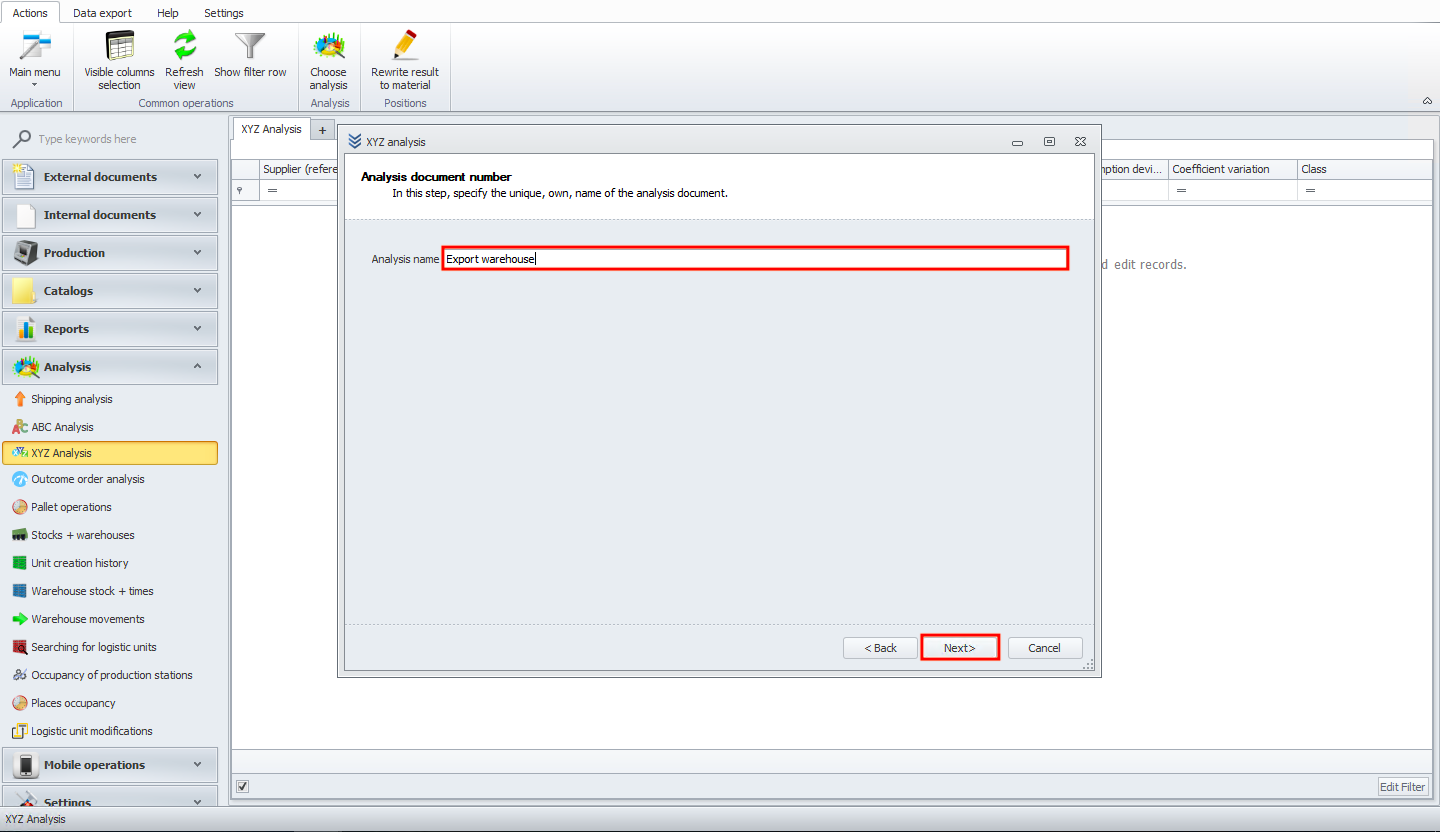
Now specify the unique name of the analysis document. Then click on next button.
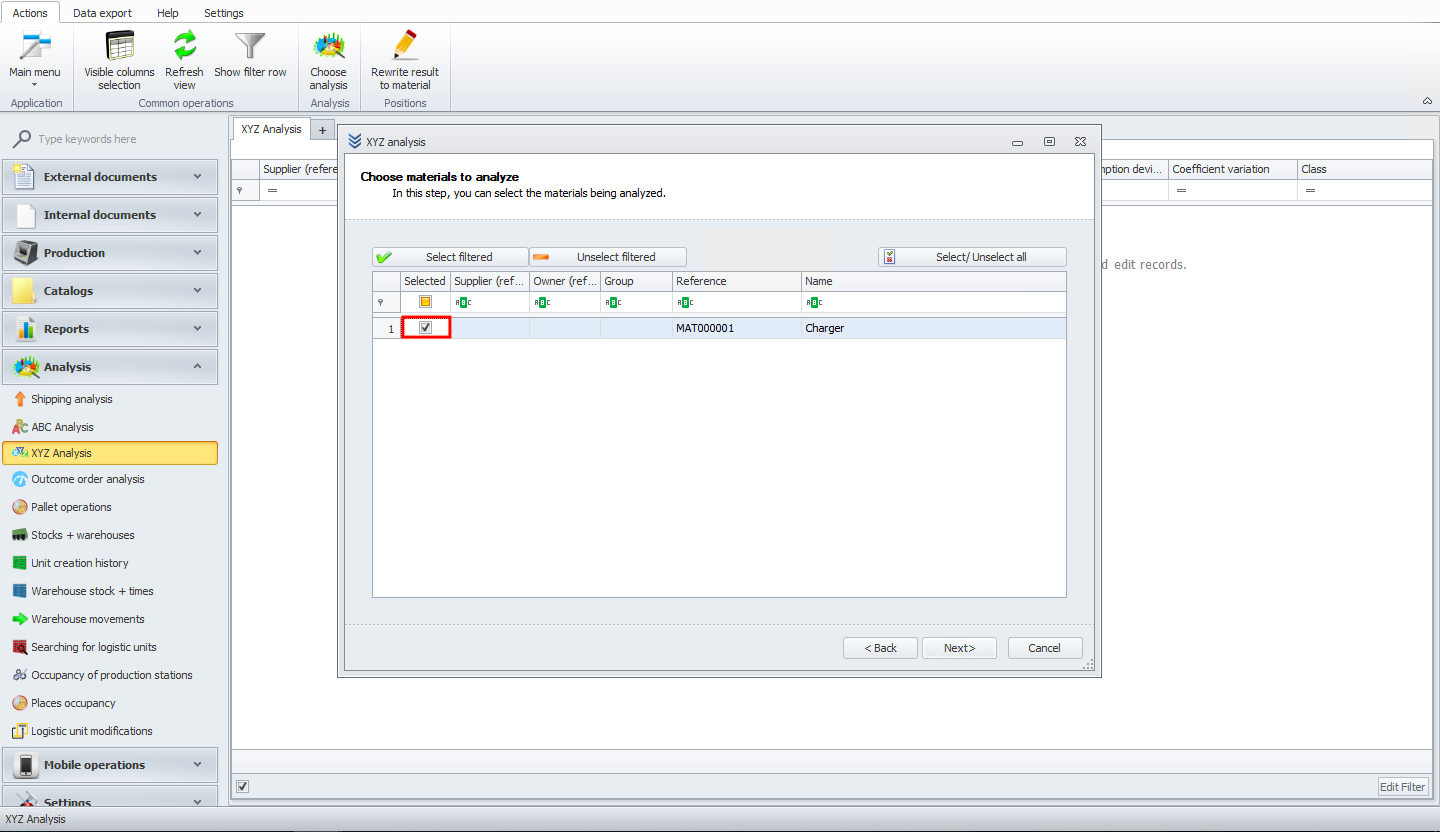
In this step select materials for analysis.
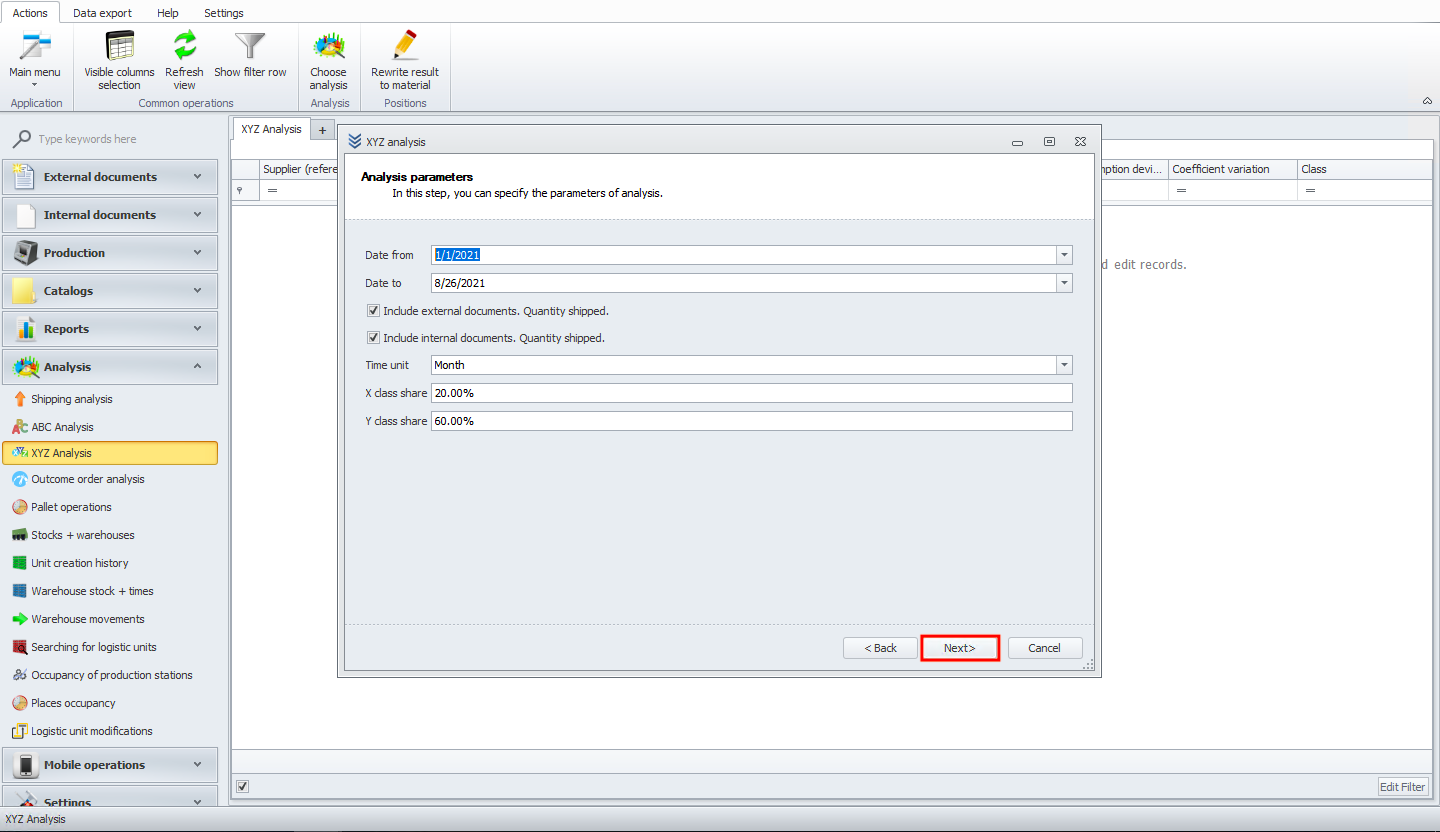
Now specify parameters of analysis. In the end click next button.
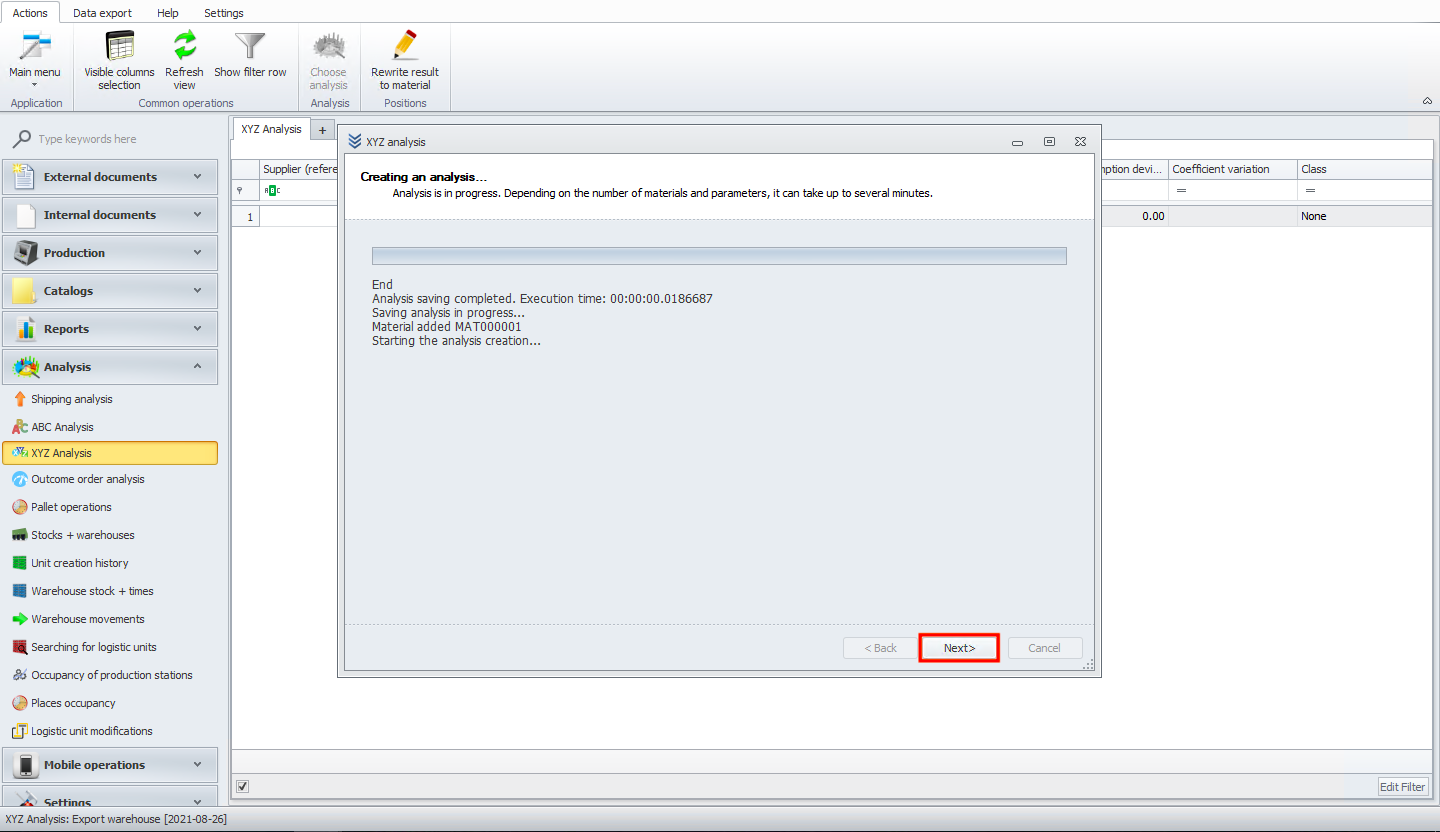
In next screen you can see analysis execution history with time and materials.
Click next button.
Ok your analysis document has been successfully finished. Click finish button.
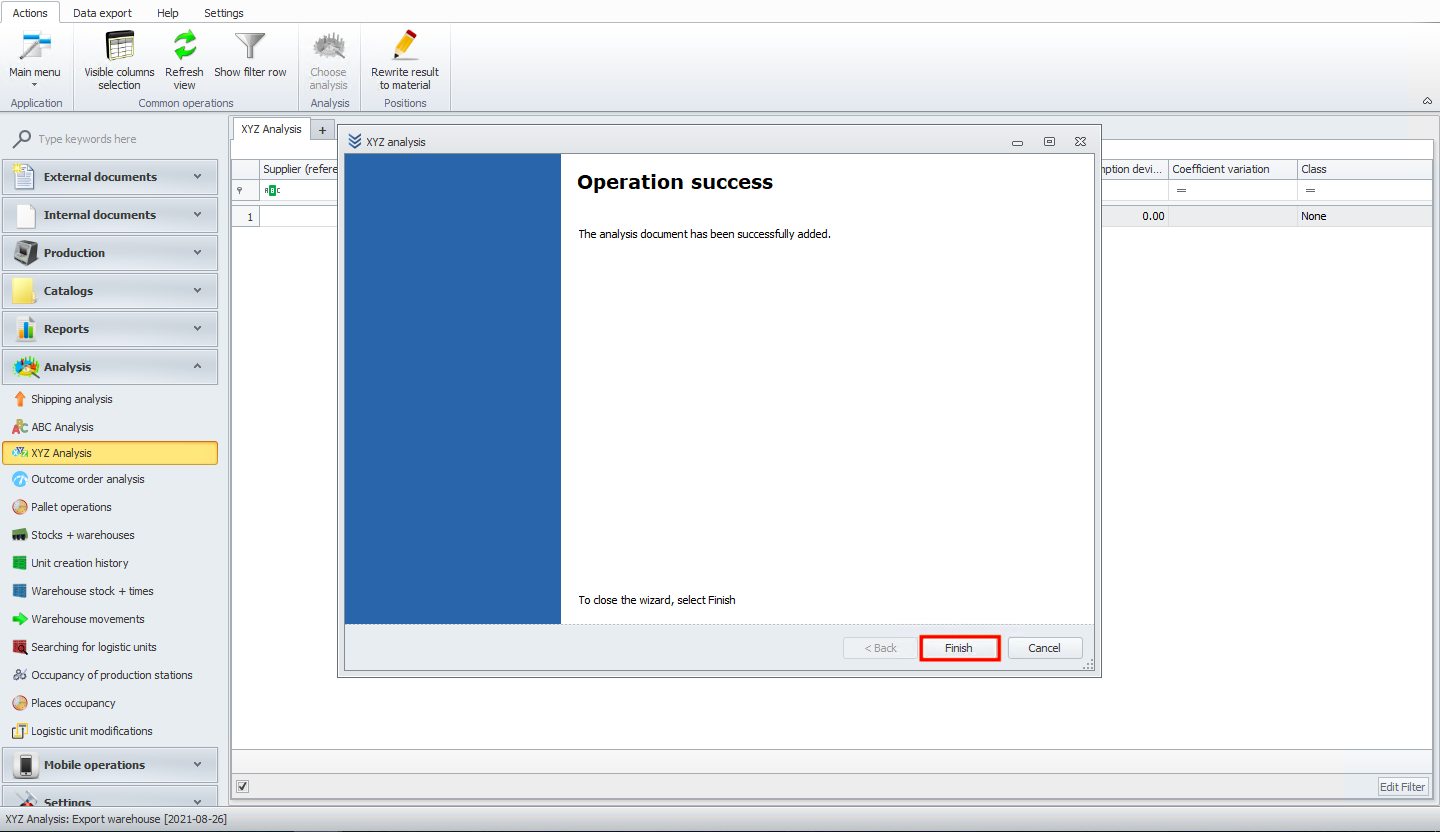
You can see your analysis in table now. If you want to add new or manage existing analysis, please click on choose analysis button.