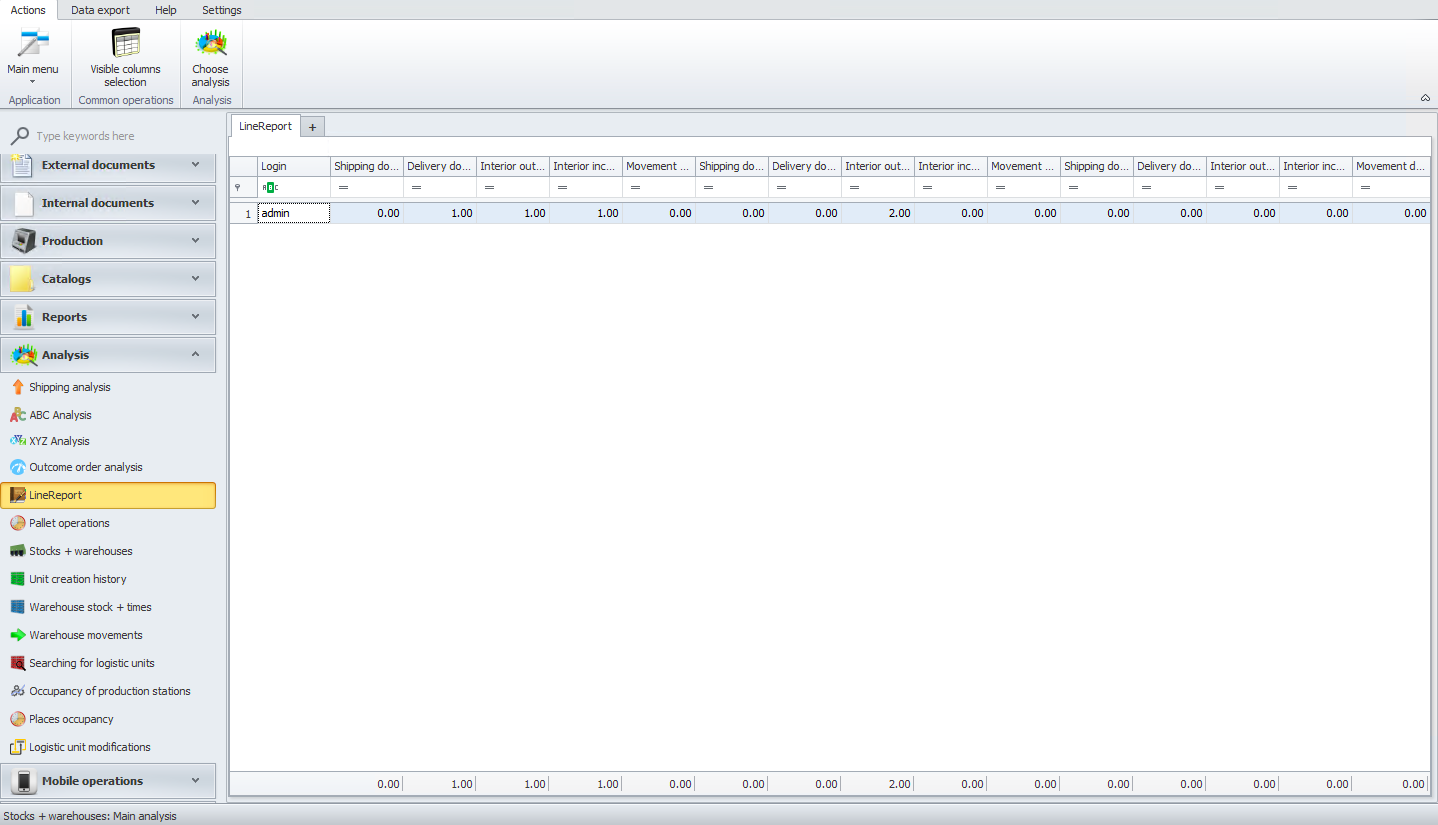
Line report
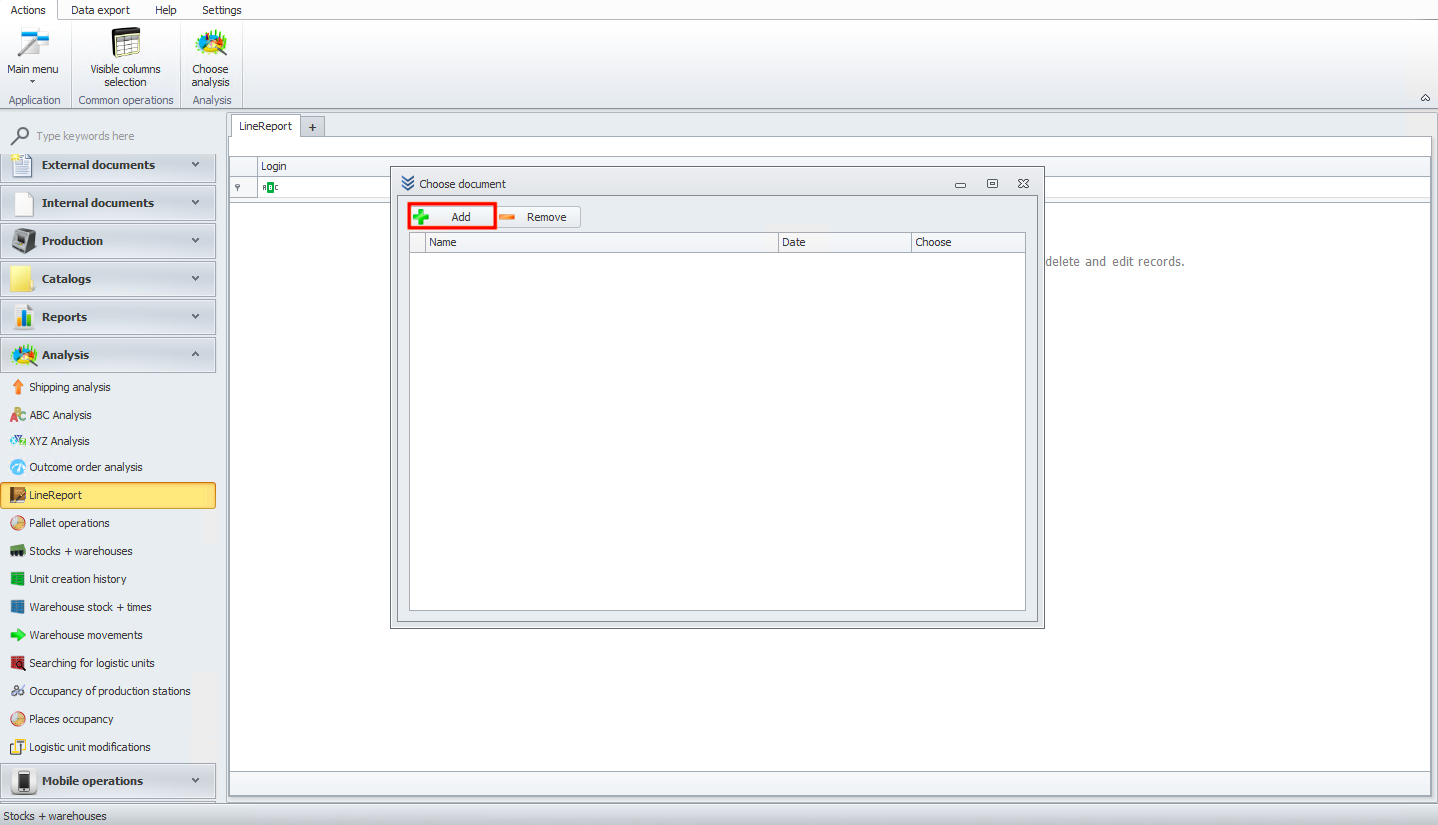
In this module, you will see how to add a new line report. First, click on the add button.
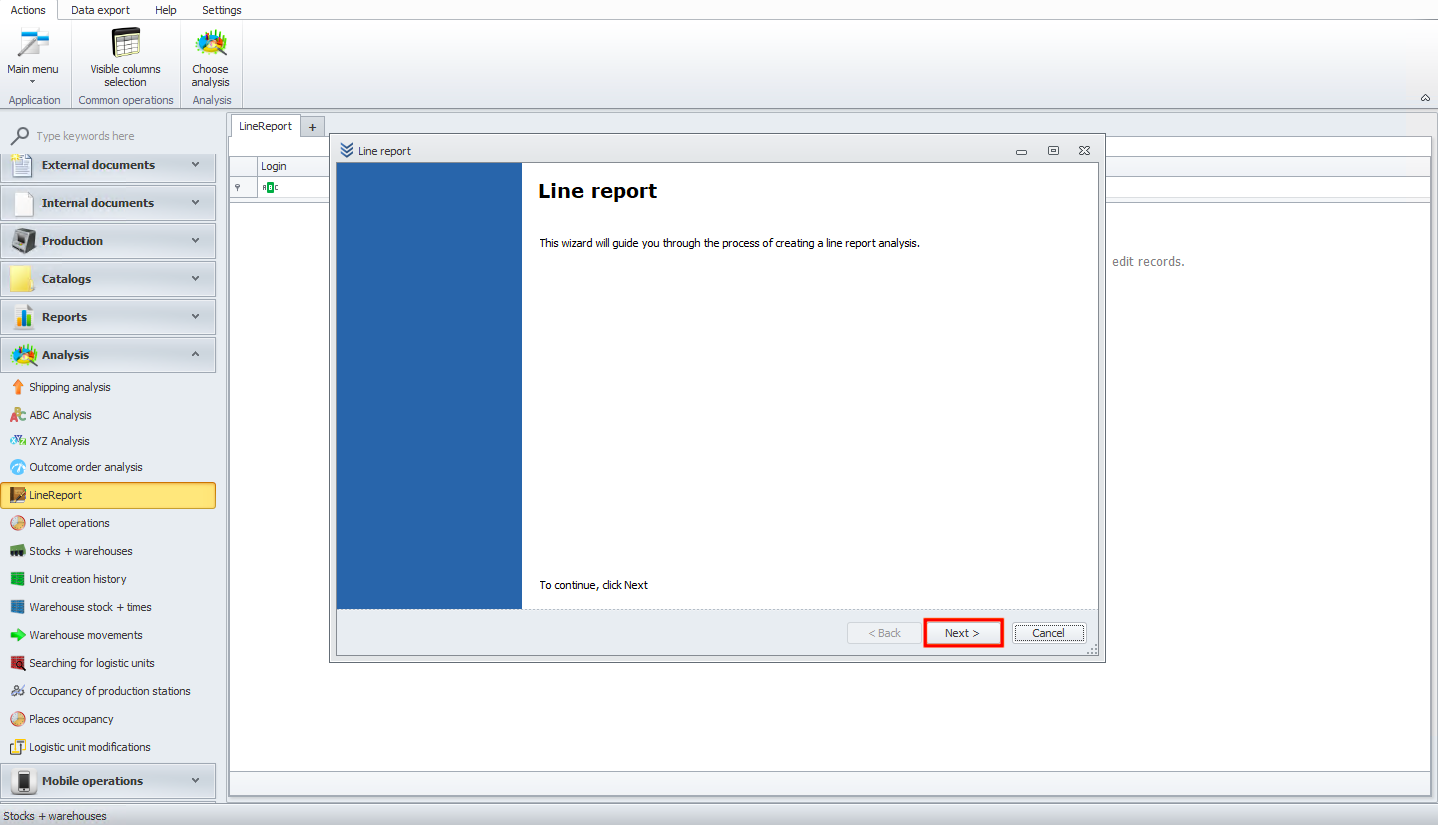
You should see a new wizard window. Read the information and click the next button.
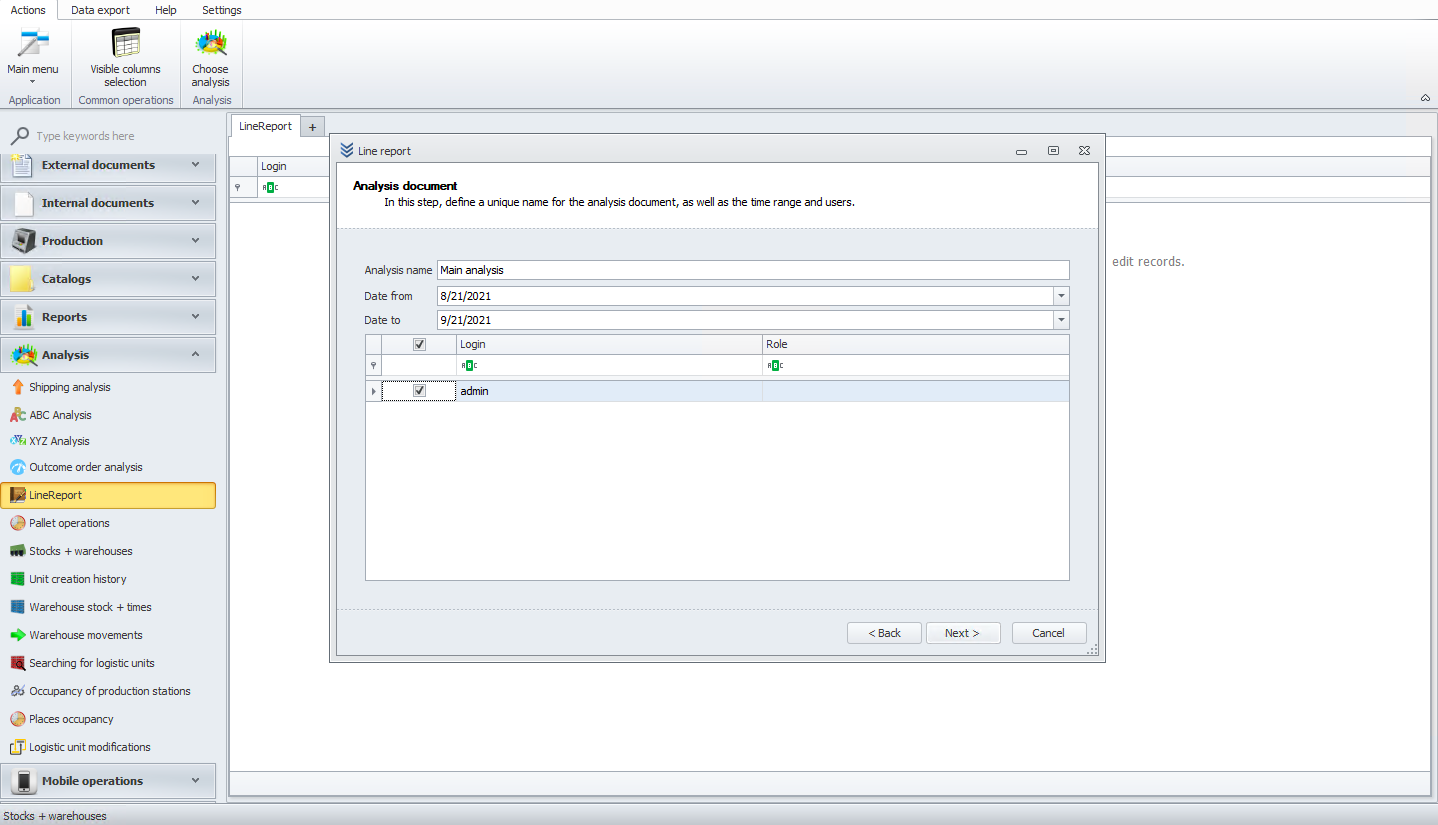
Now add the analysis name and choose the date and user.
In the next step, select values that will be included in the analysis.
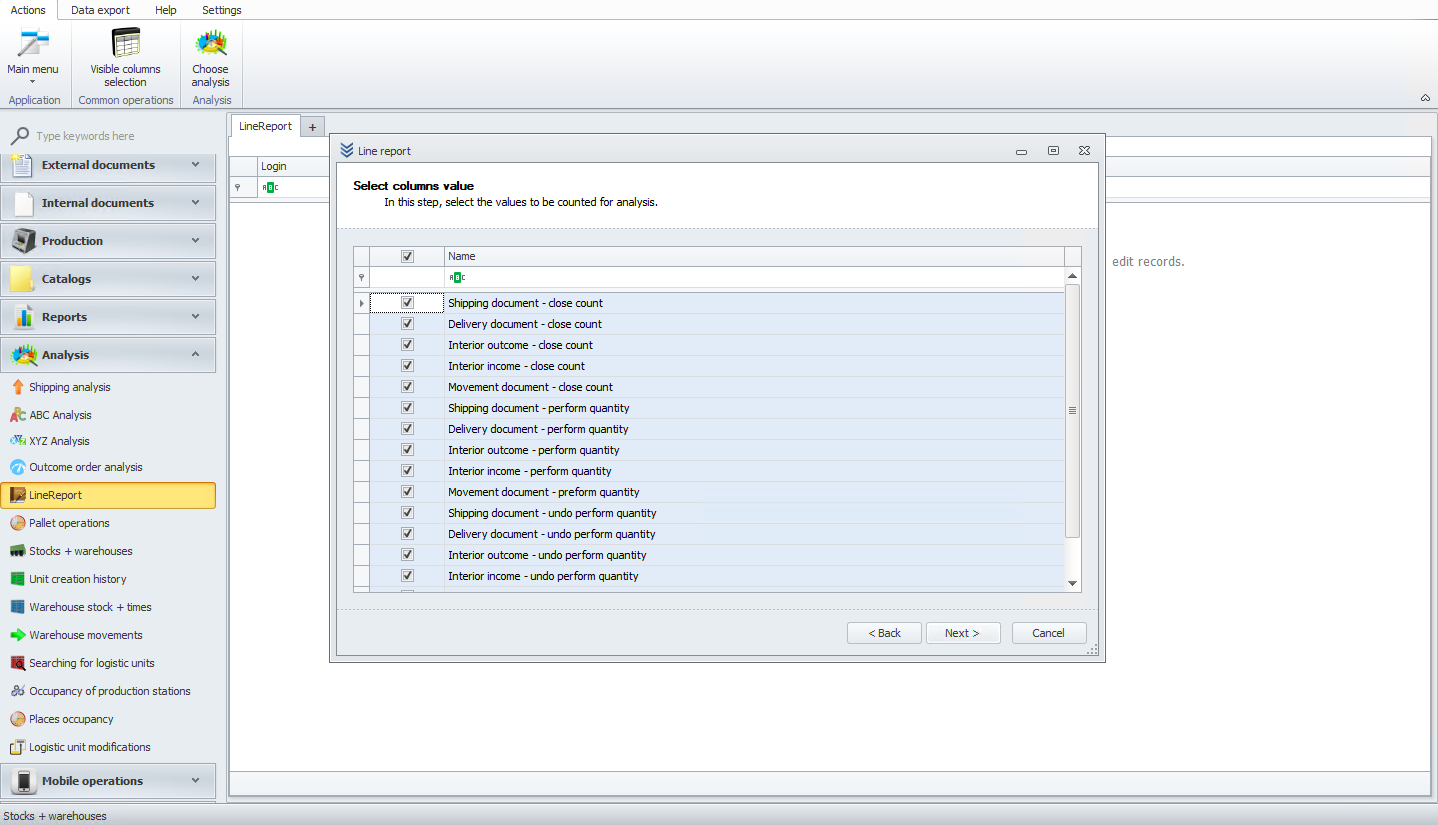
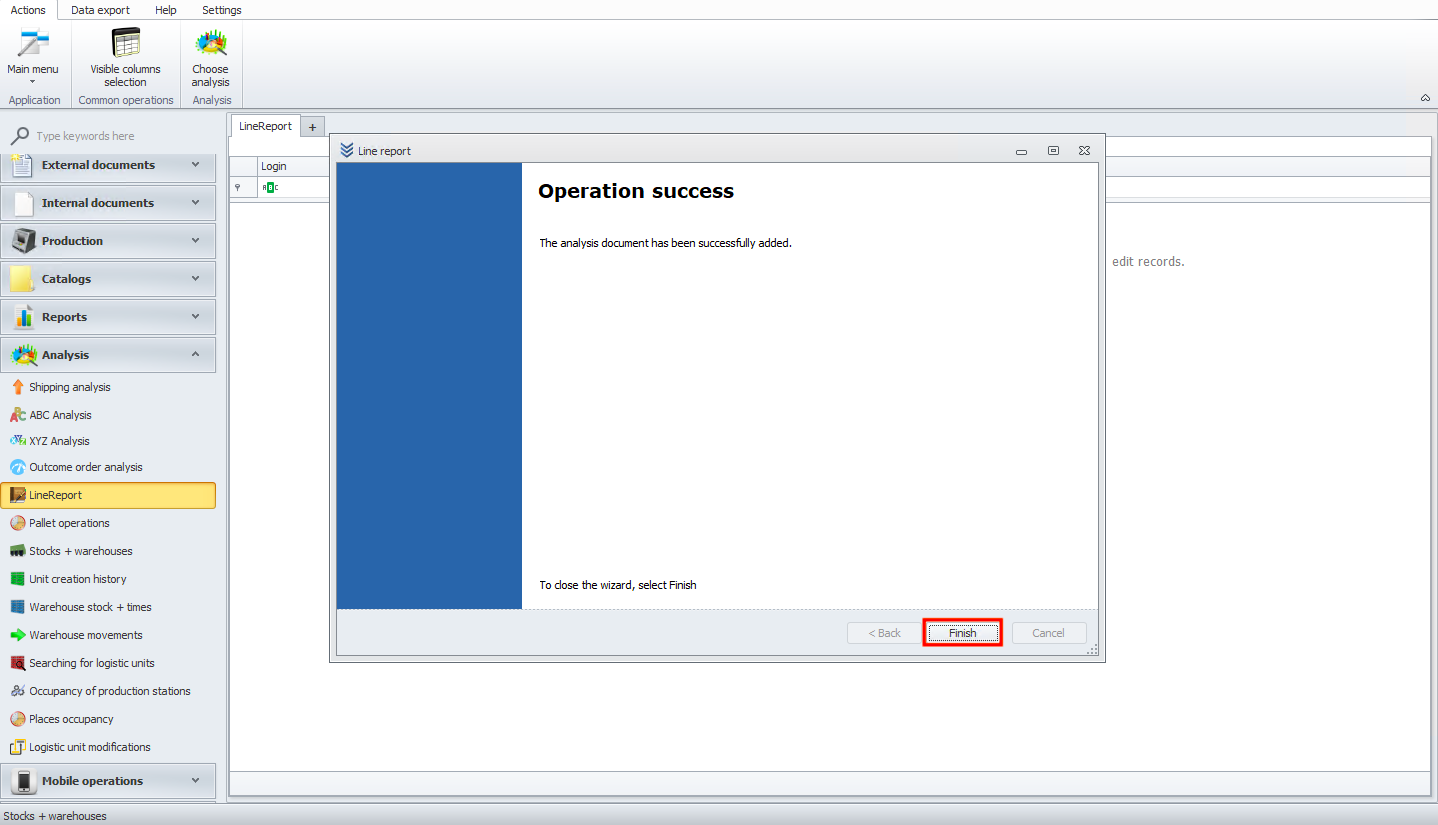
In the next screen, you should see the progress of the analysis. When you click the next button, you will see the final screen. Please click on the finish button.
Now you can see the ready line report.