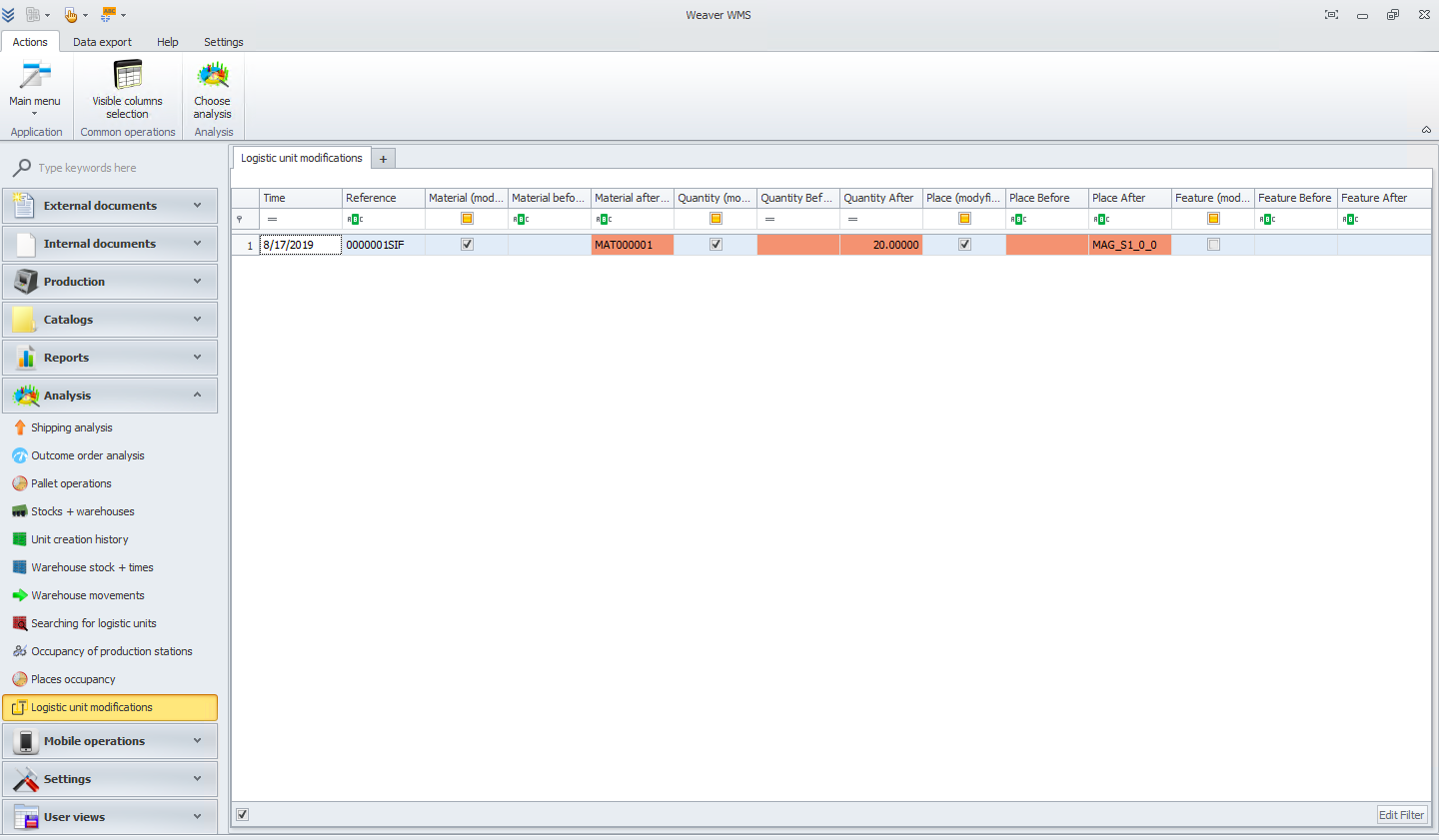
Logistic unit modifications
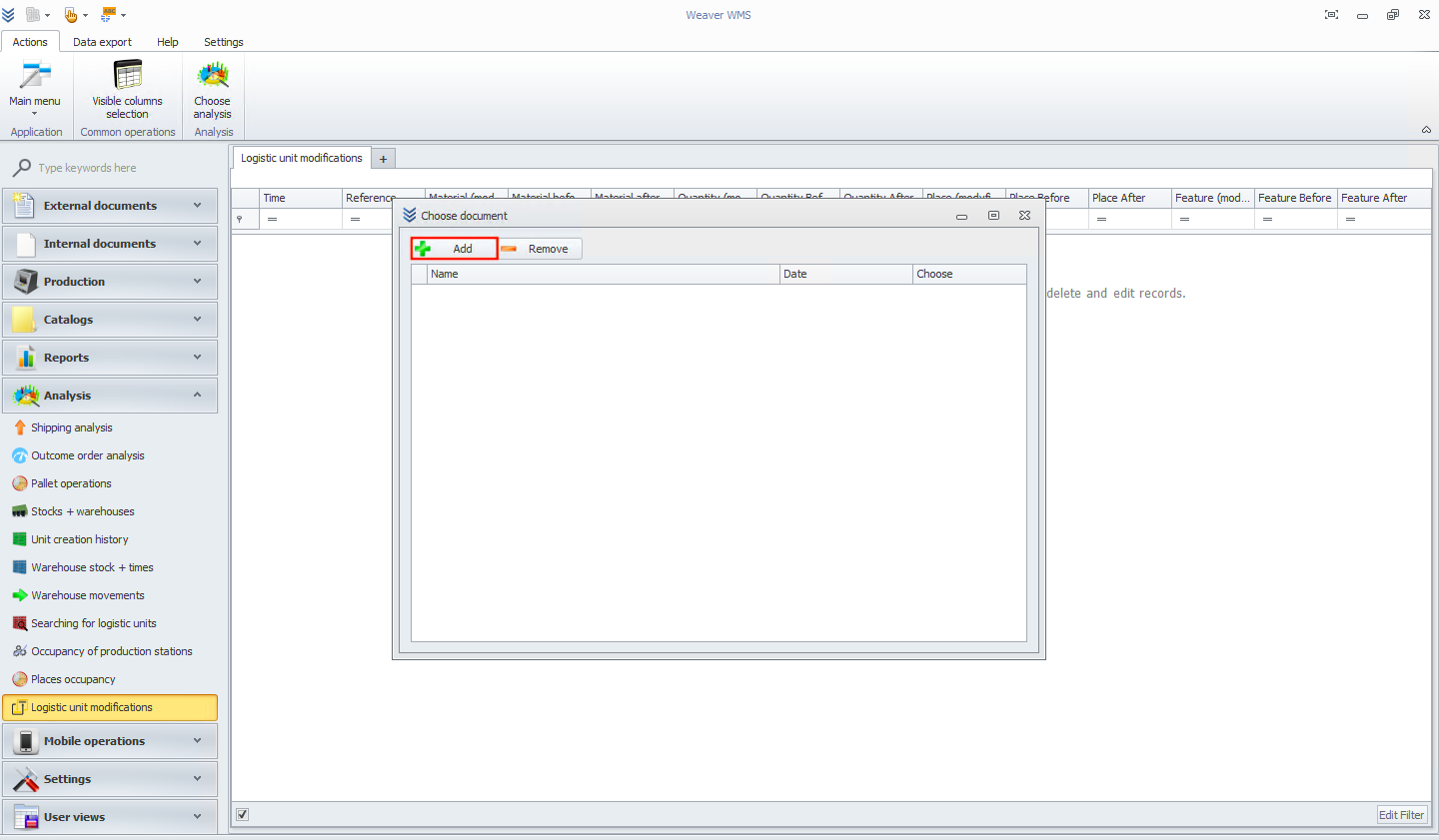
In this module, we will add a logistic unit modifications document. At the beginning, click on the add button.
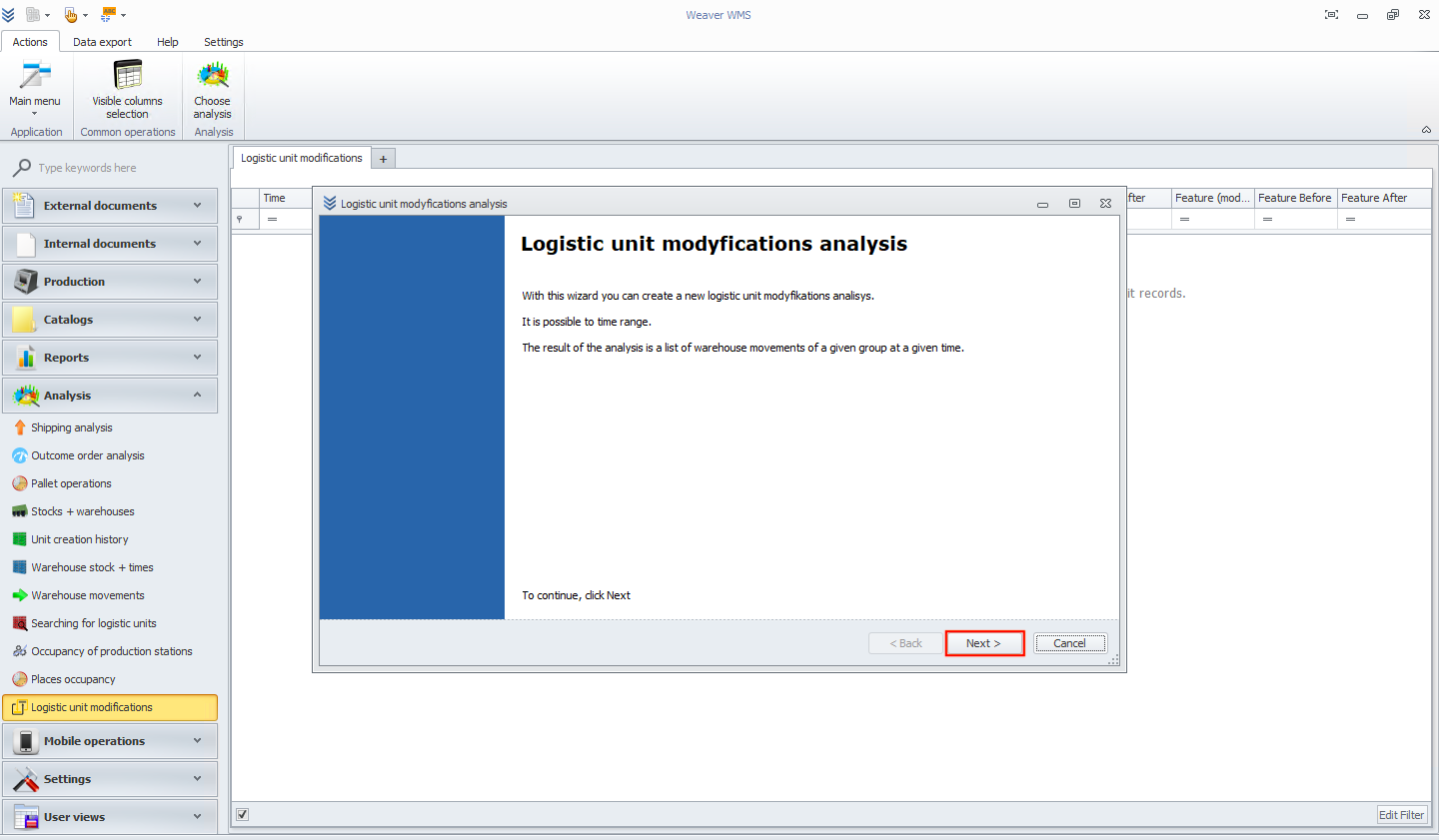
In the next screen, you will see a new wizard window. Read the information and click the next button.
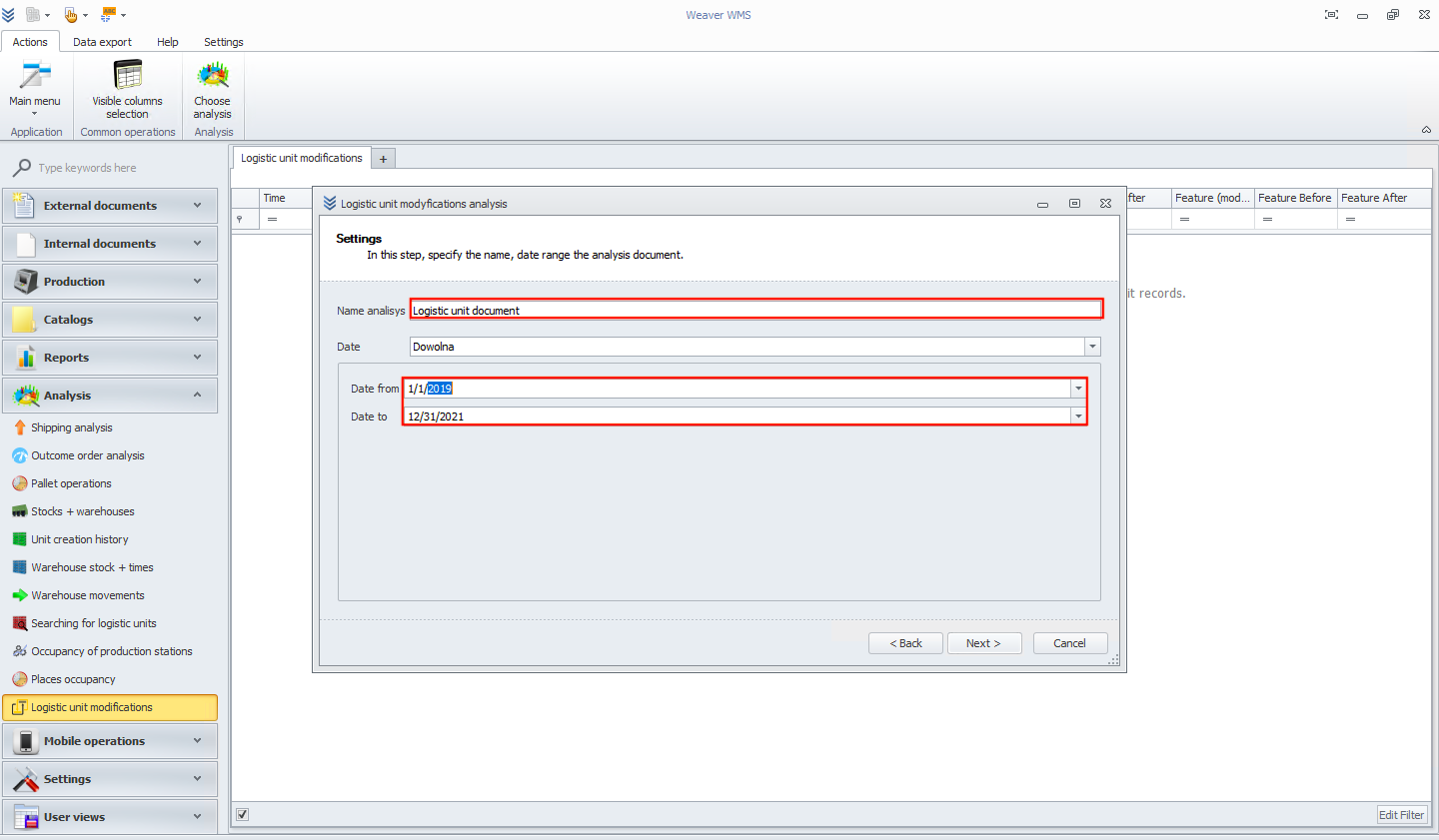
Now add a name and date range for the analysis document.
In this step, select materials for the analysis.
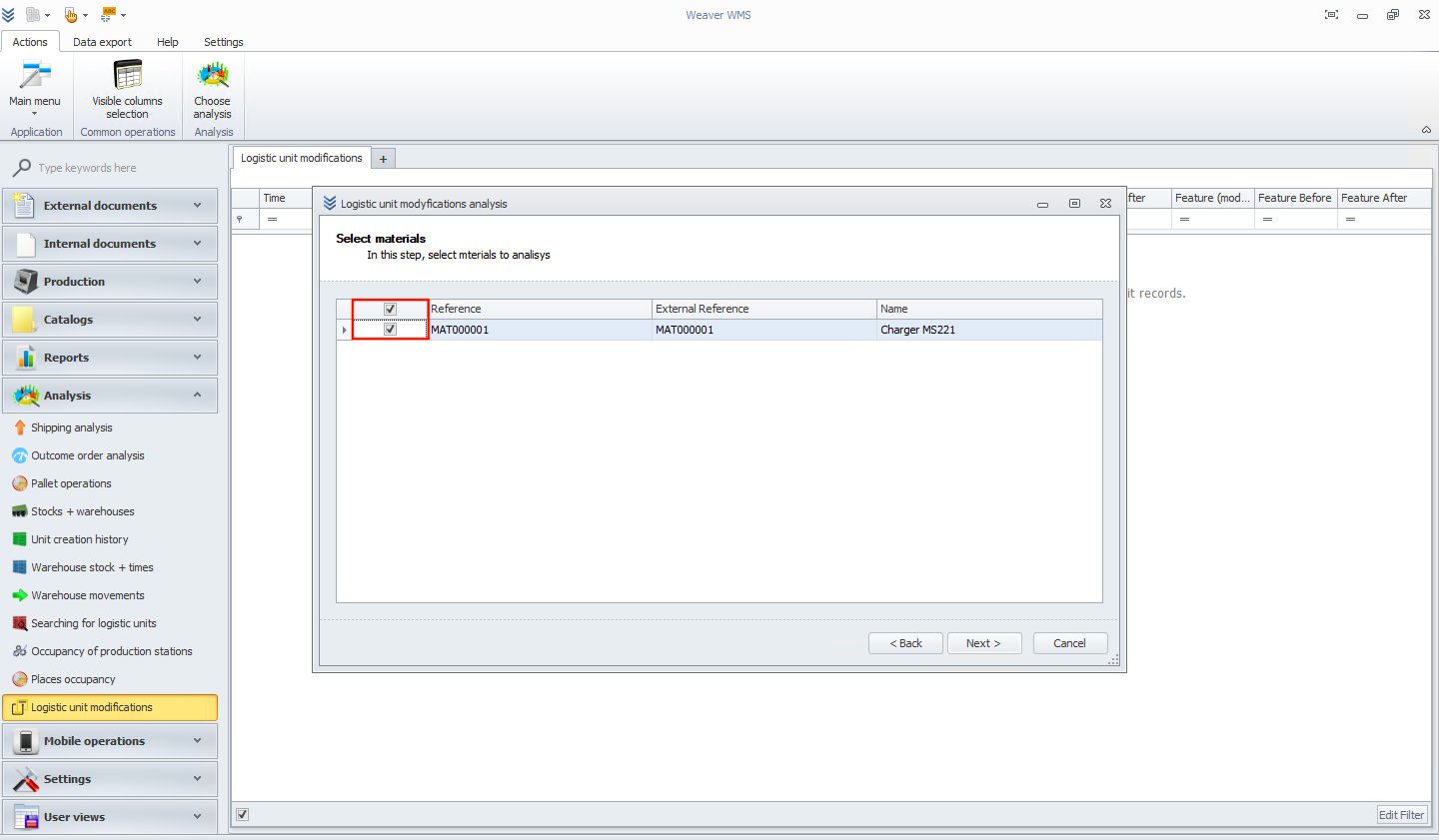
In the next screen, you should see the progress of the analysis. When you click the next button, you will see the final screen. Please click on the finish button.
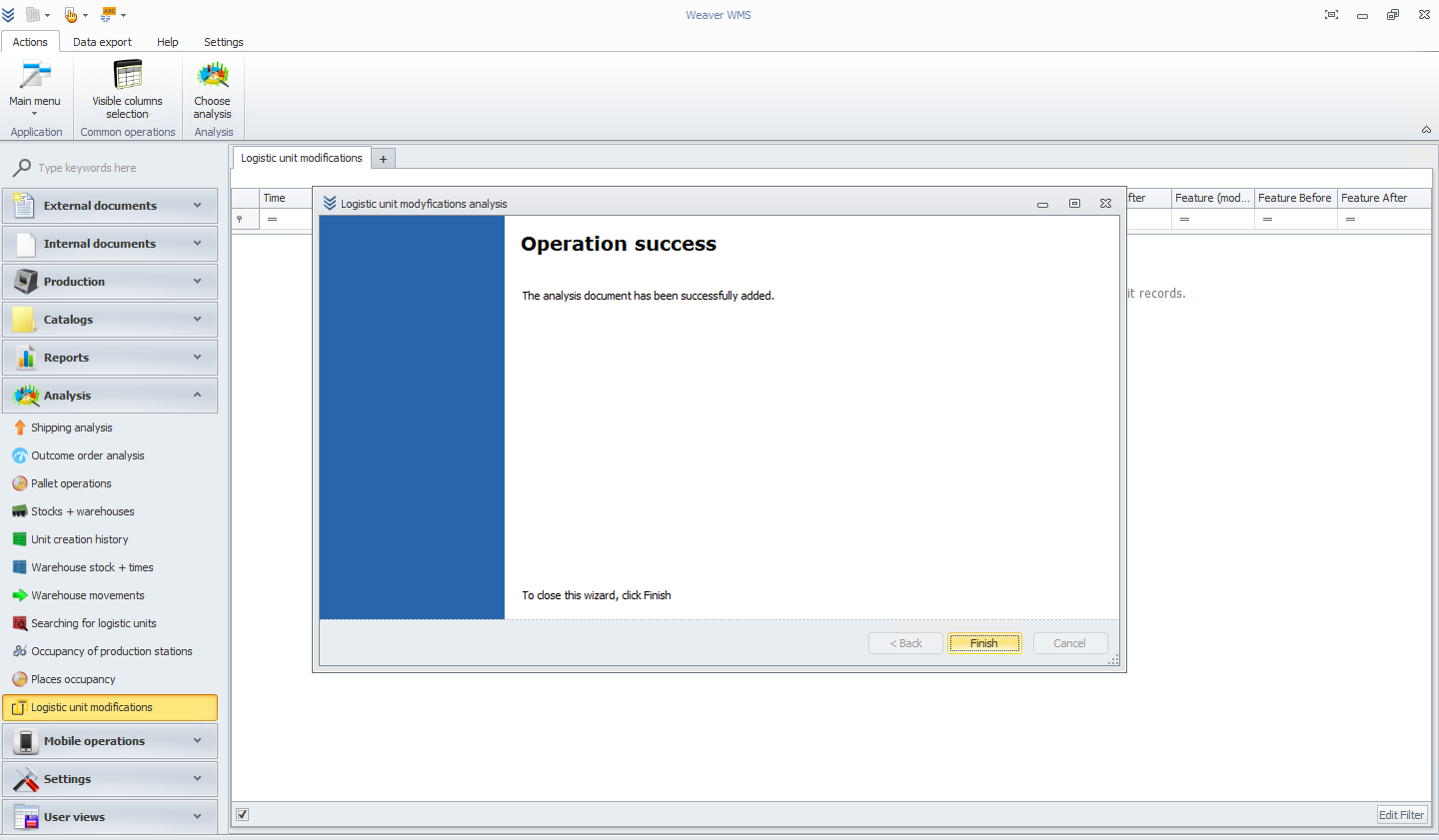
Now your logistic unit modifications document is ready to use!