Pallet operations
Here you can add pallet operations.
To start, click on the add button.

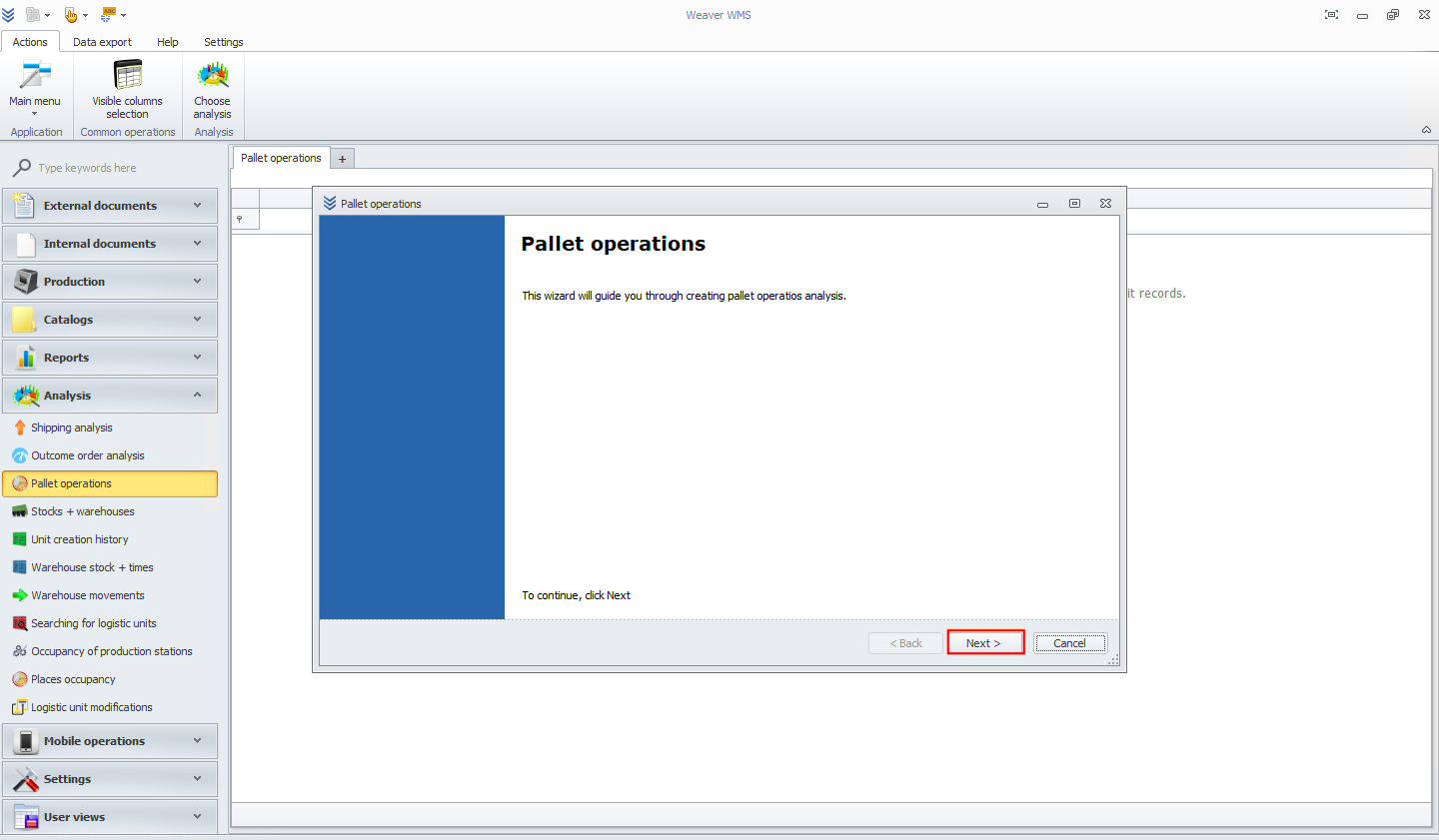
Now you will see a new wizard window. To continue, click the next button.
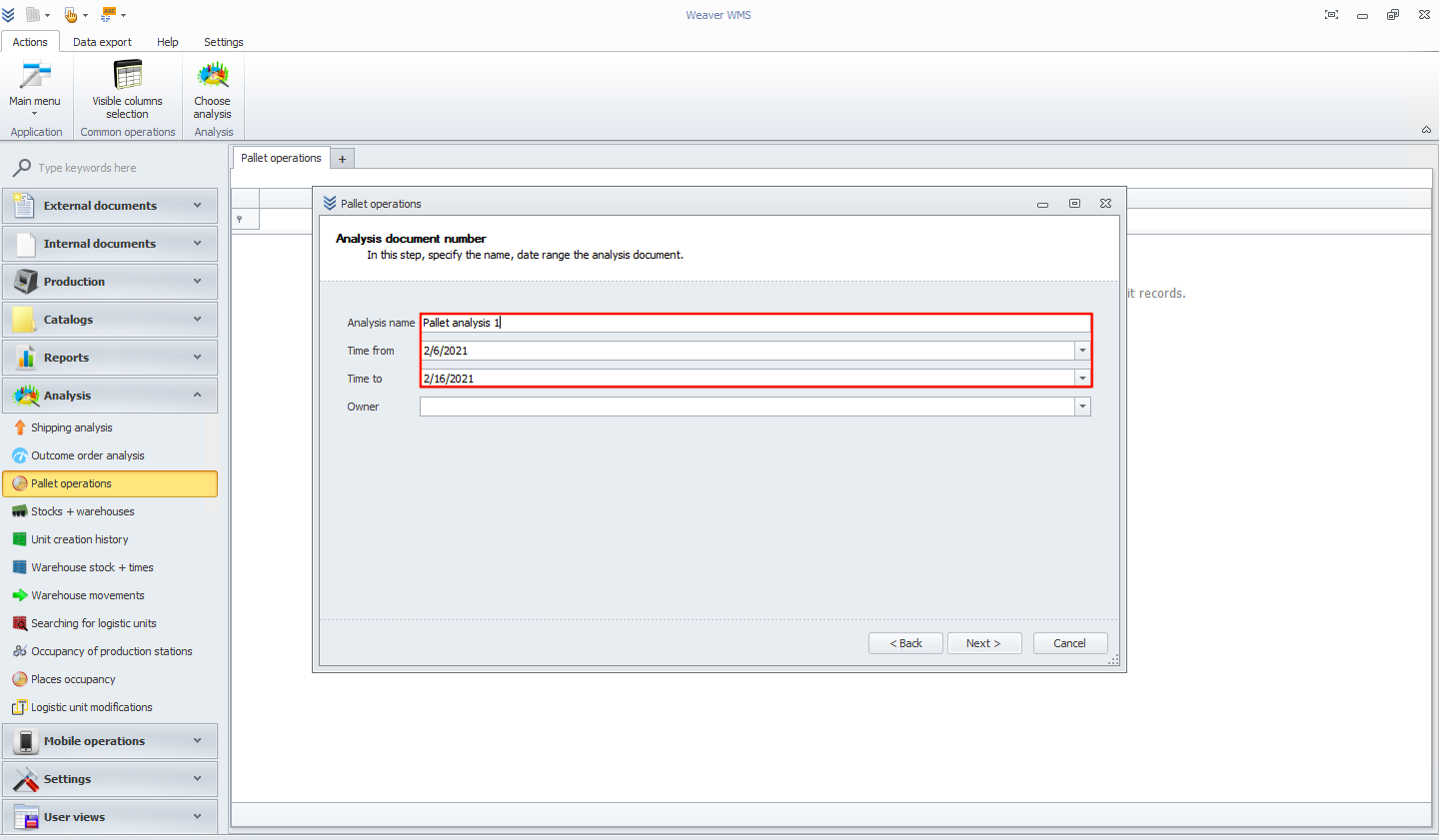
On this page, please add a unique name for the analysis and choose the time.
On the next screen, you can see the analysis execution history.
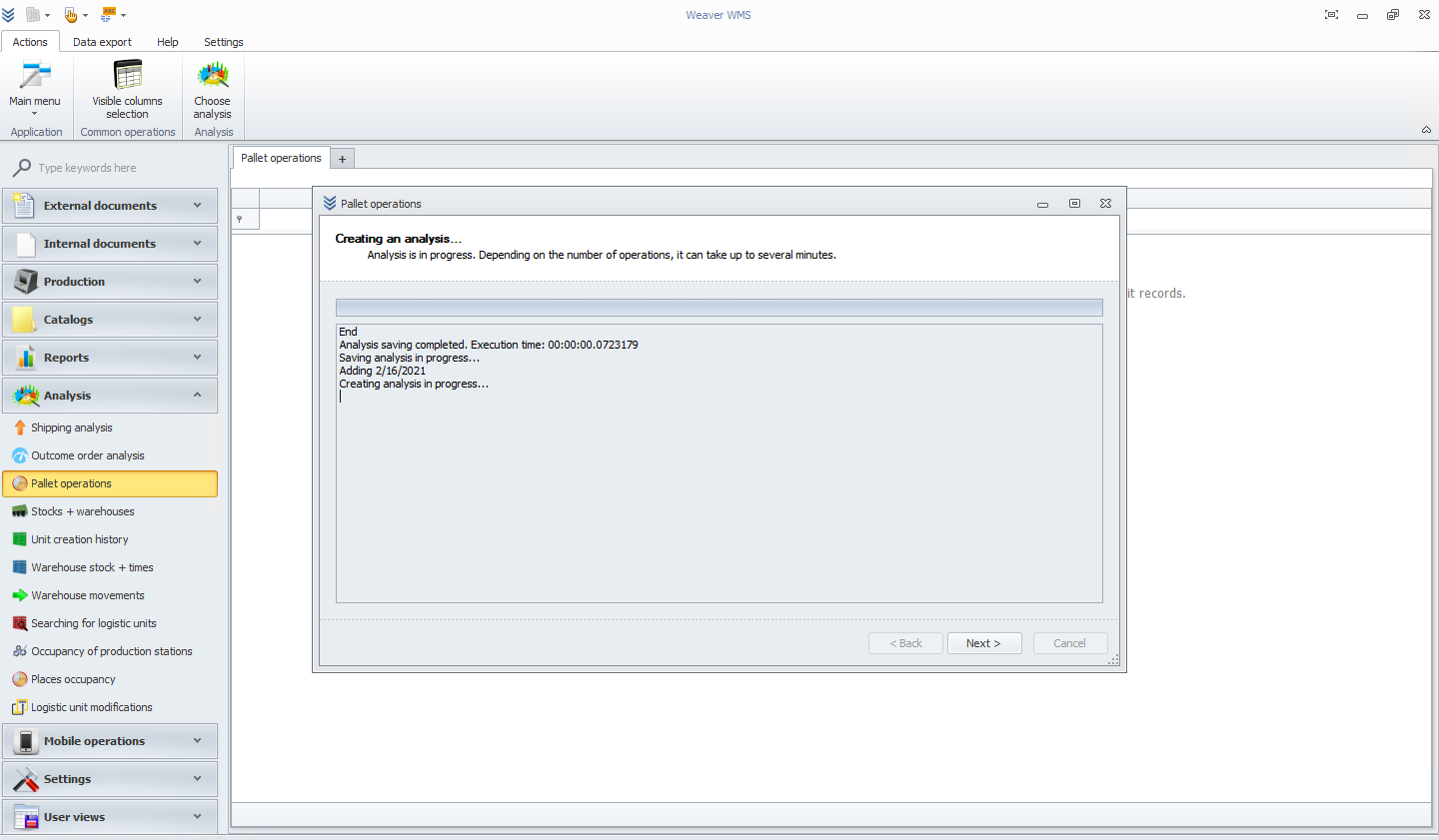
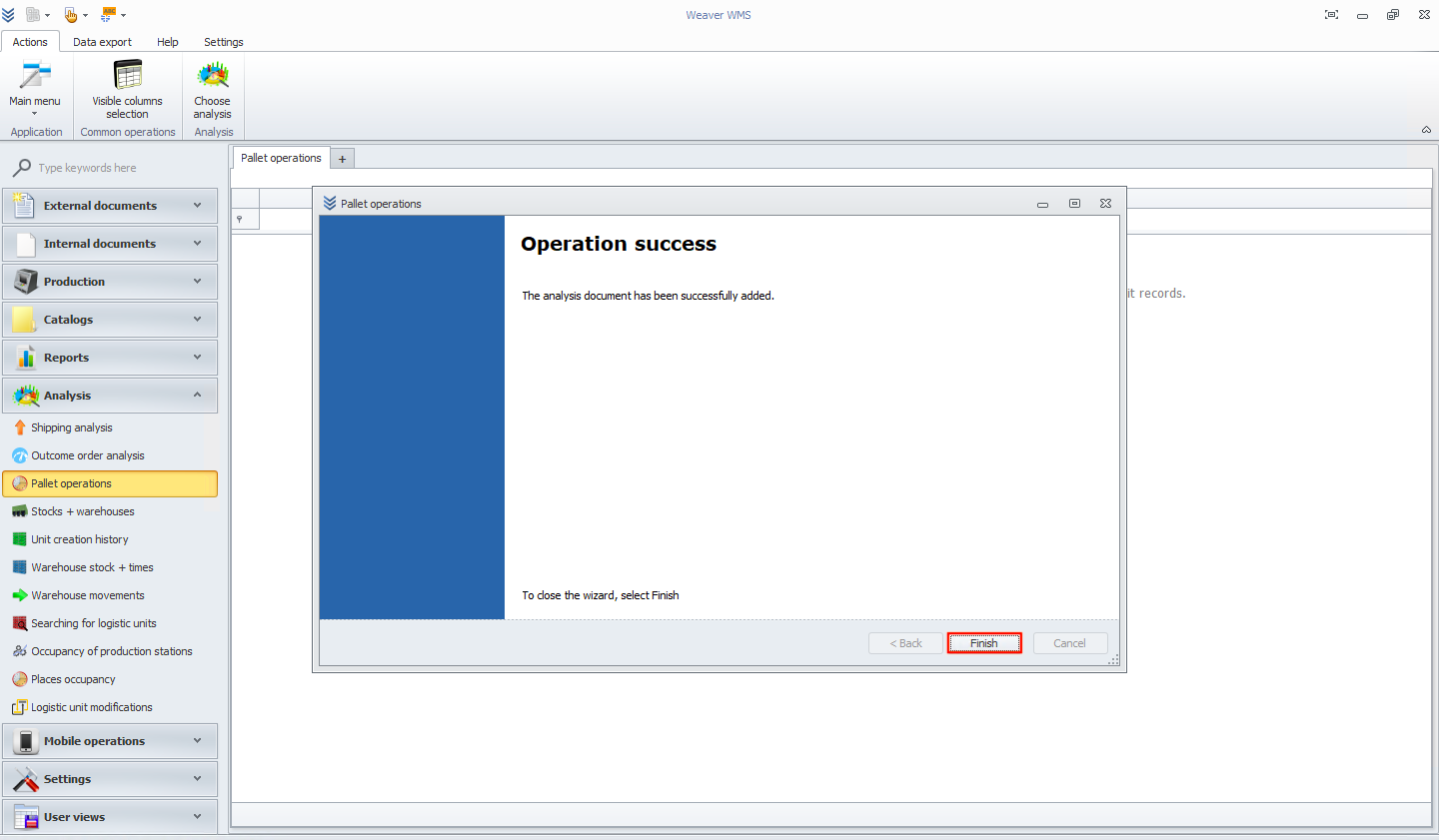
To close the wizard, please now click the finish button.
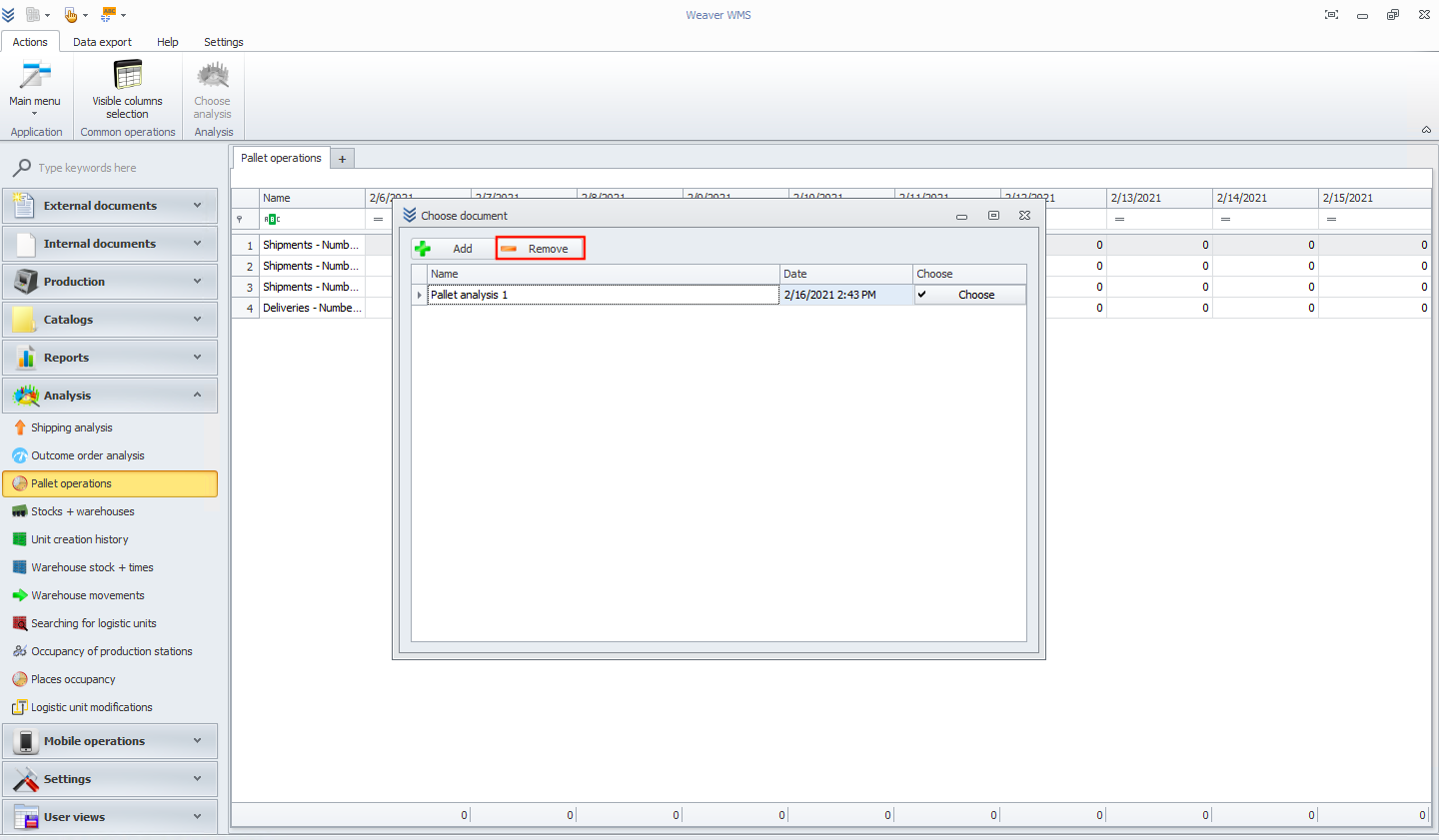
Now you can see the analysis of the pallet operation in the table. If you want to remove it, please click on the choose analysis button.
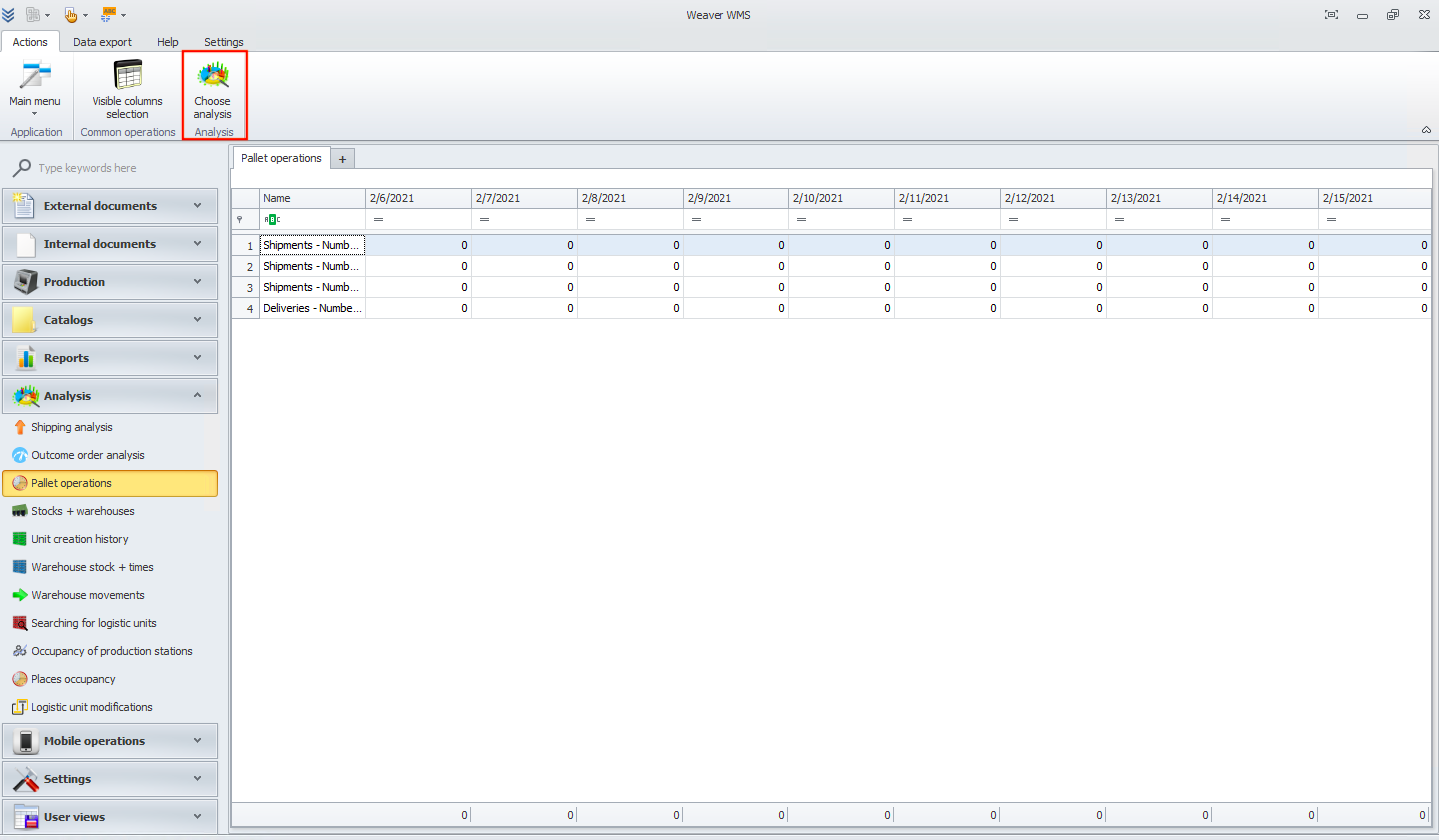
Now choose the analysis and click the remove button.