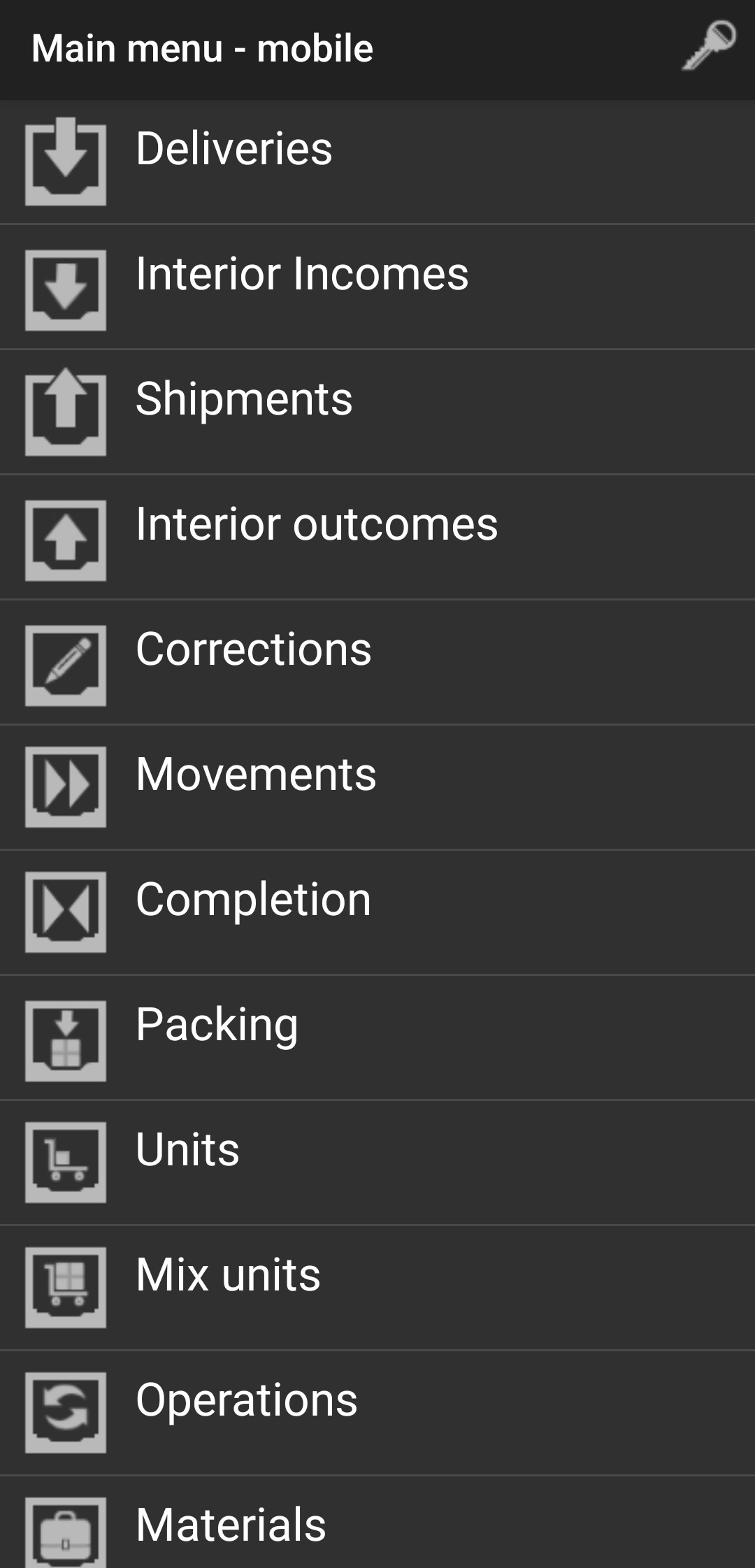
Interior Outcomes
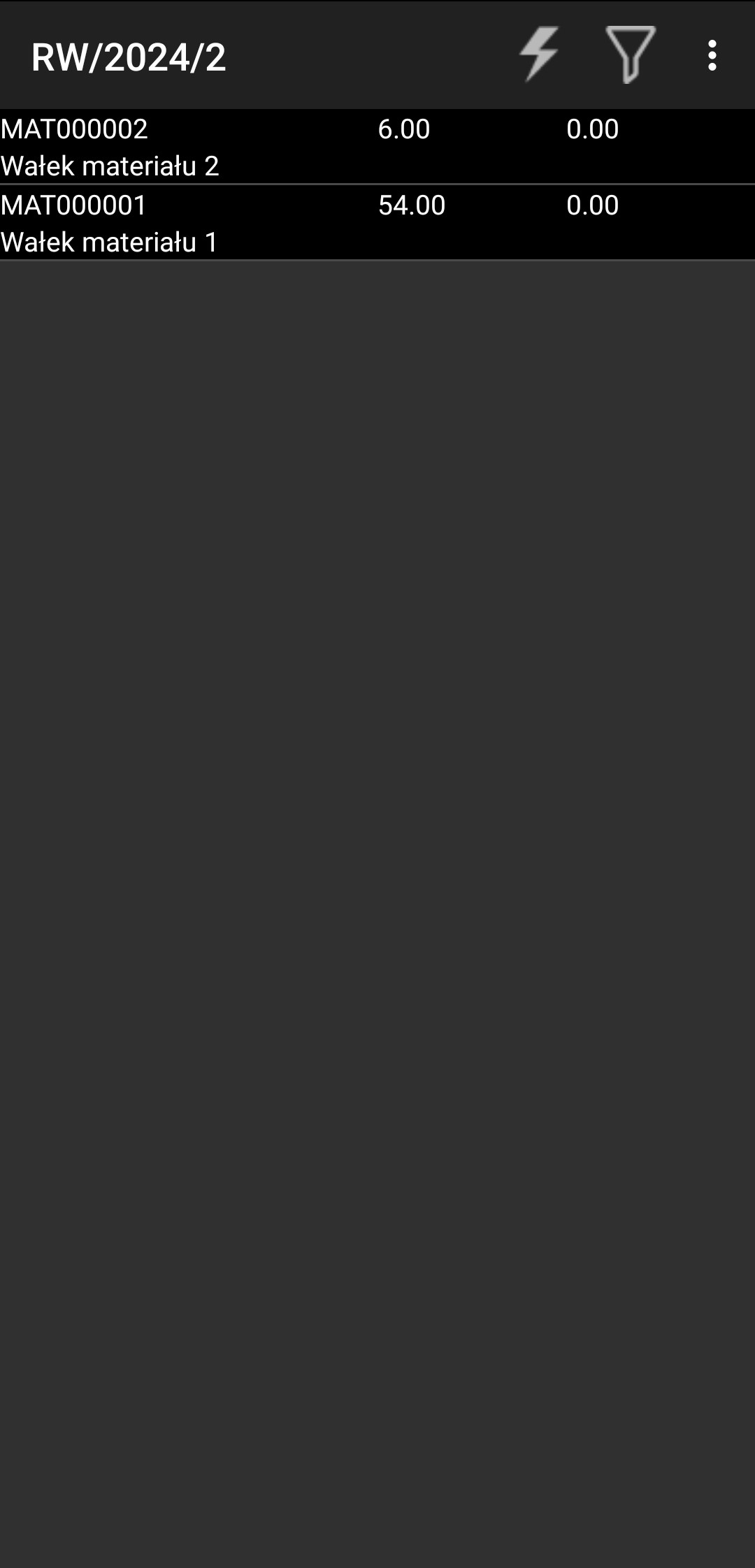
Select the interior outcome you want to confirm.

Choose the first material to confirm.
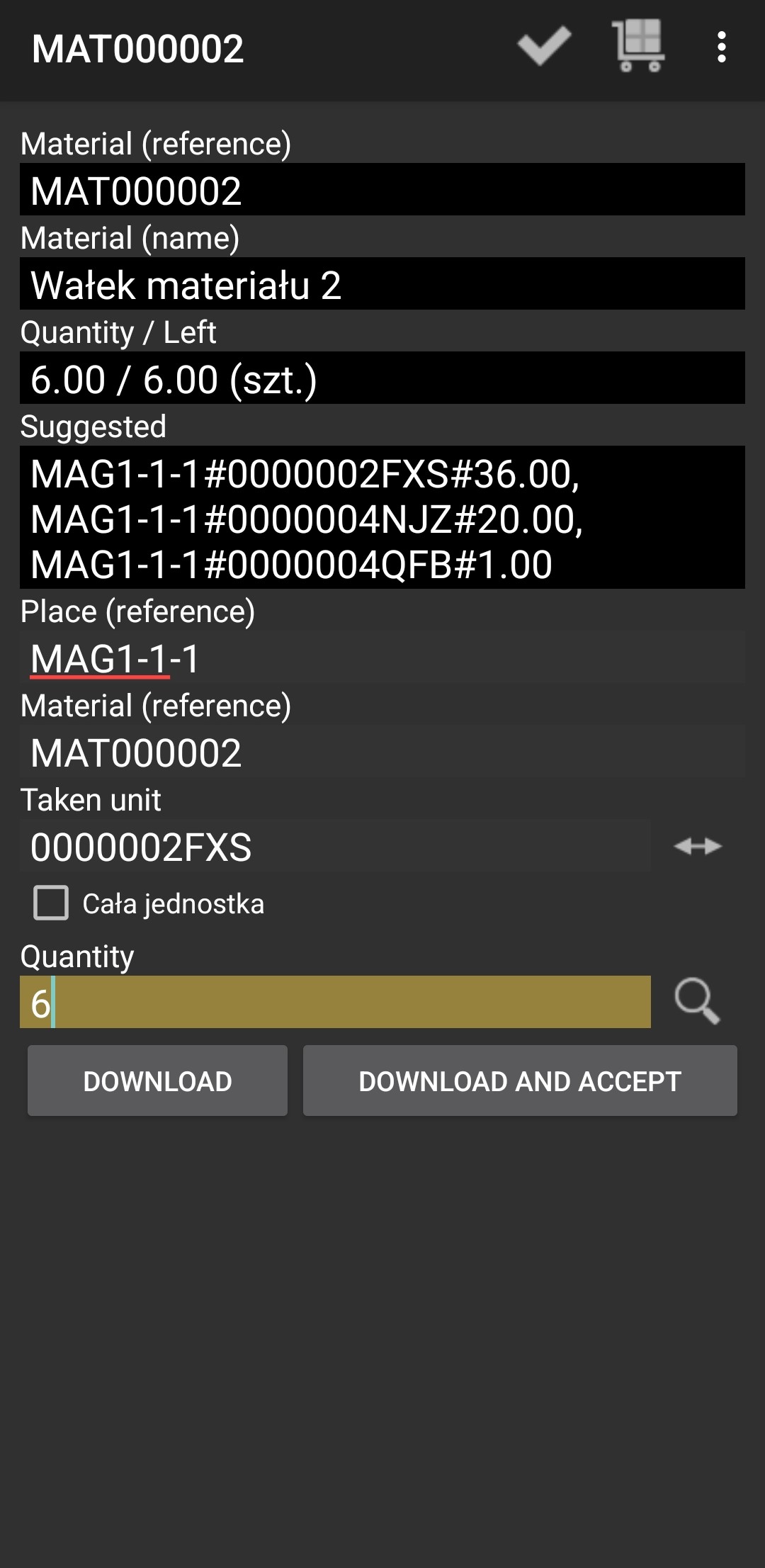
Insert Place reference, material reference, taken unit and quantity and press "DOWNLOAD AND ACCEPT".
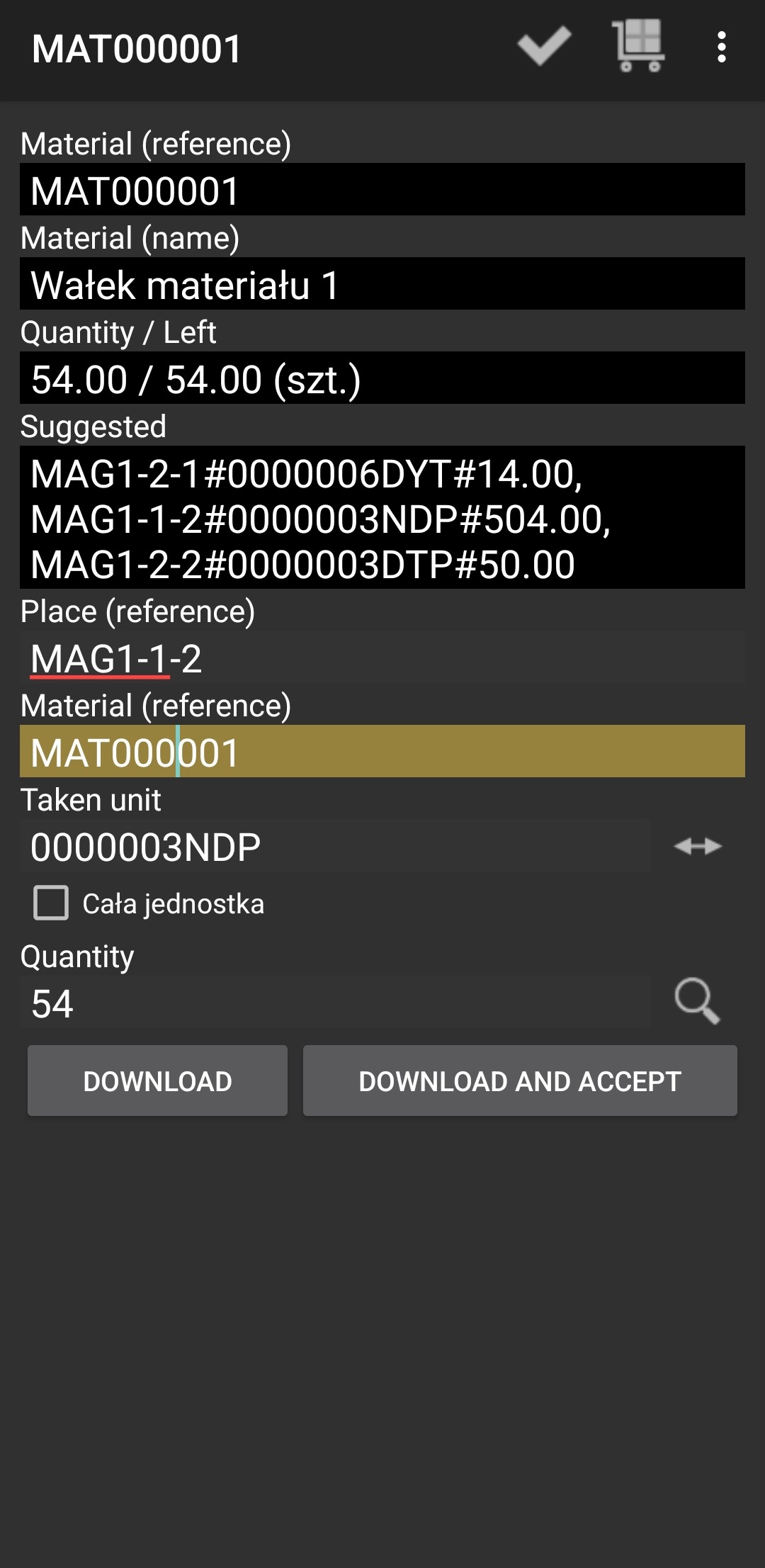
If there was more than one material, repeat the action.
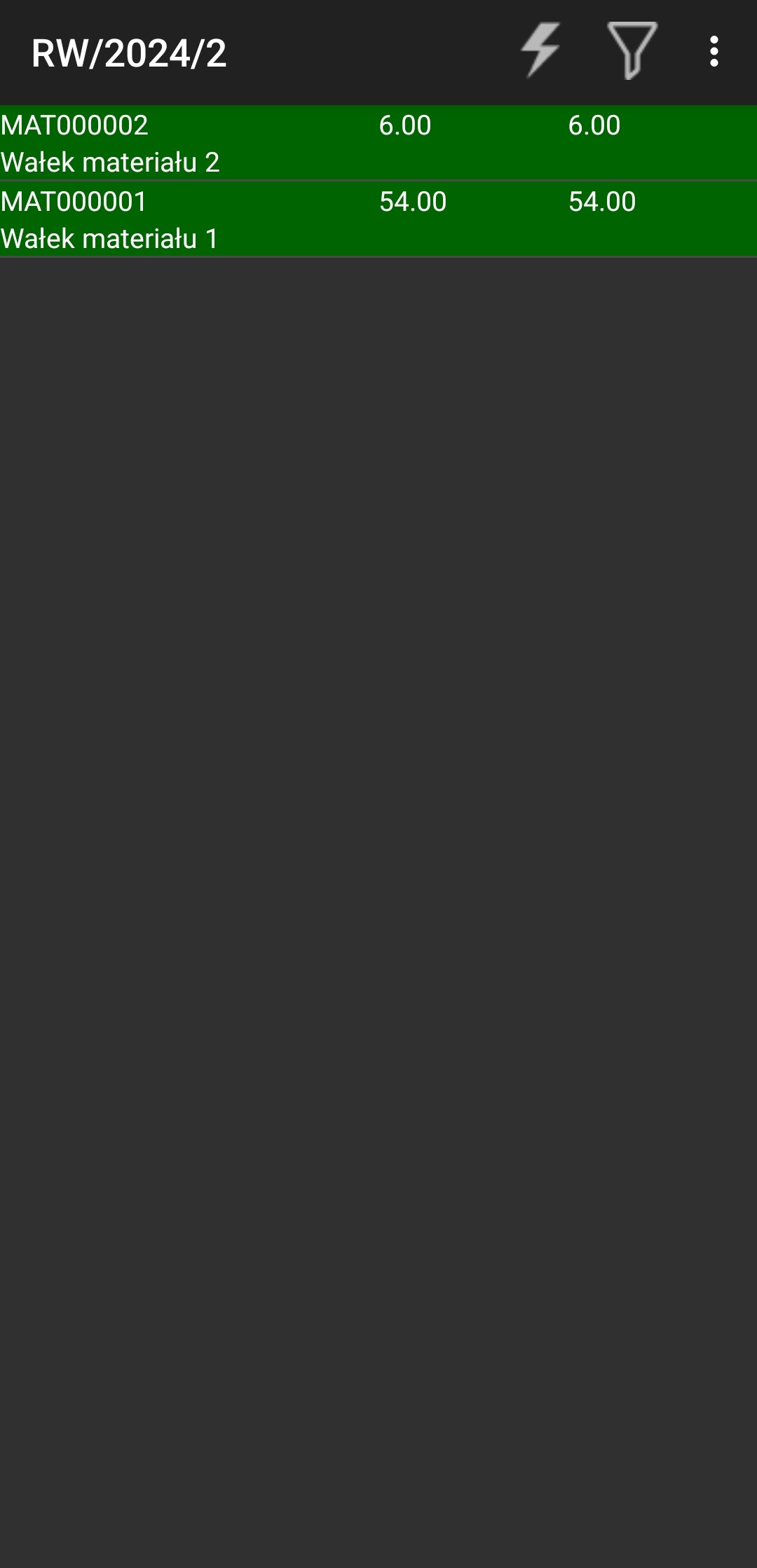
If everything was correct, you should see materials highlighted in green.
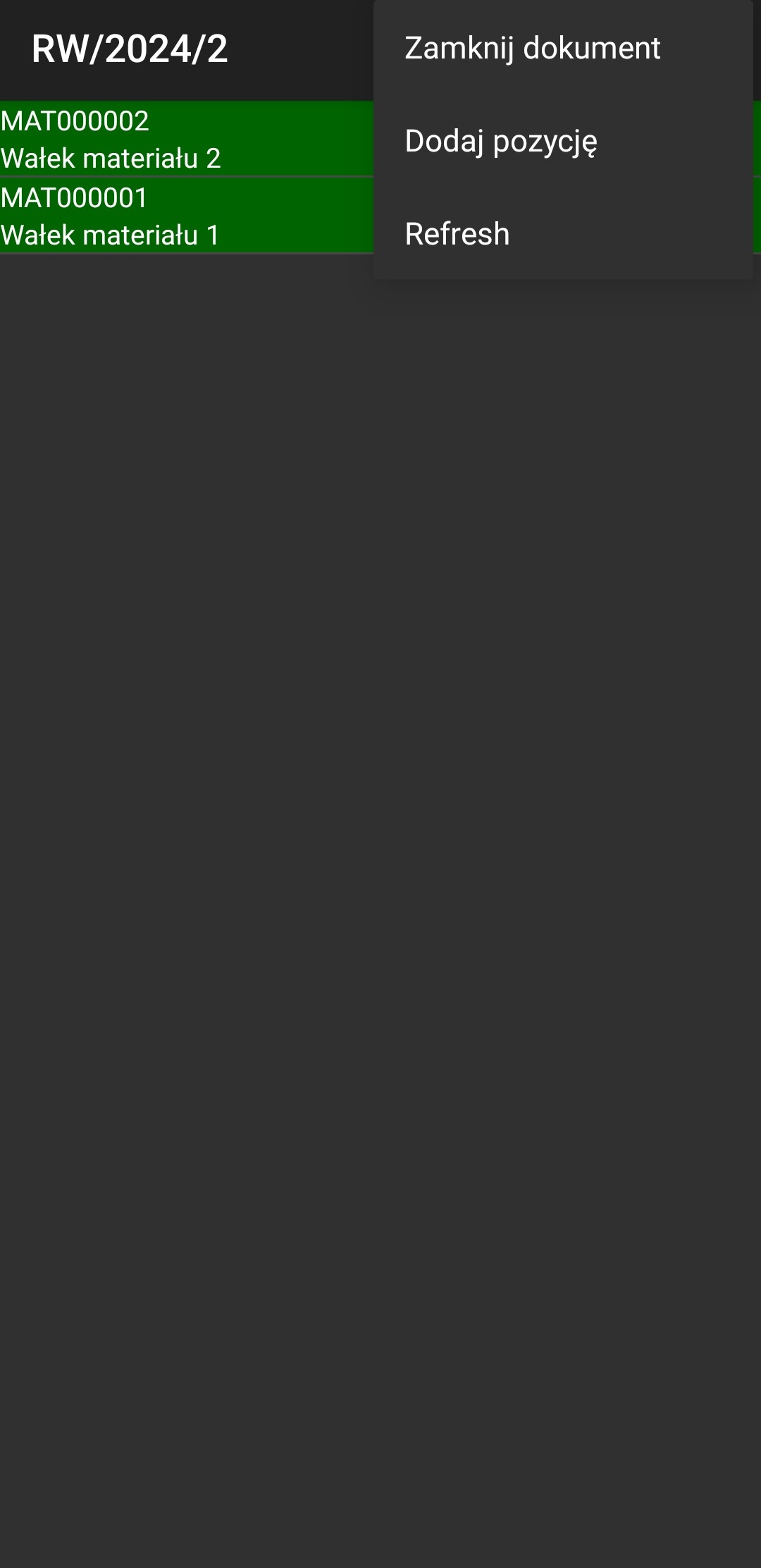
Then you can press 3 dots and "Close document".
The Interior outcome you approved should disappear.

Go back and everything done.