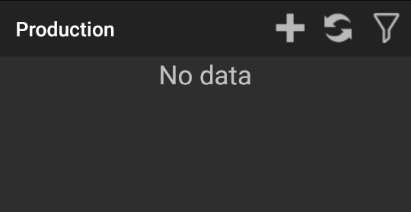
Production
You should see Production Orders, choose one.
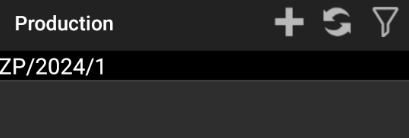
First click "Products"
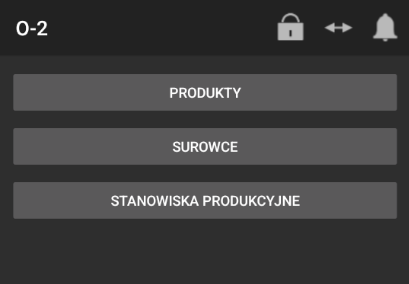
Select a product.
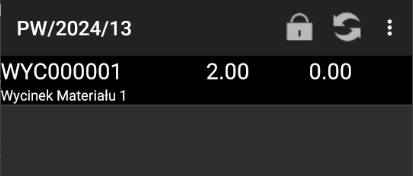
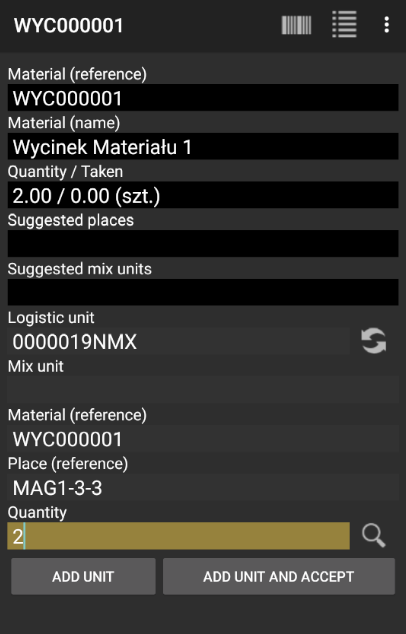
To choose place where you want place the finish product, insert Logistic unit, Material, Place and quantity. Then click "ADD UNIT AND ACCEPT"
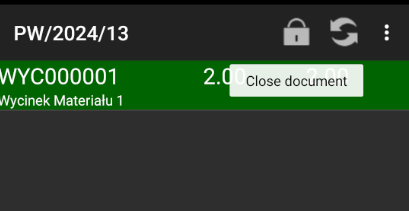
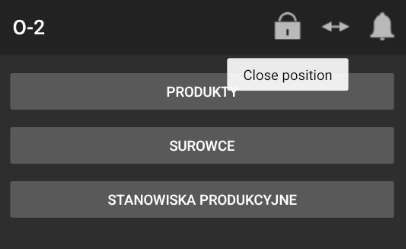
And click padlock to close document
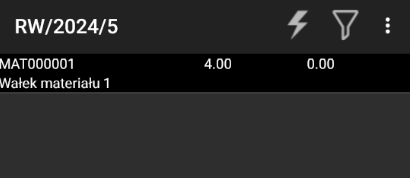
Next choose resources.
Choose one of resources
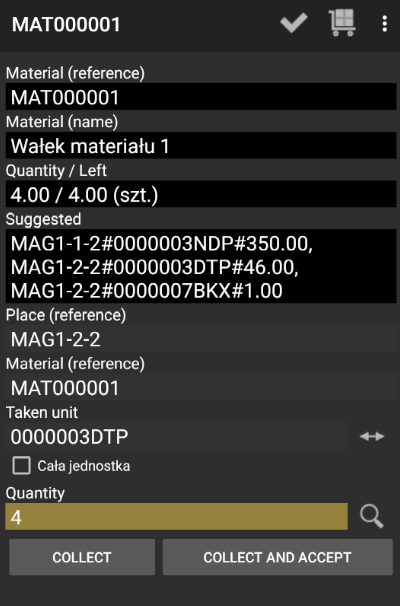
Insert Place, Material, Unit code and Quantity of unit which you want to take. Click Collect and accept
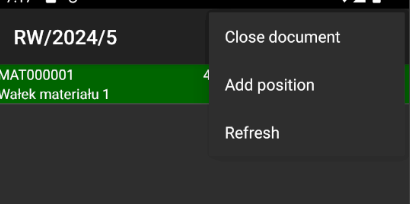
Next you should see highlighted in green resource and you can close document by clicking three dots.
Next you can close position by clicking padlock.
on this view you should no longer have the order you just completed.