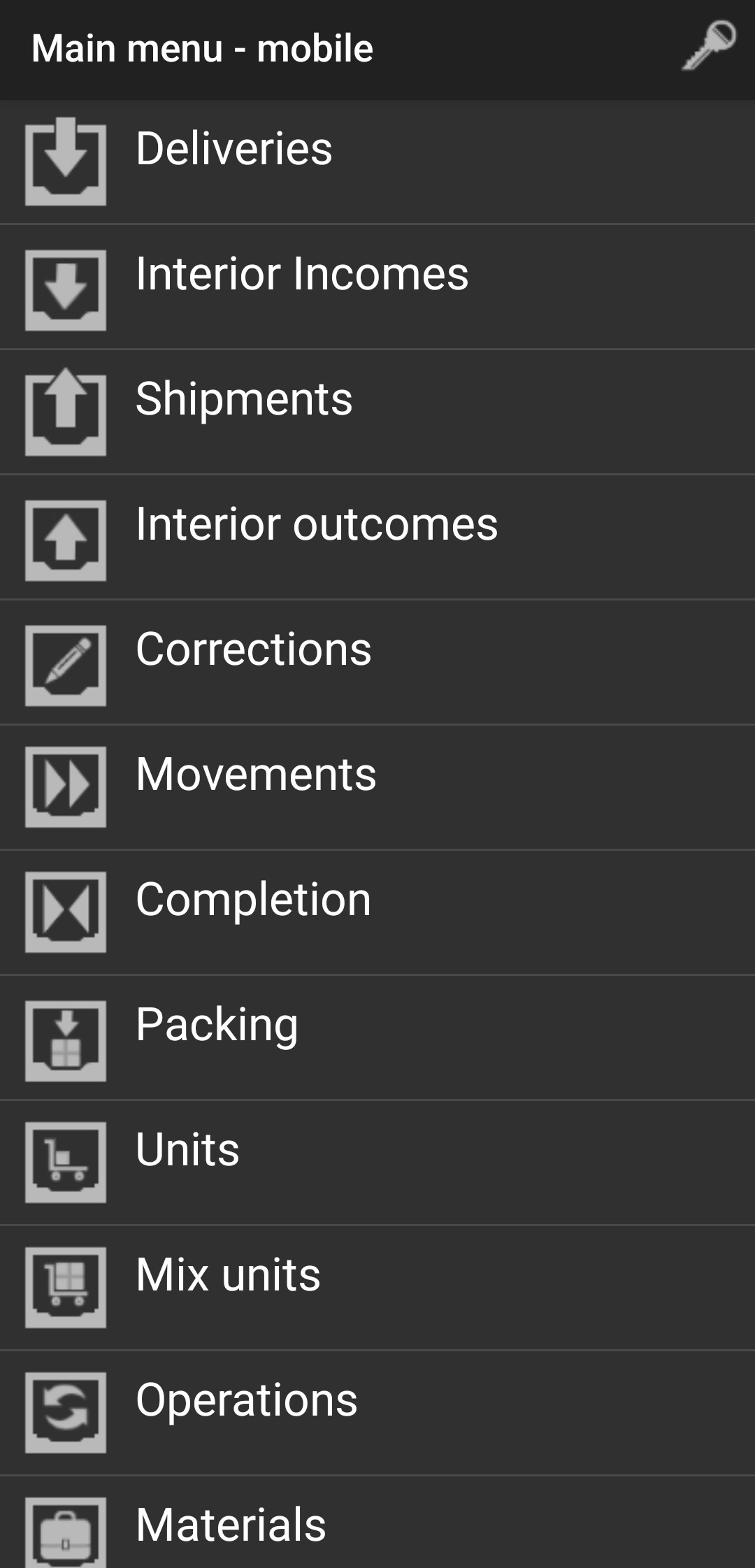
Deliveries
Select Deliveries to accept an order from a supplier, and you will see the following screen.
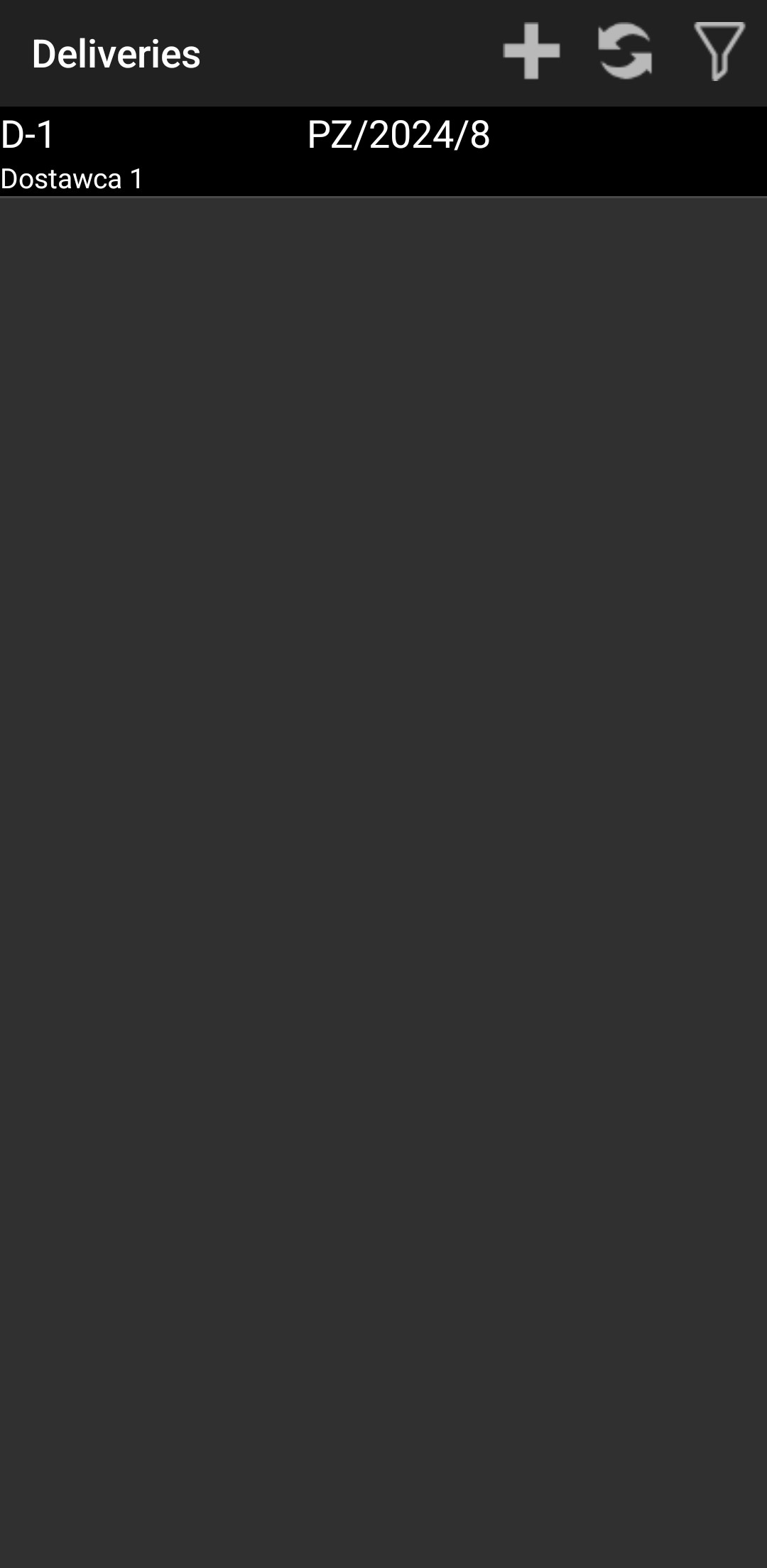
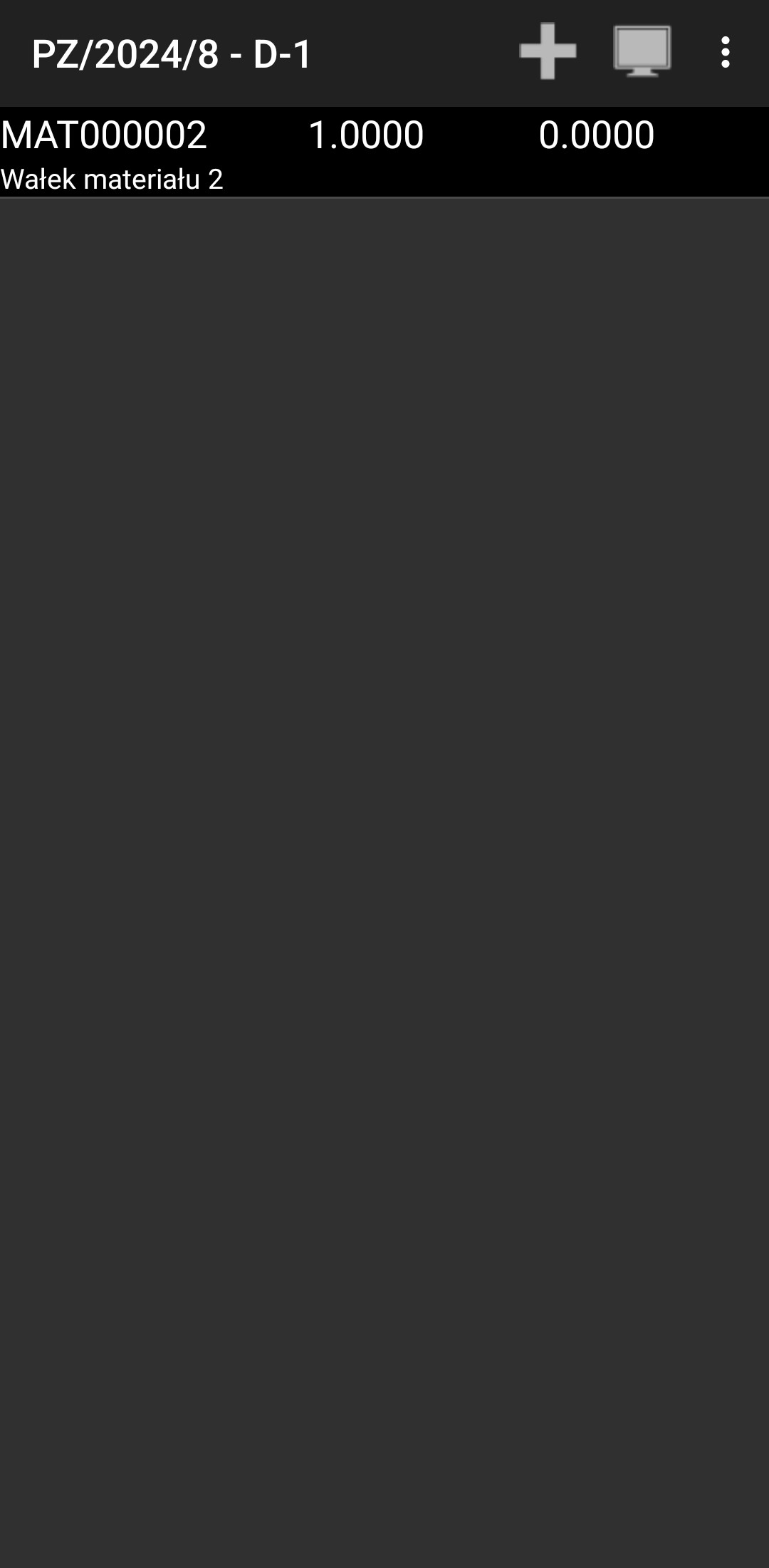
Click on the delivery you want to accept.
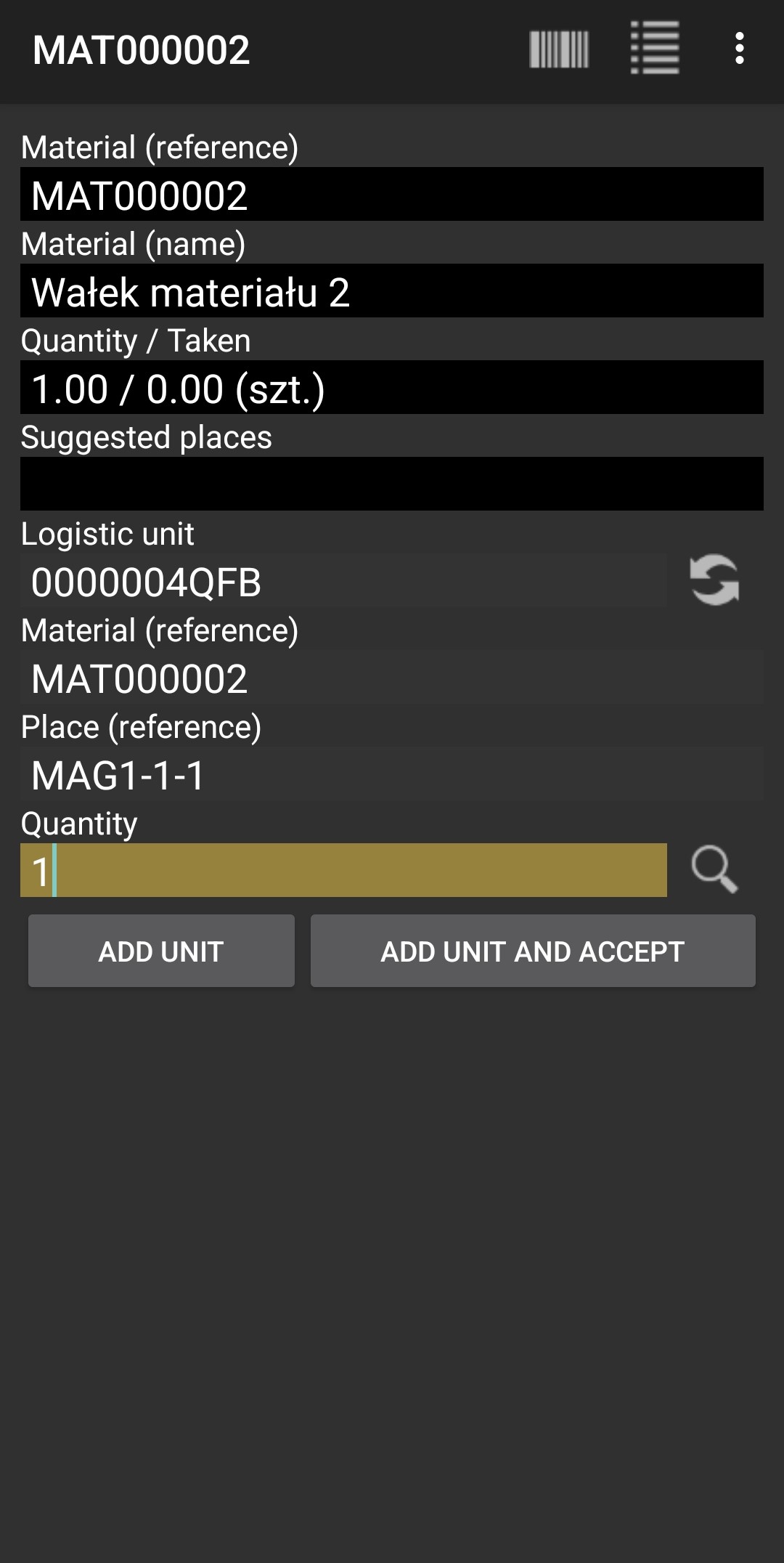
Insert Logistic Unit, Material, Place, and Quantity.
If everything went correctly, you should see this screen.
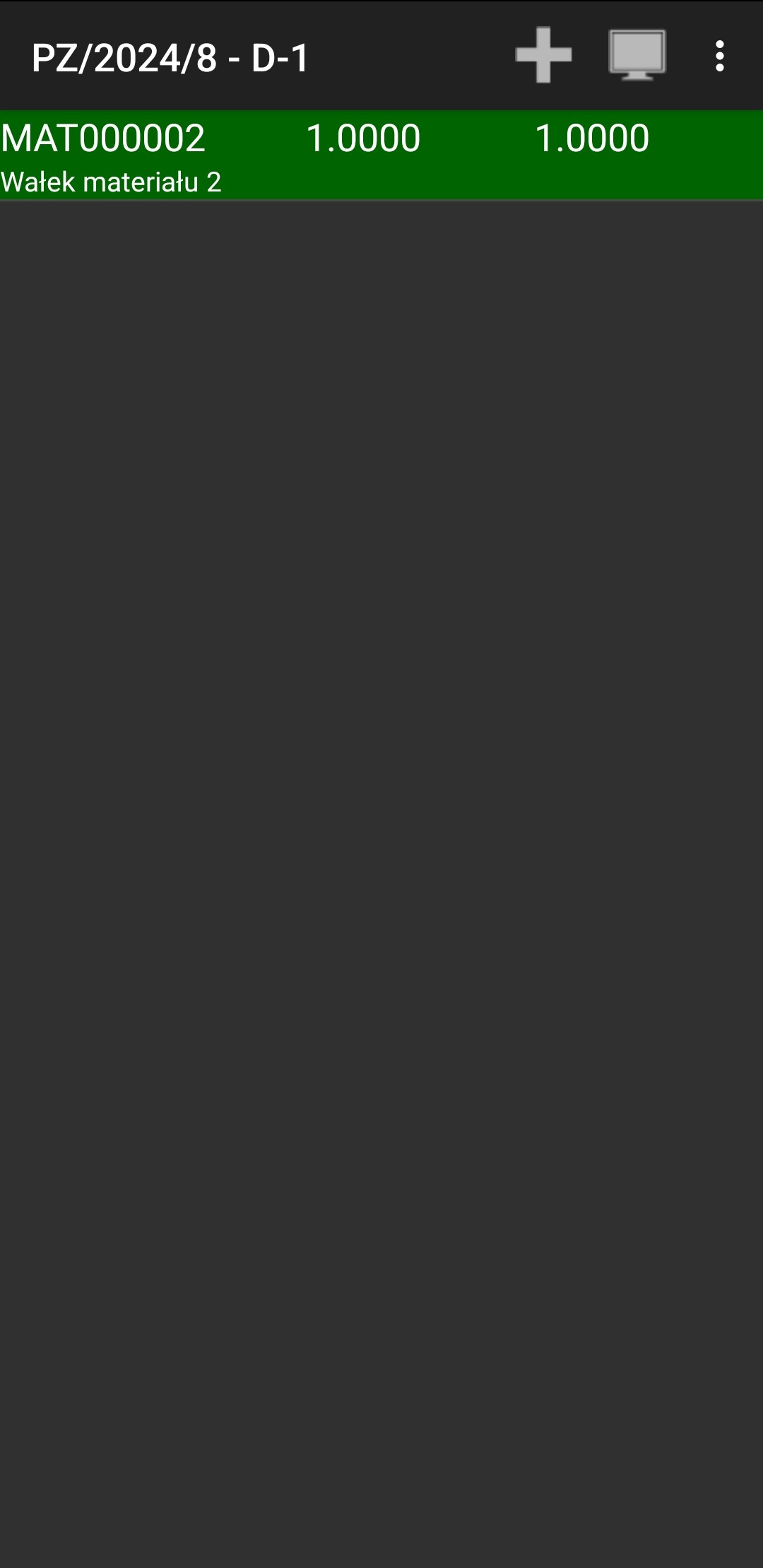
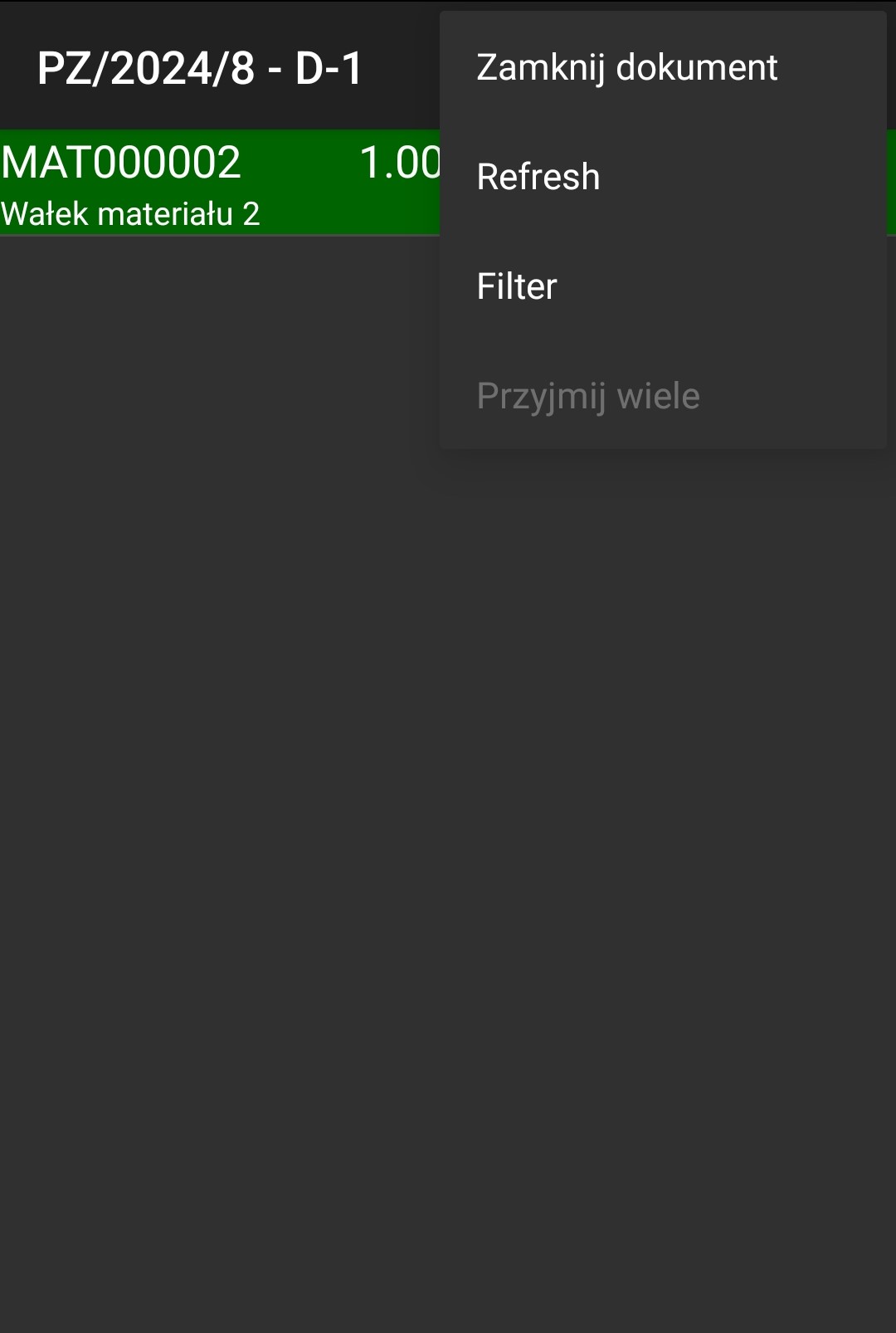
Now click the three dots in the top right corner of the screen and click "Close Document."
Now you shouldn't see this document anymore.
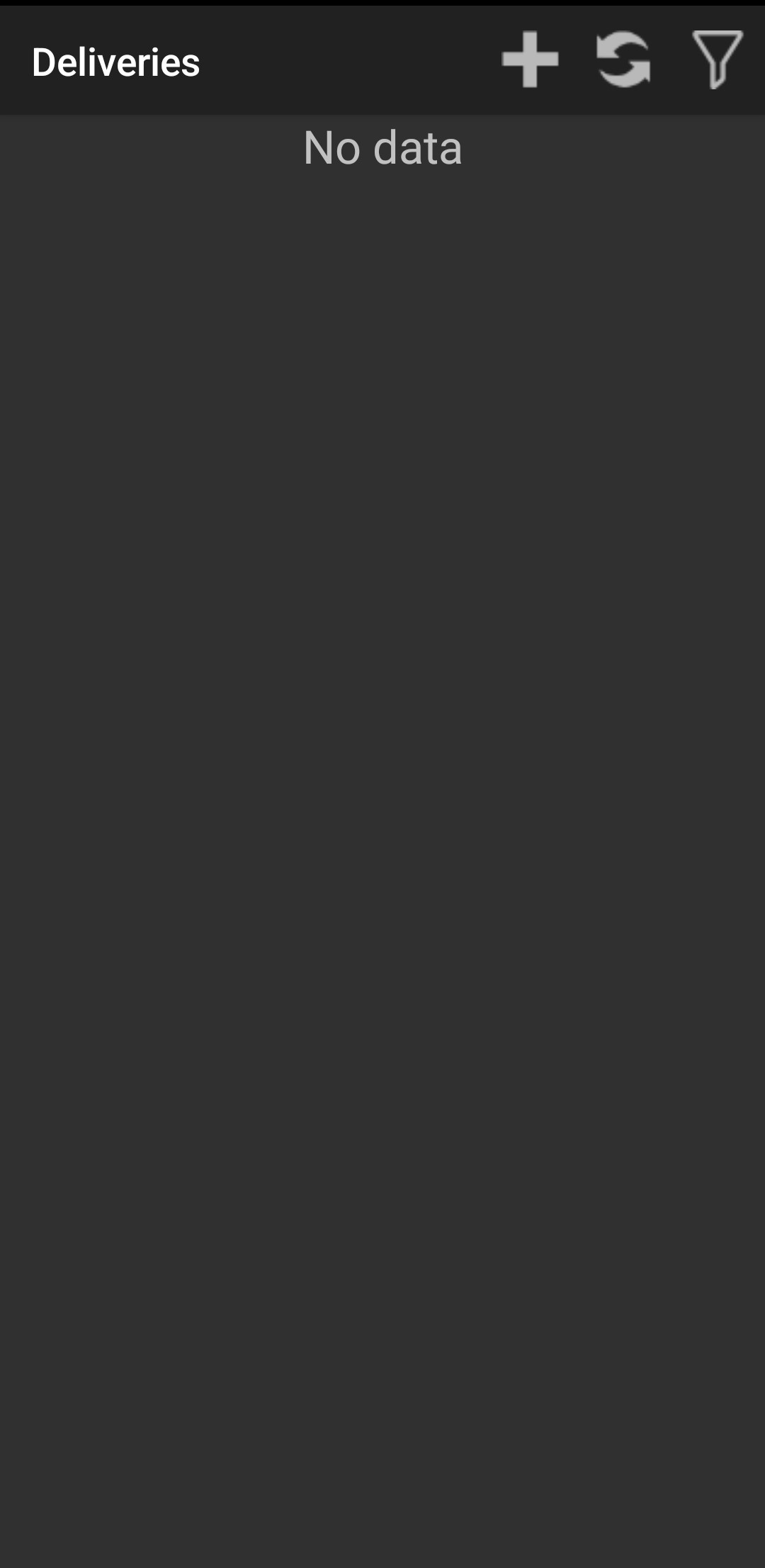
Go back, and everything is done.