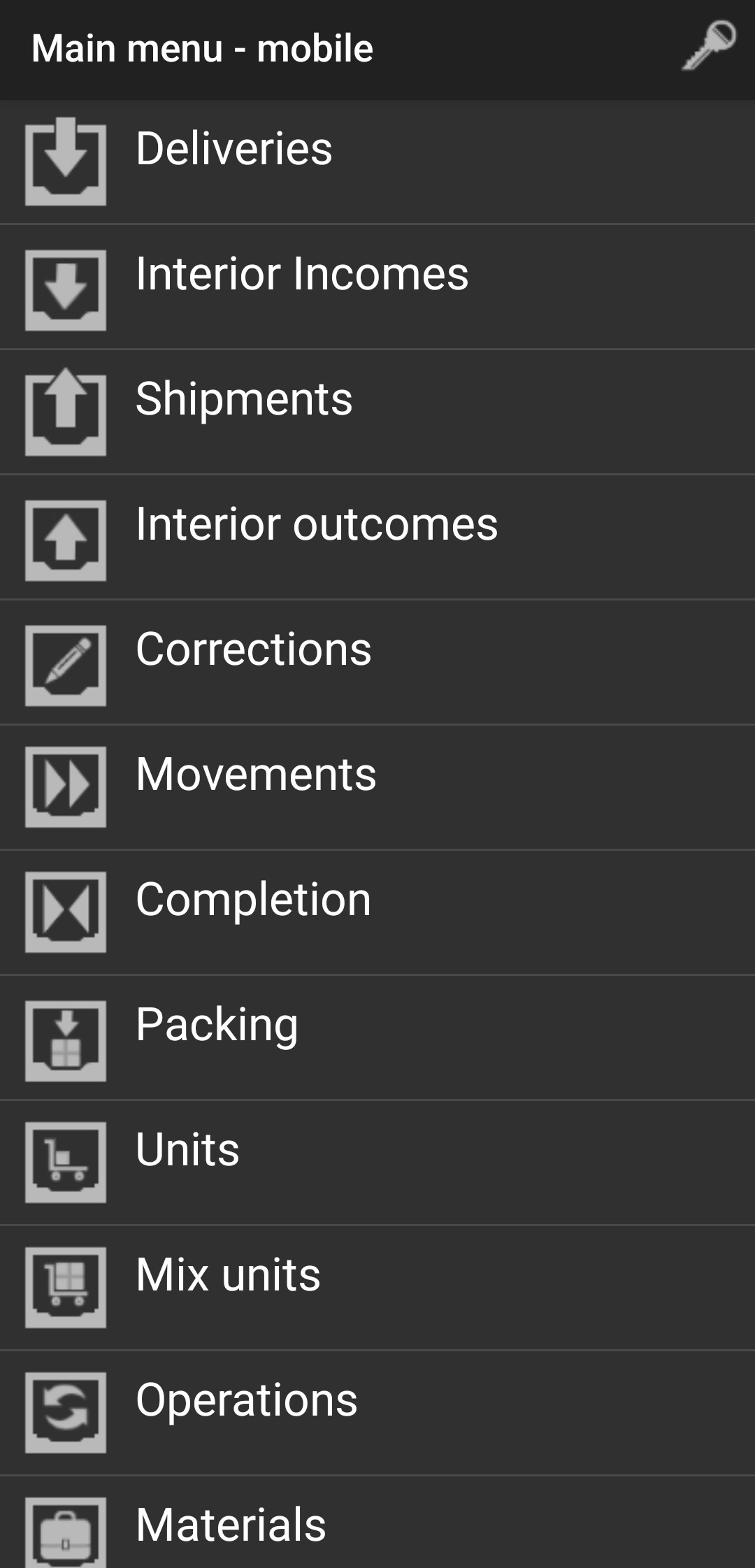
Shipments
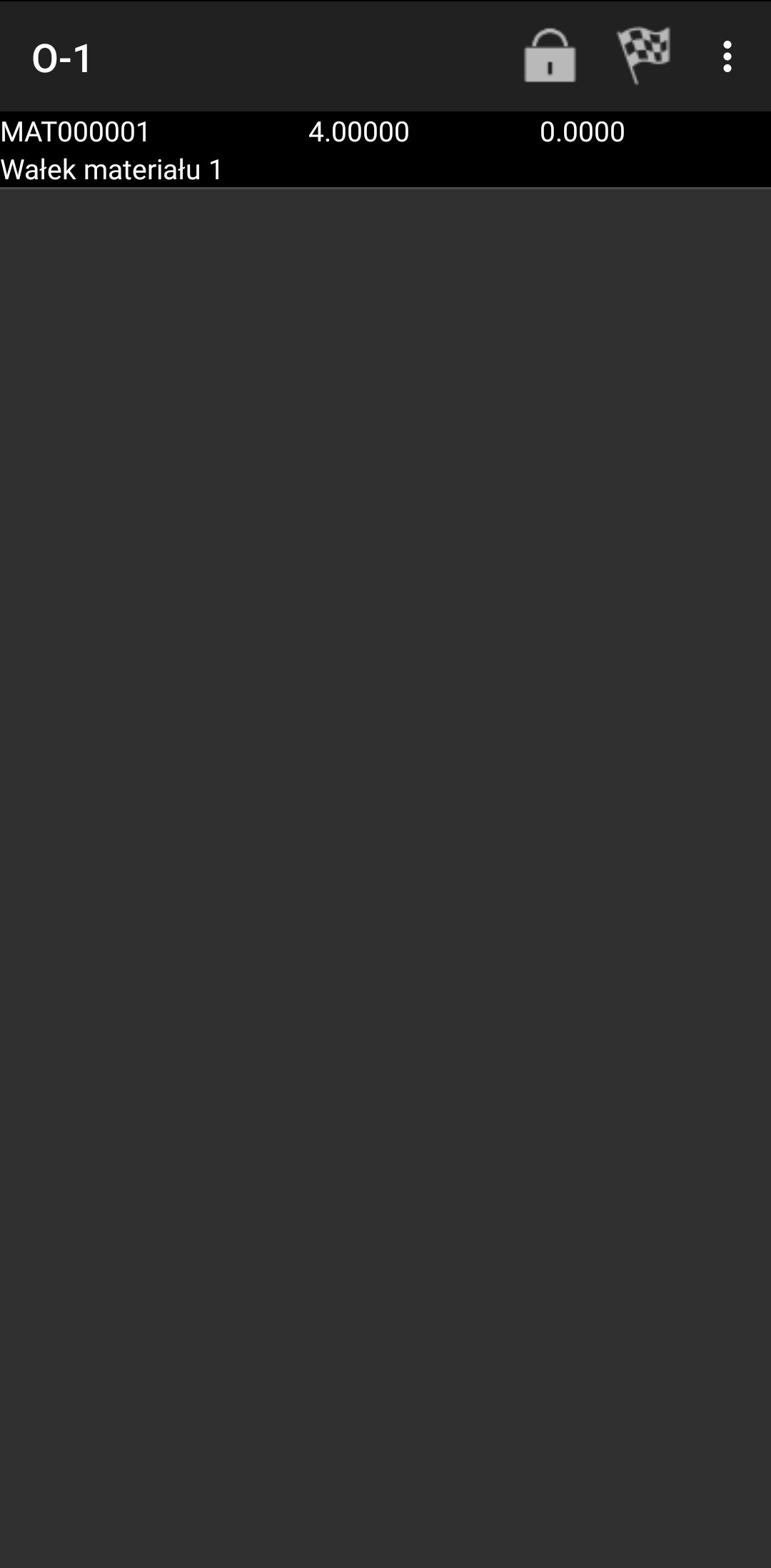
Select Shipments and select the document you want to issue to the recipient and you will see the following screen.

Next you have to click on material which you want to add to shipment.
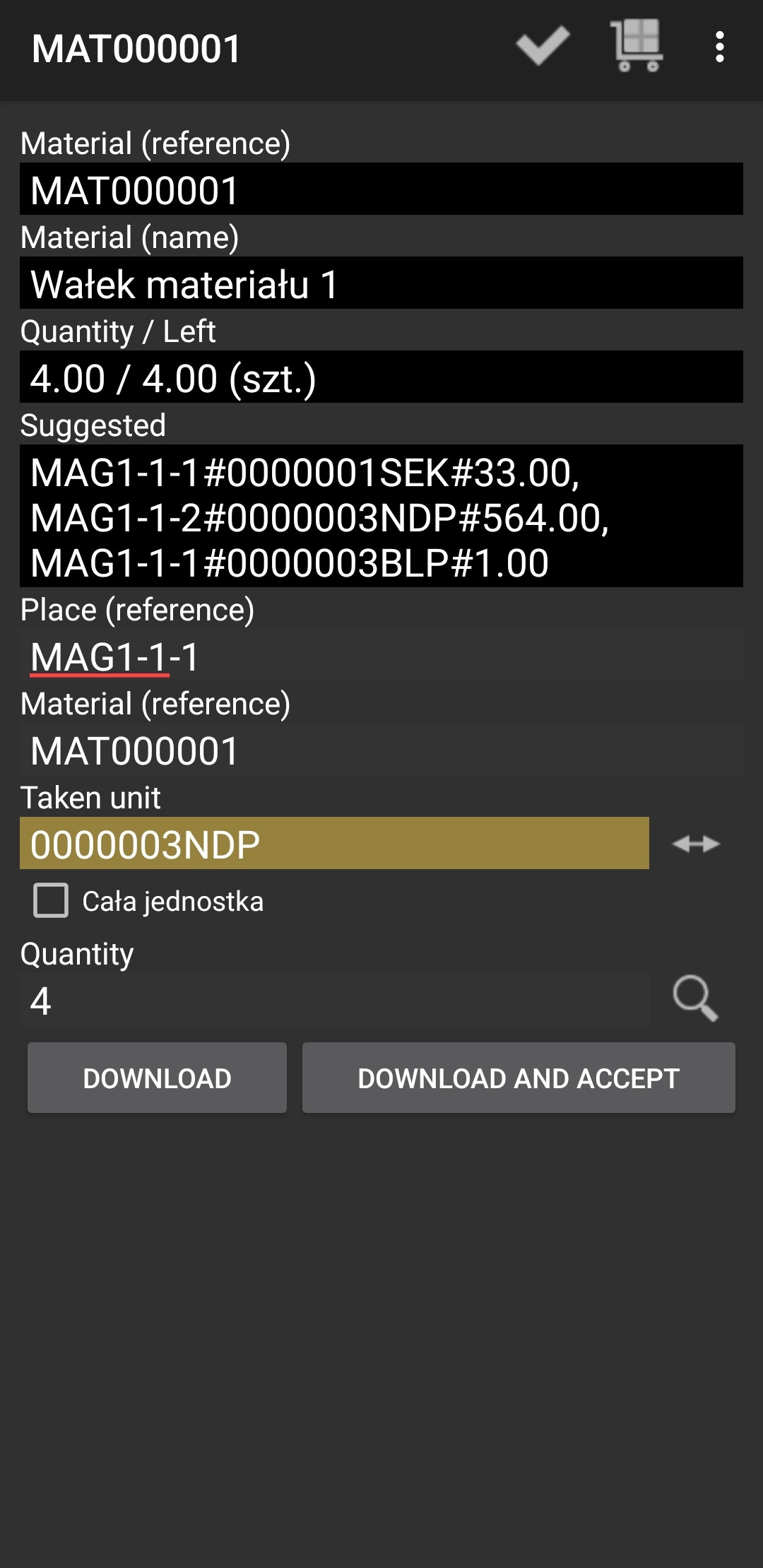
Now you have to insert Place, Material, Taken unit and number of quantity.
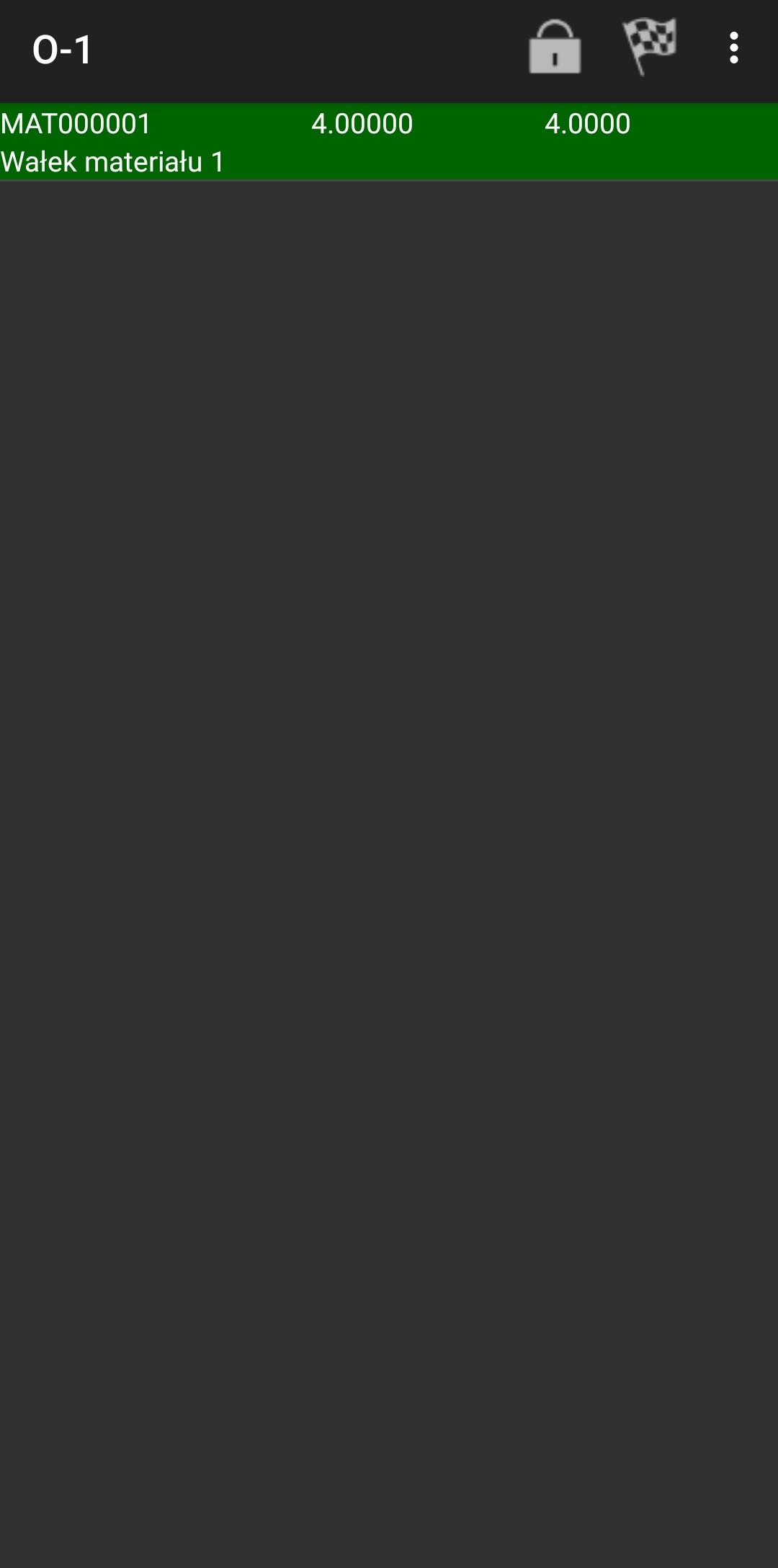
If everything is correct the material should be highlighted in green.
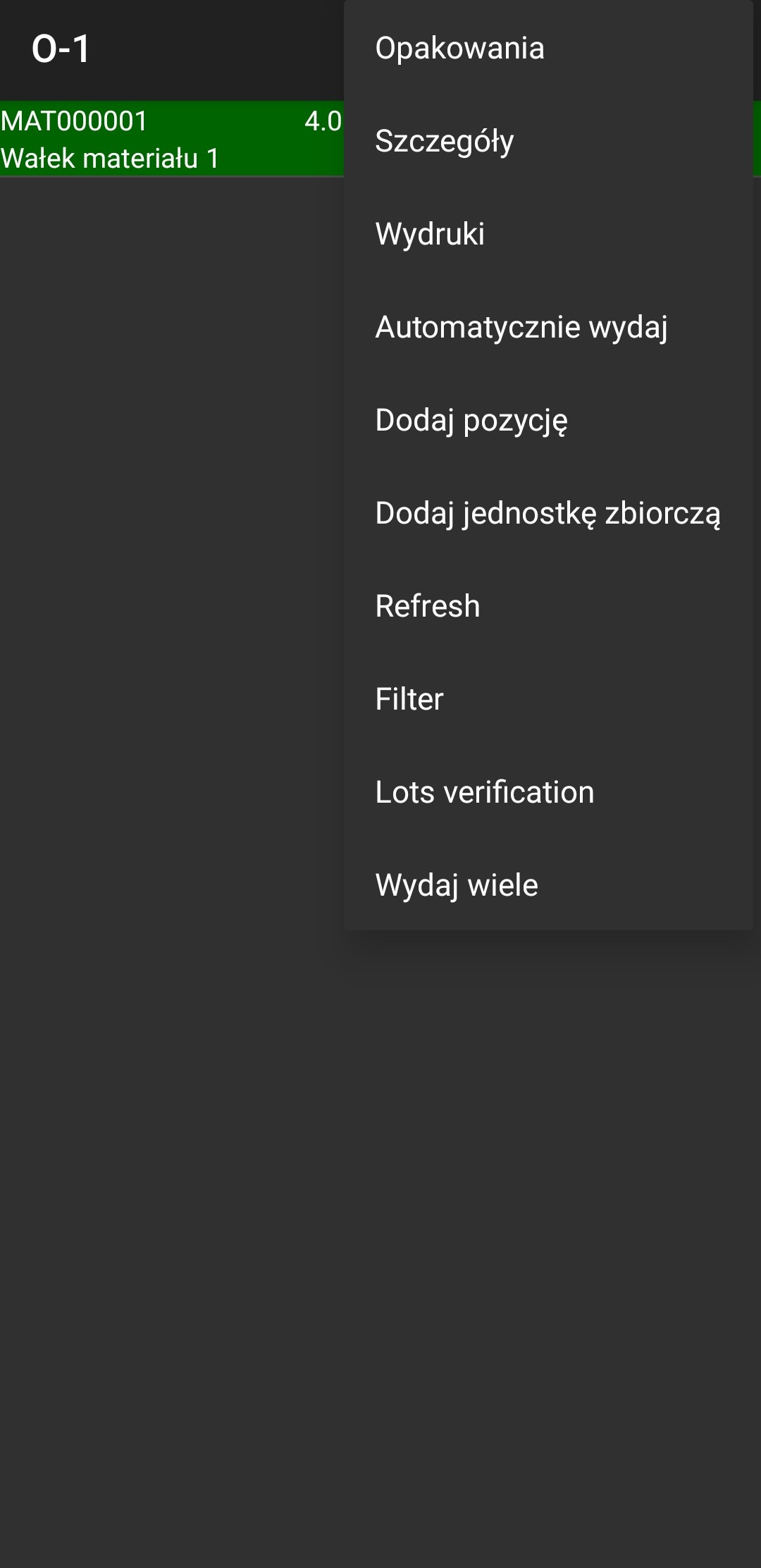
When you click on 3 dots you can take advantage of additional options.
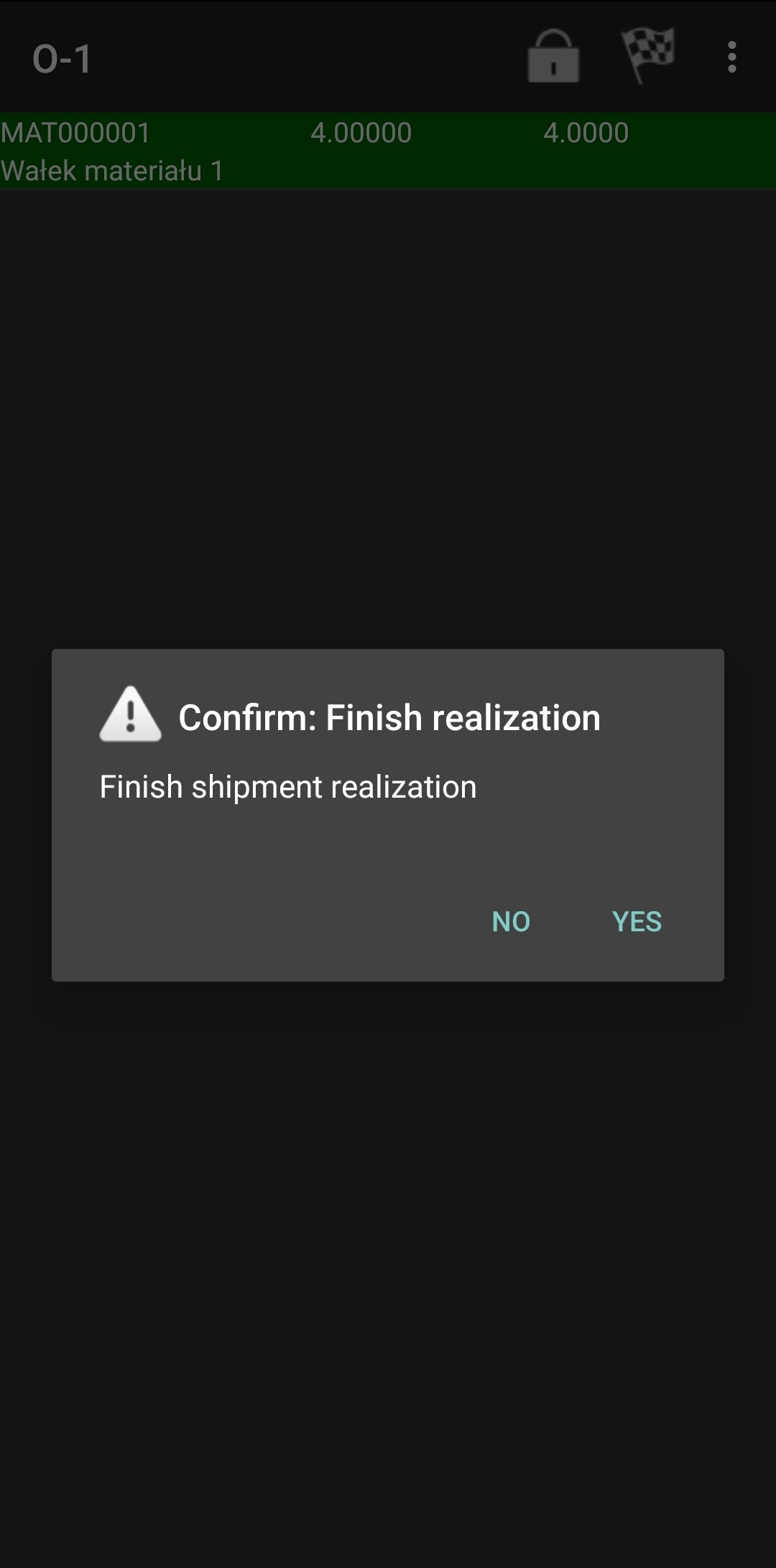
If you want to Finish realization you can click on the flag and click "YES".
Now you shouldn't see the this document.
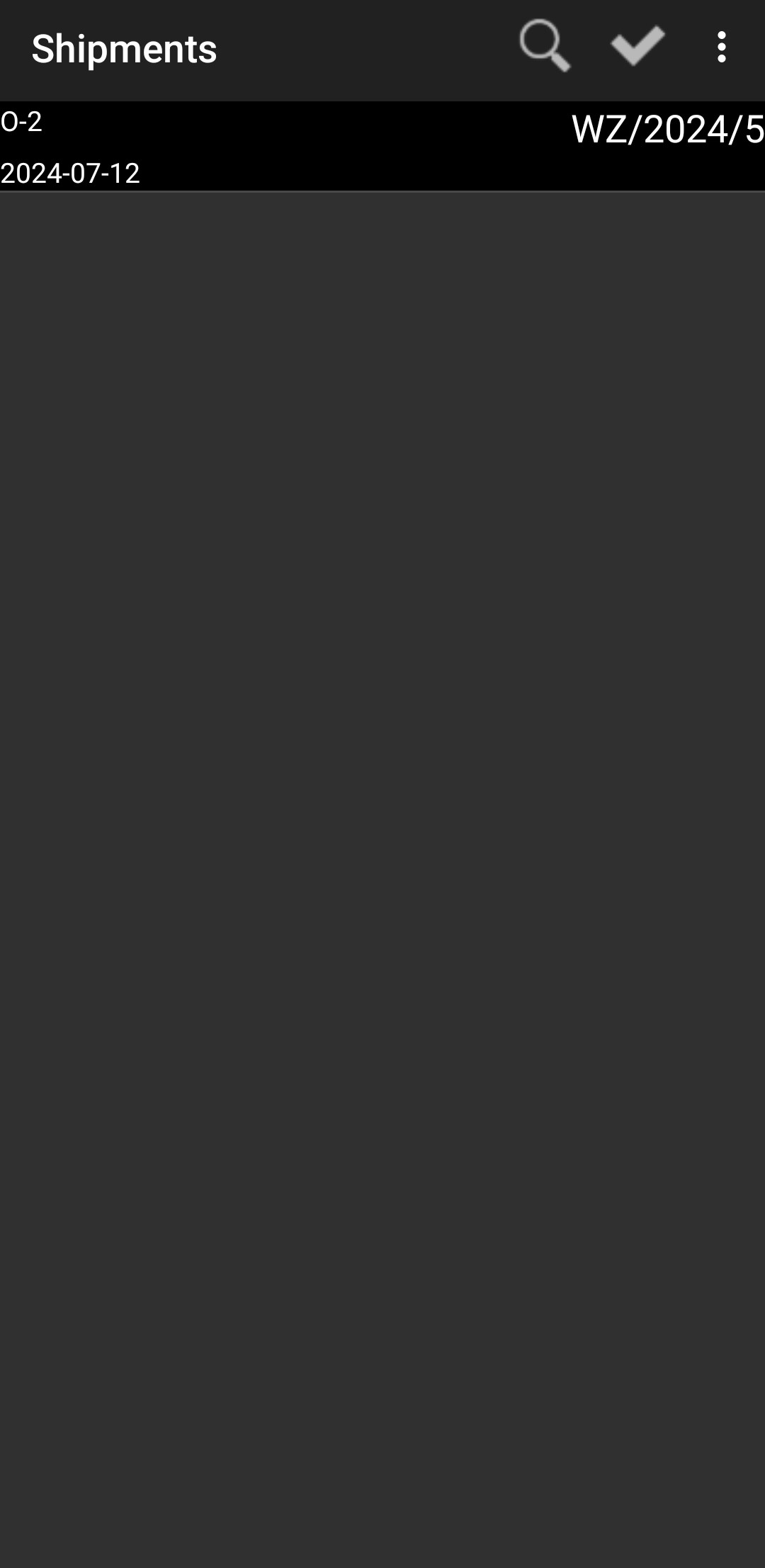
Go back and everything done.