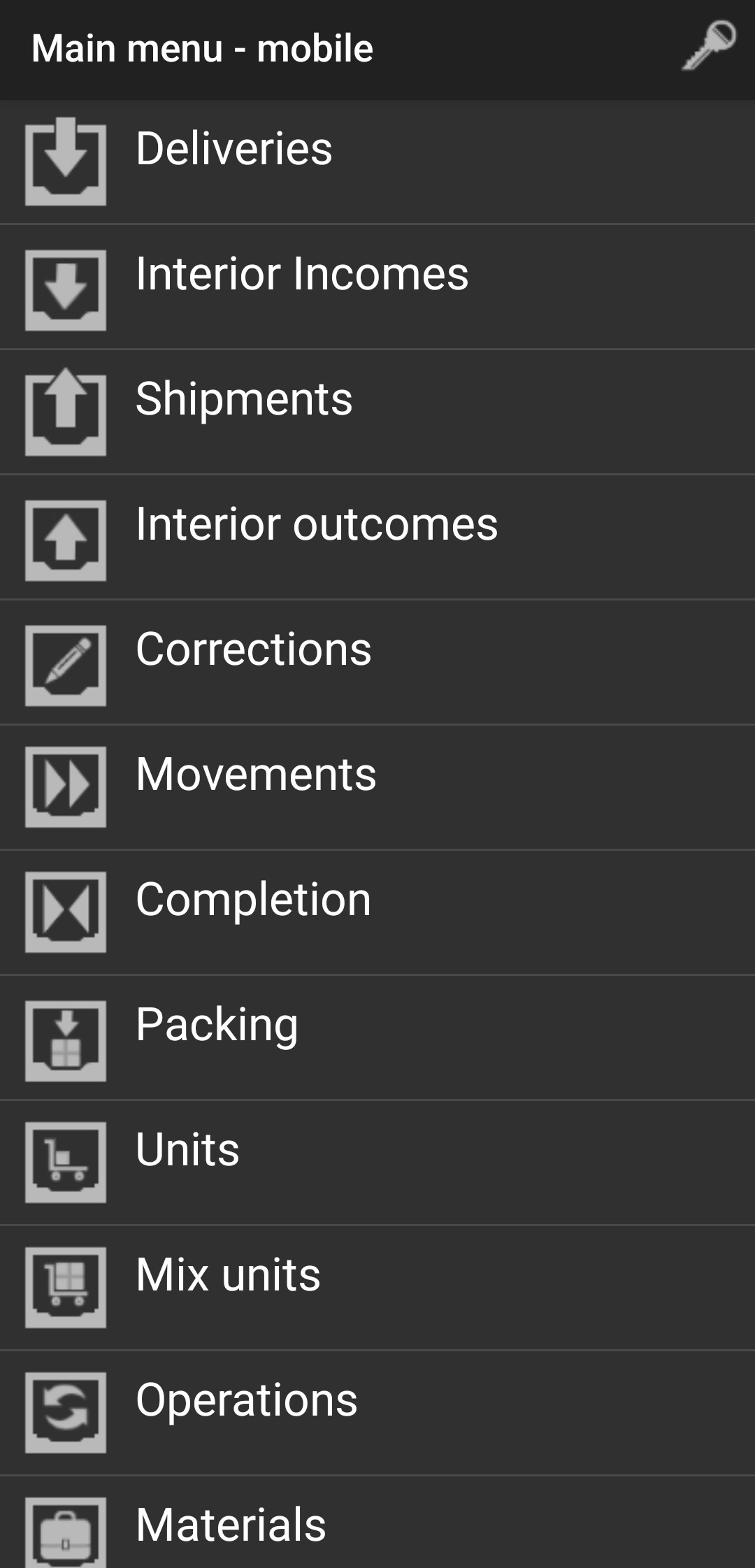
Corrections
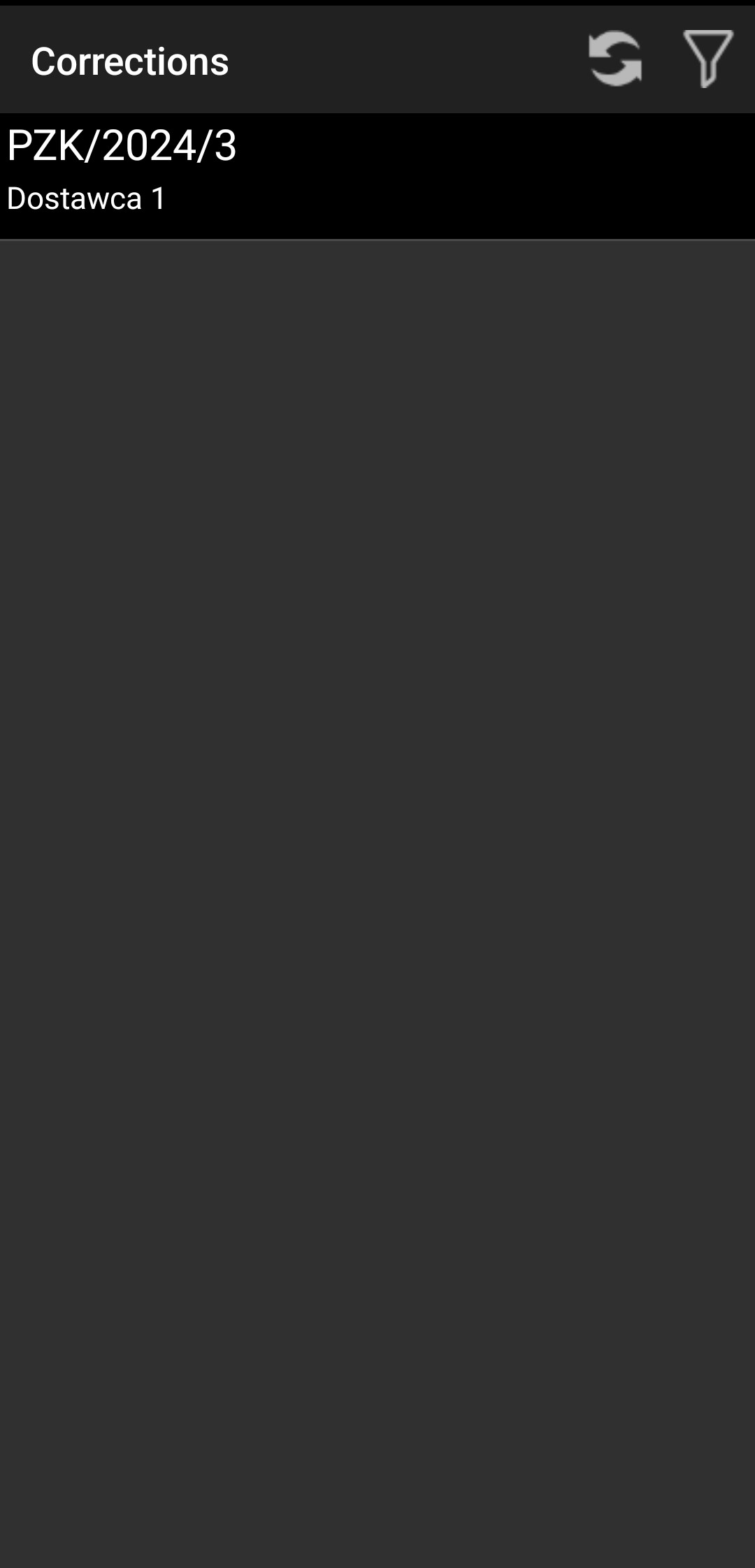
Select the correction you want to confirm.
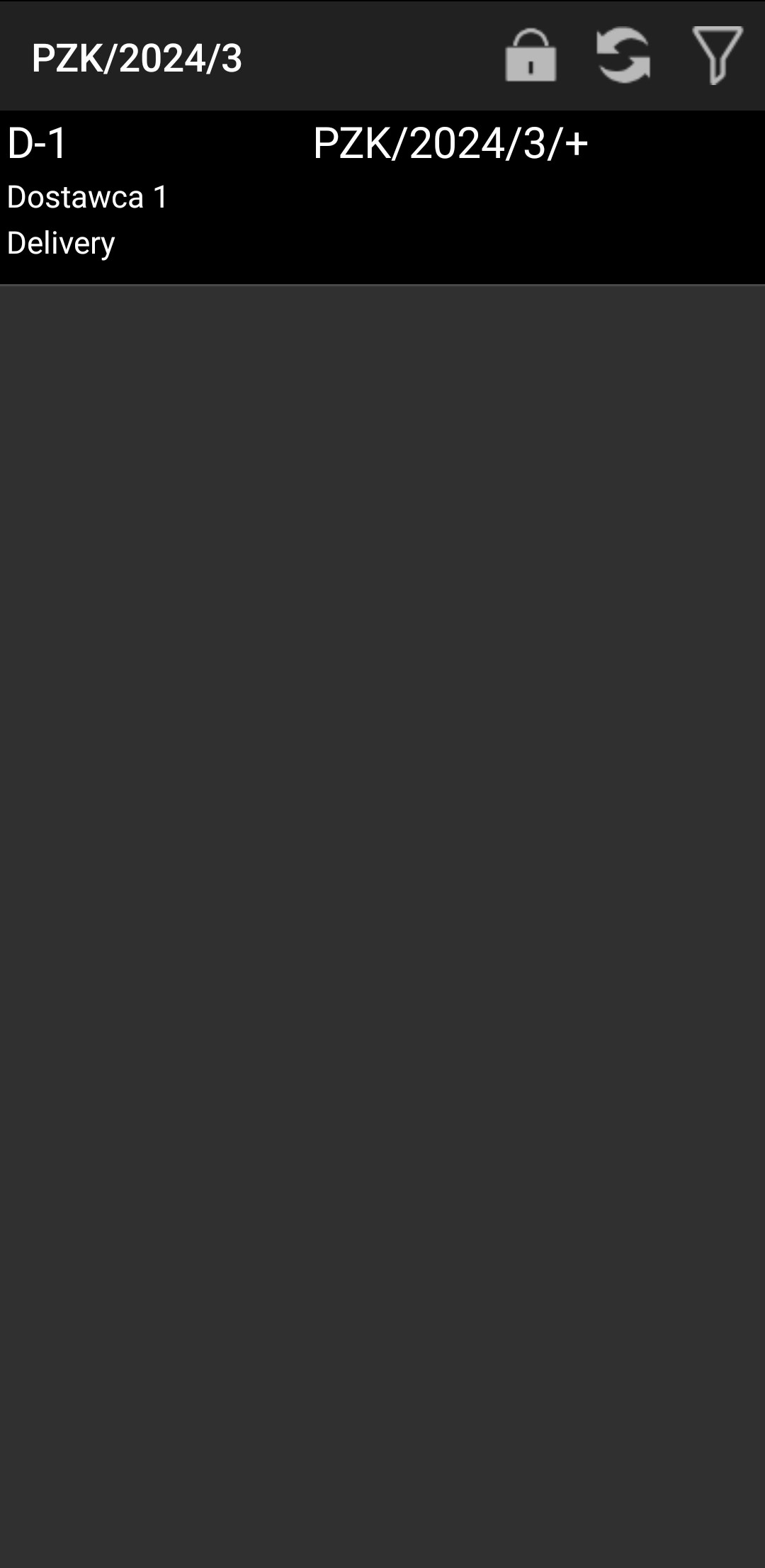
Select a supplier.
Select a material.
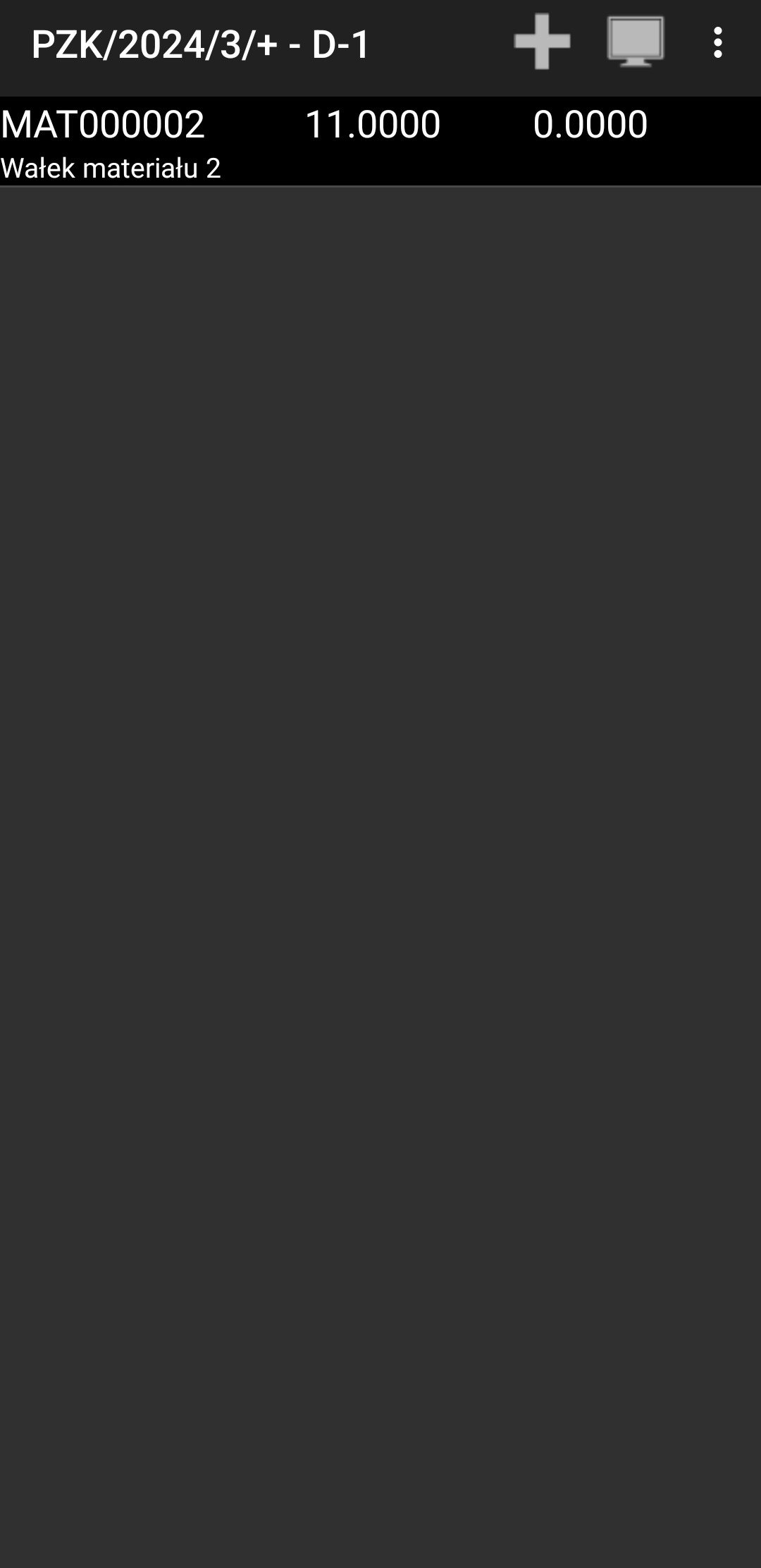
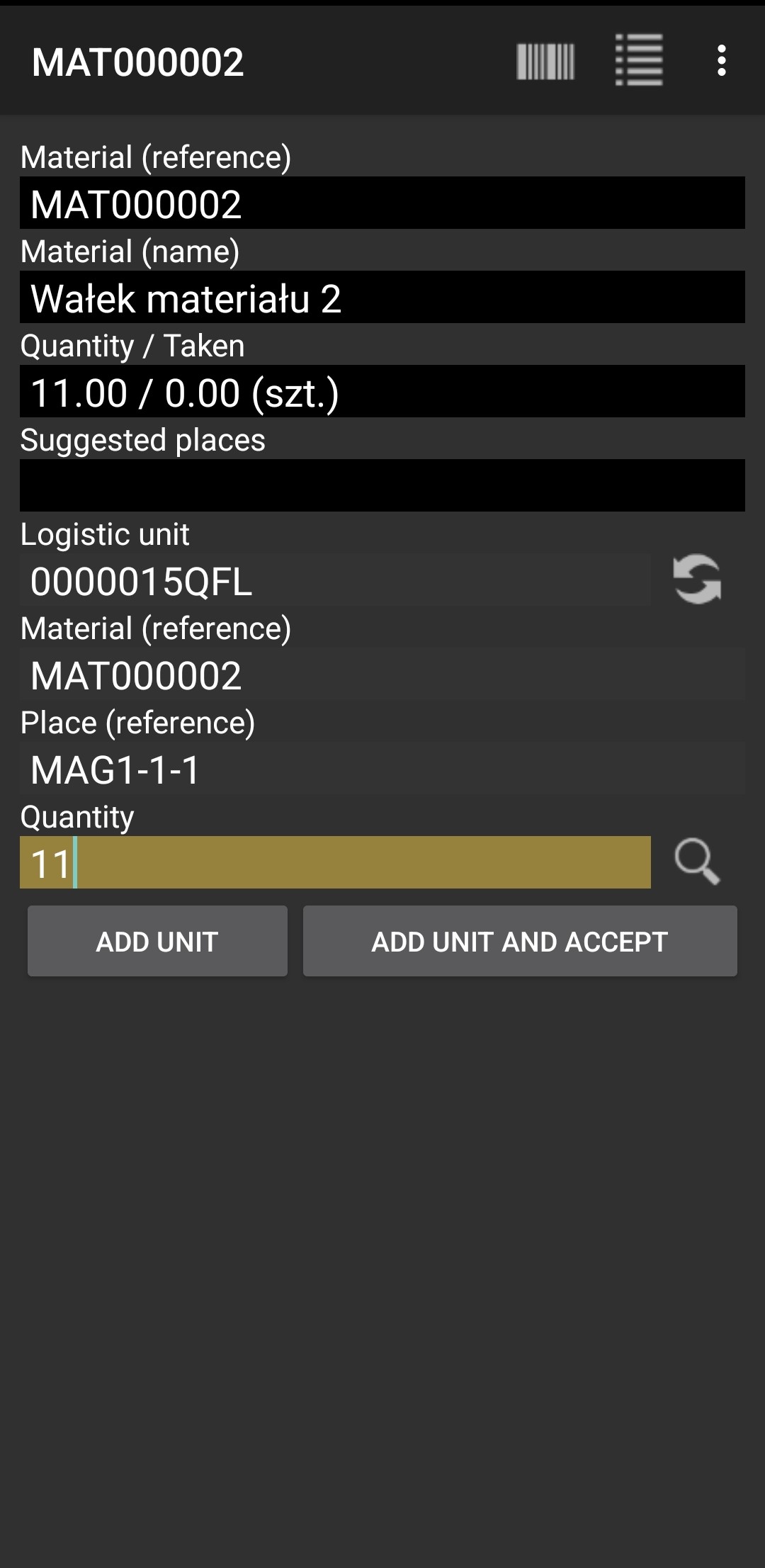
Insert a logistic unit, material, place reference, and confirm Quantity, then press "ADD UNIT AND ACCEPT".
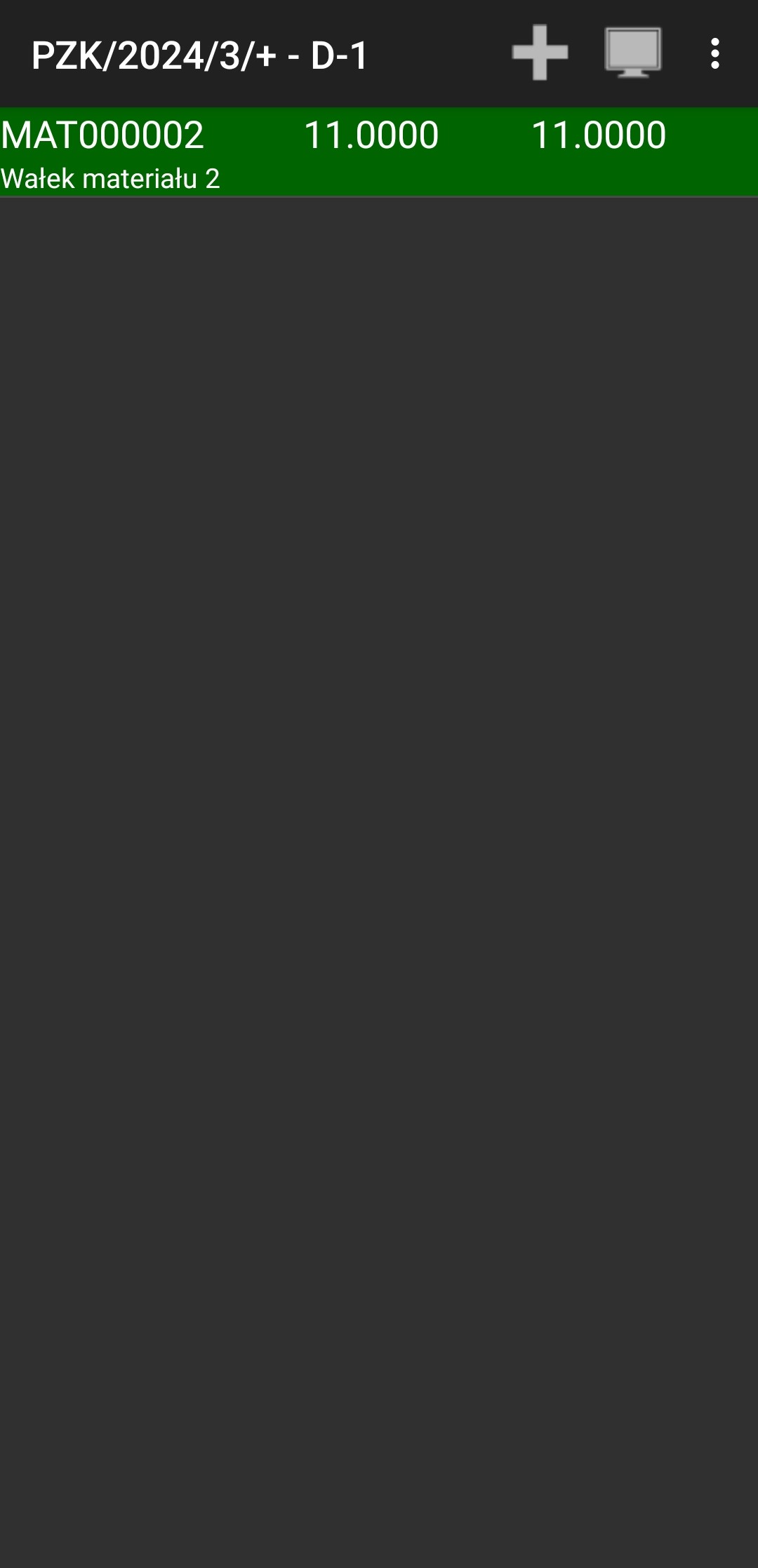
You should see the material highlighted in green.
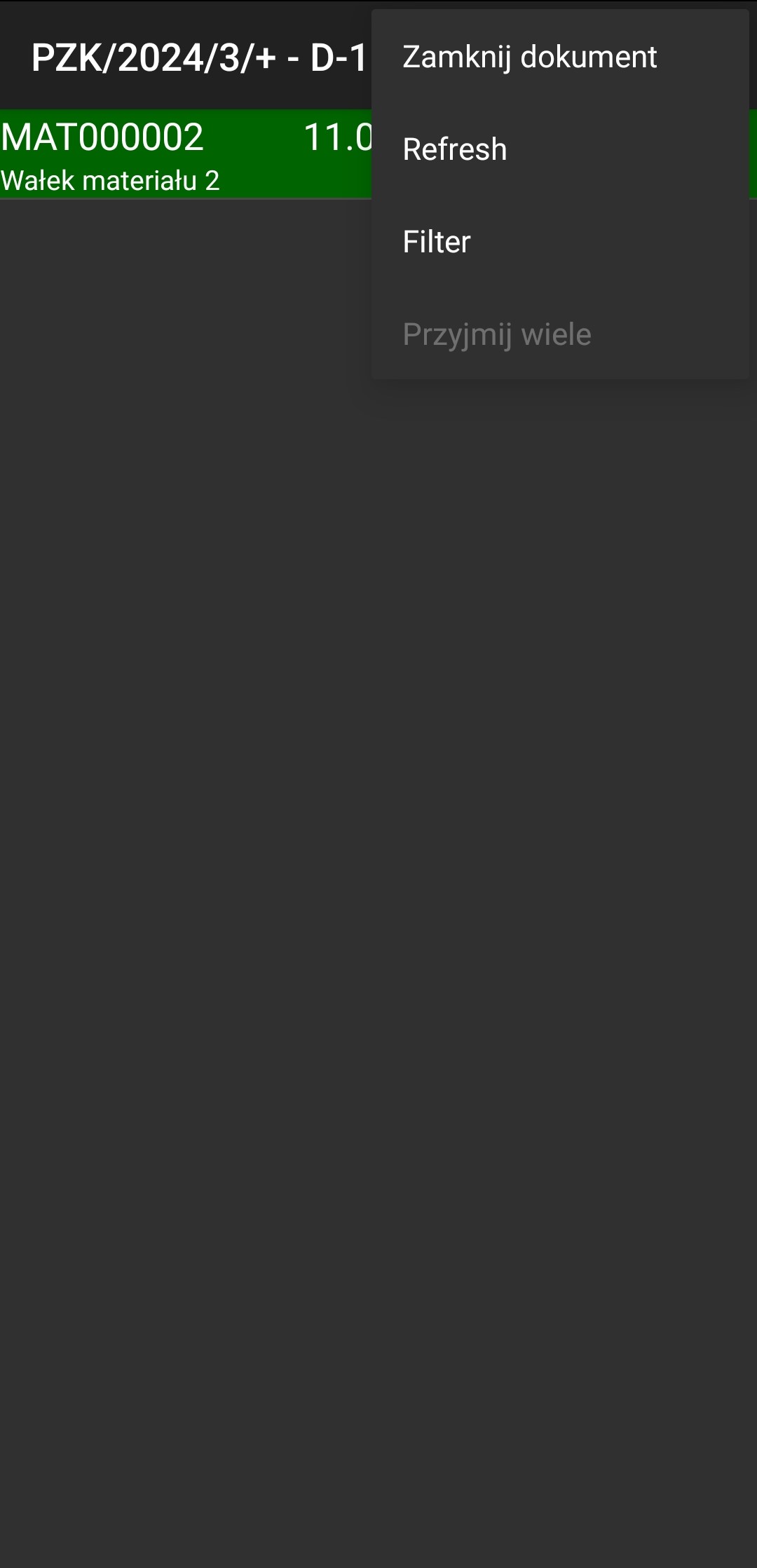
Press the 3 dots, click "Close document," then press the padlock icon.
The correction you approved should disappear.
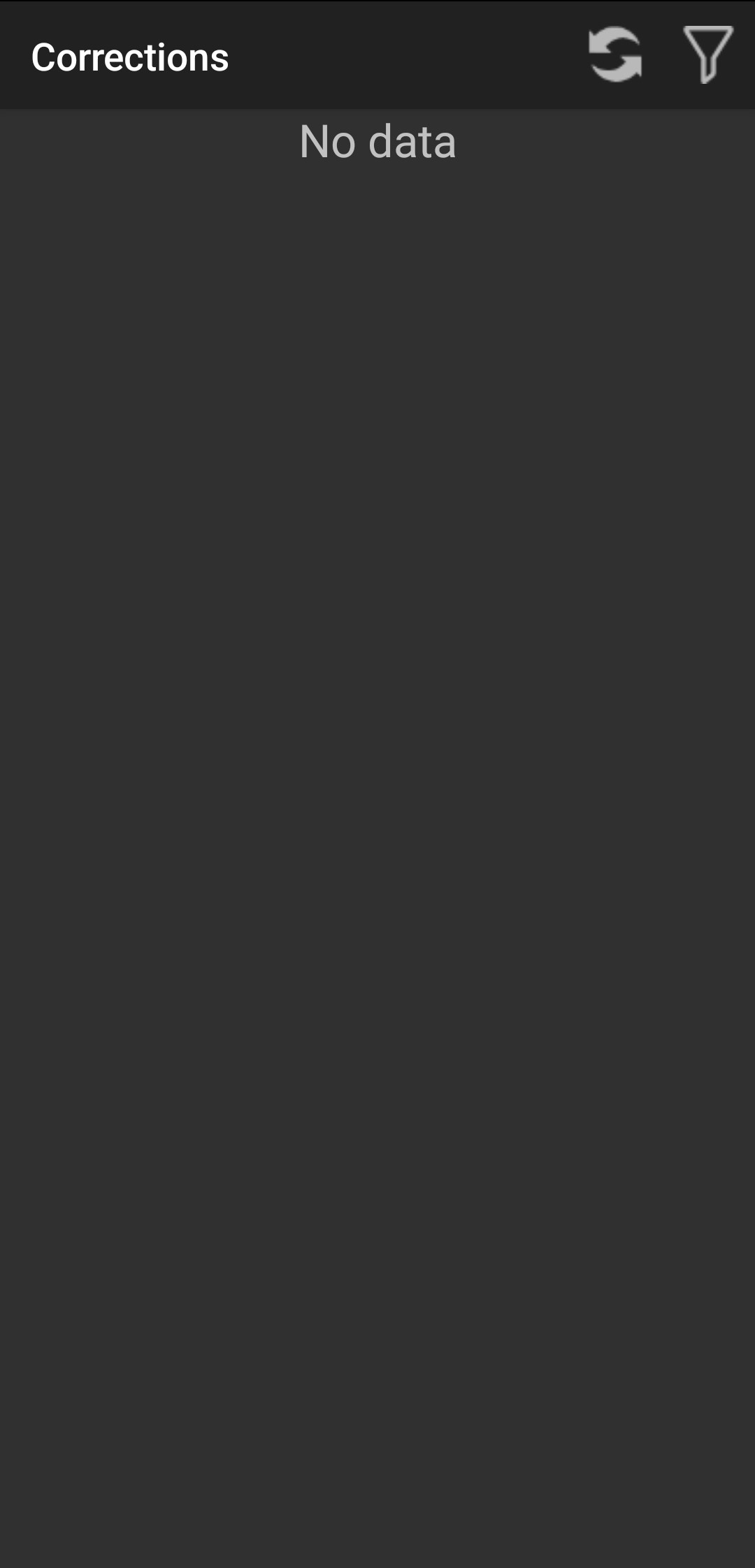
Go back, and everything is done.