First Run
When you first launch the app, you need to adjust the settings. Press the settings button.
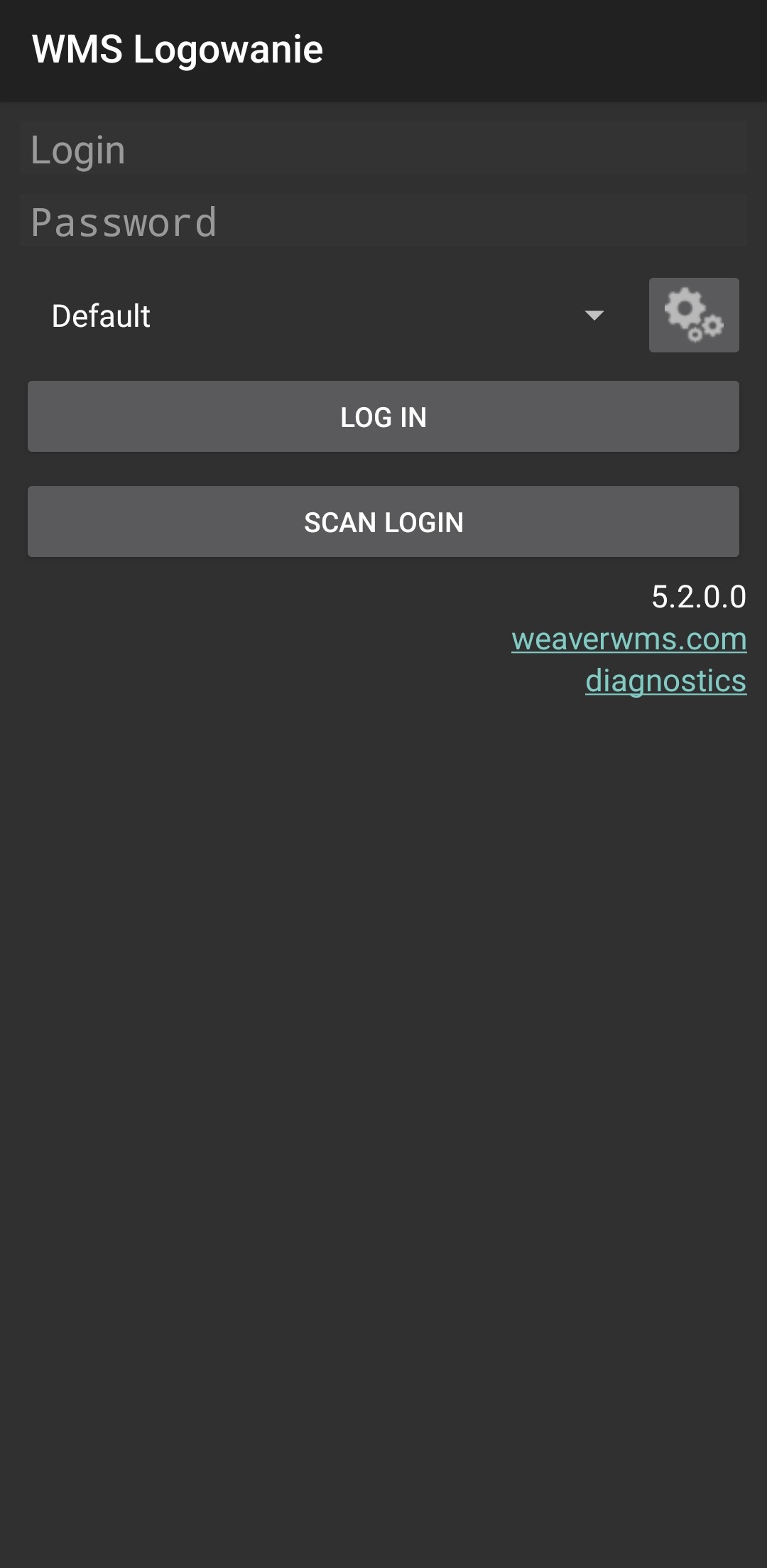
Press the add button.

Now you have to choose a name and insert the API address.
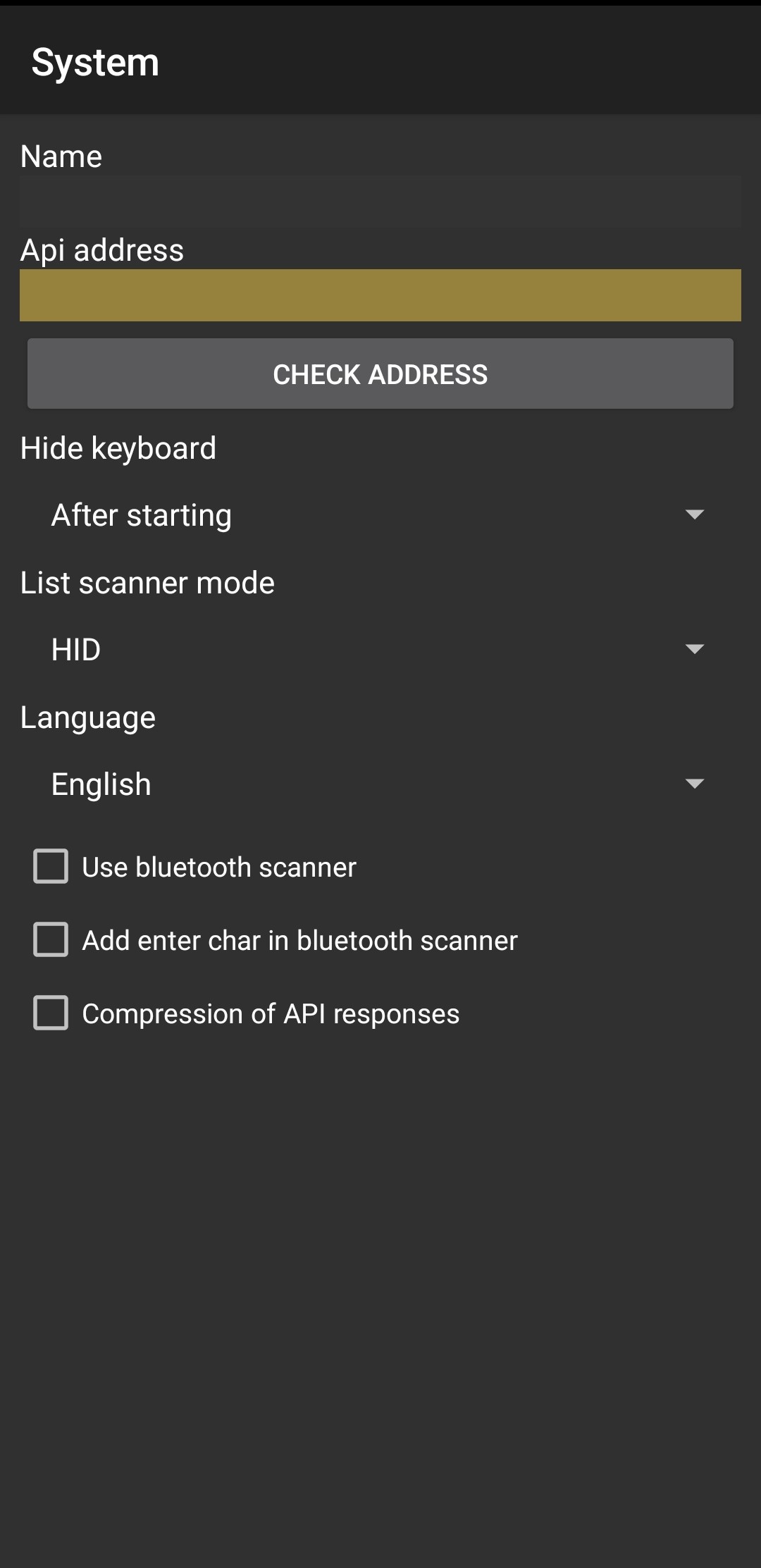
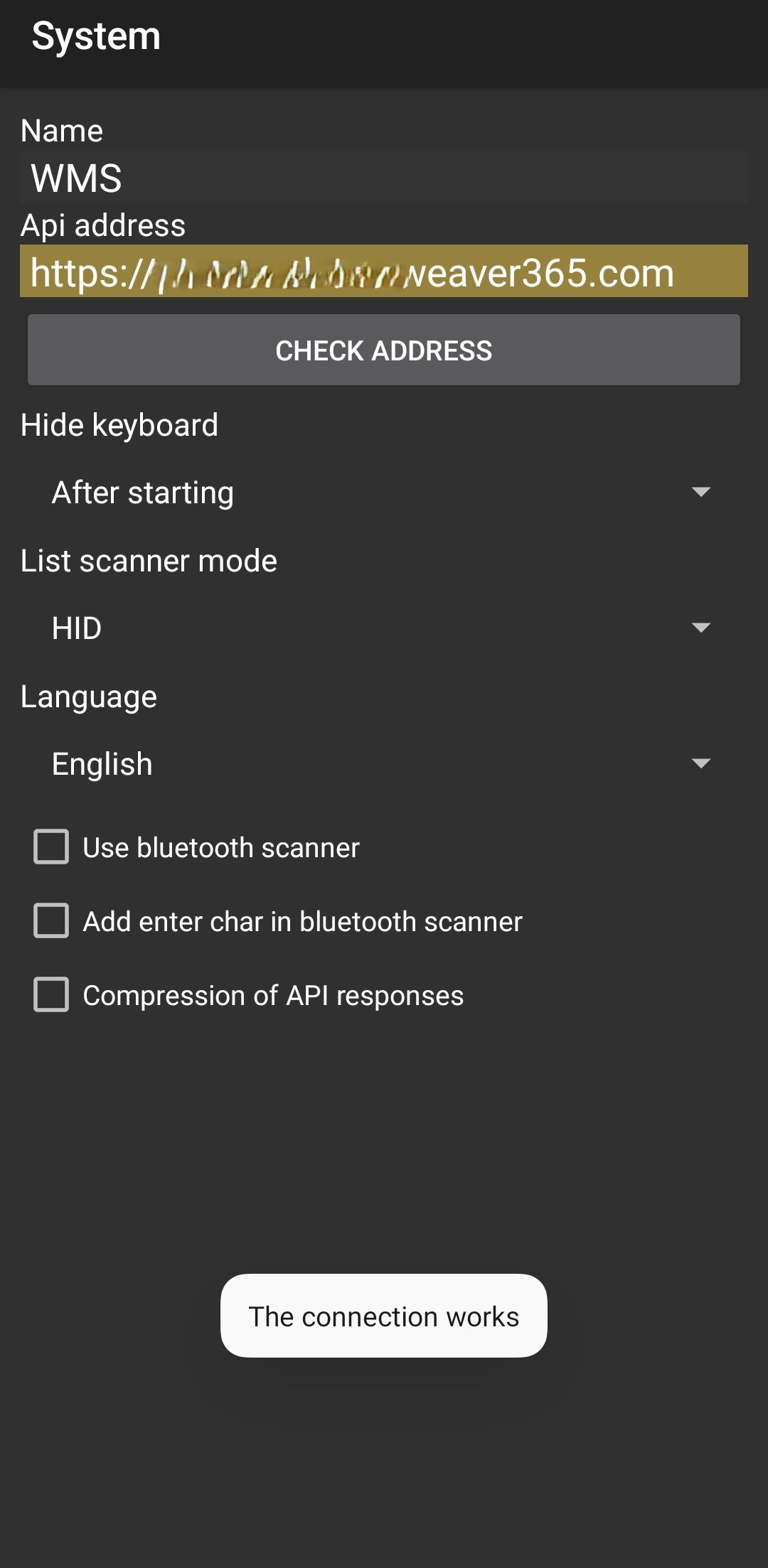
Now you can check the address. Click the button, and if everything is OK, you should see the alert: "The connection works."
Select the name you previously assigned from the drop-down list, and log in to the app using your login and password.
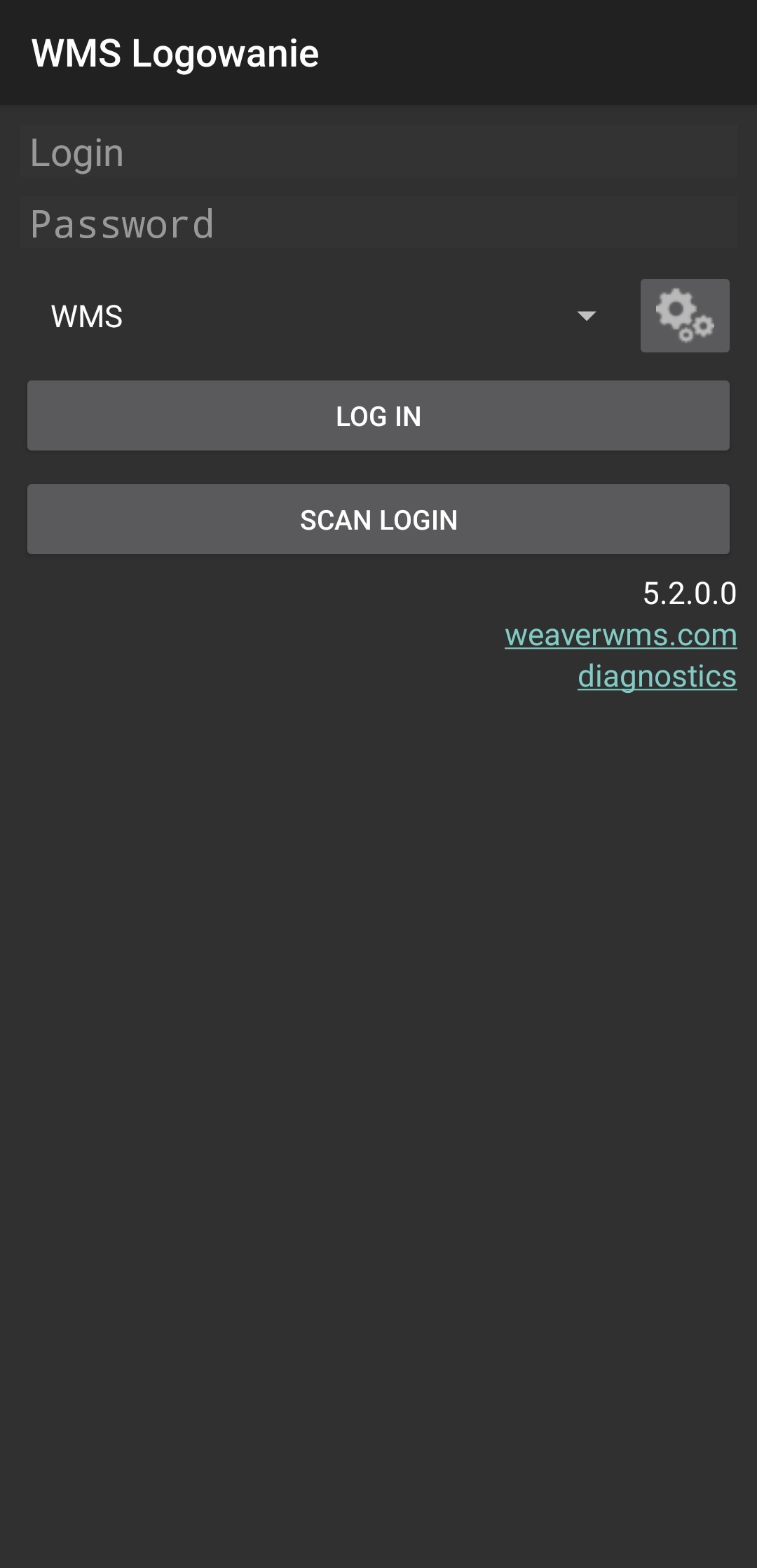
If everything is correct, you should see this view.
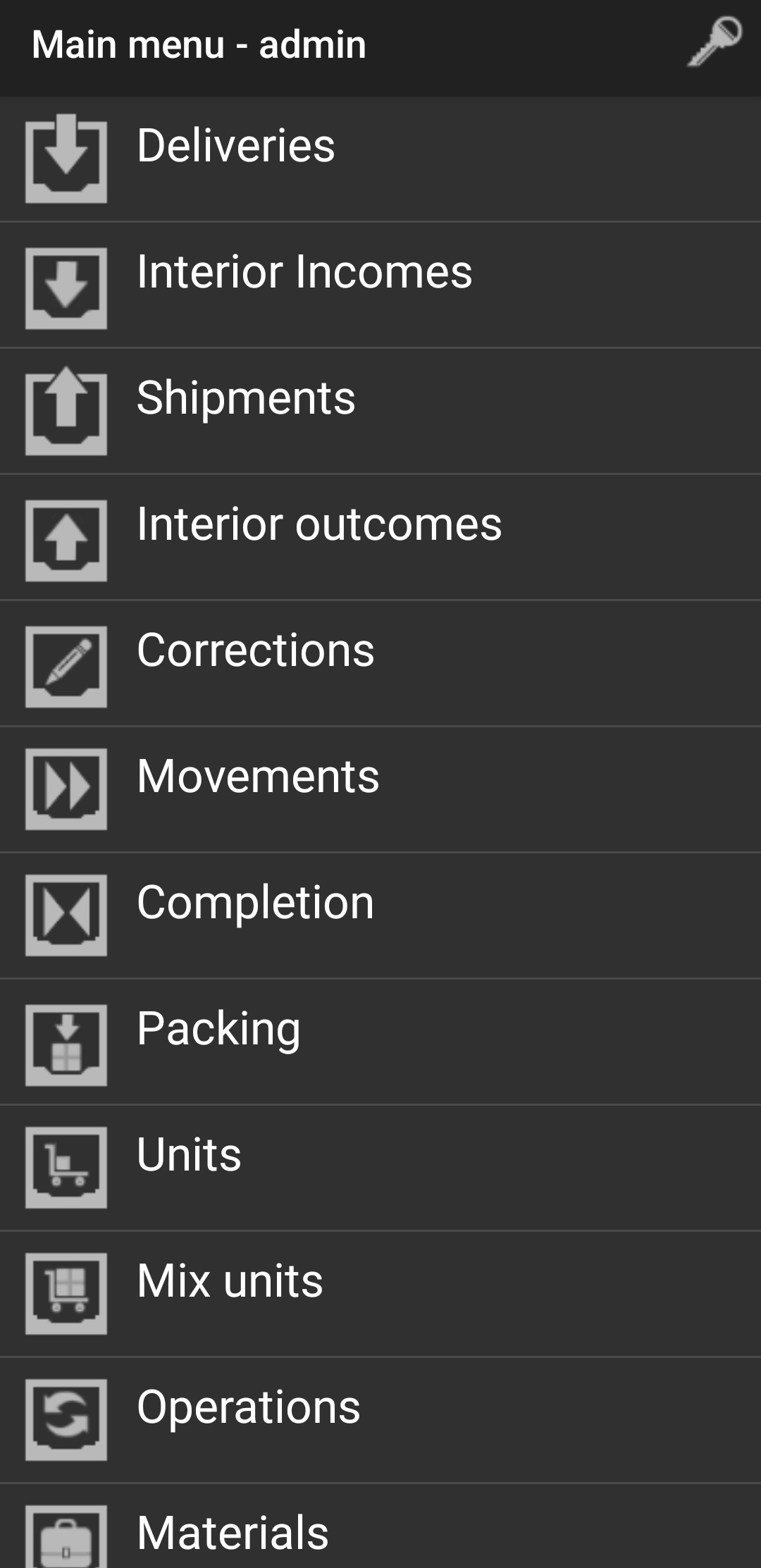
That means everything is correctly set up.
Check your mobile terminal settings in the link below:
Check mobile terminal settings