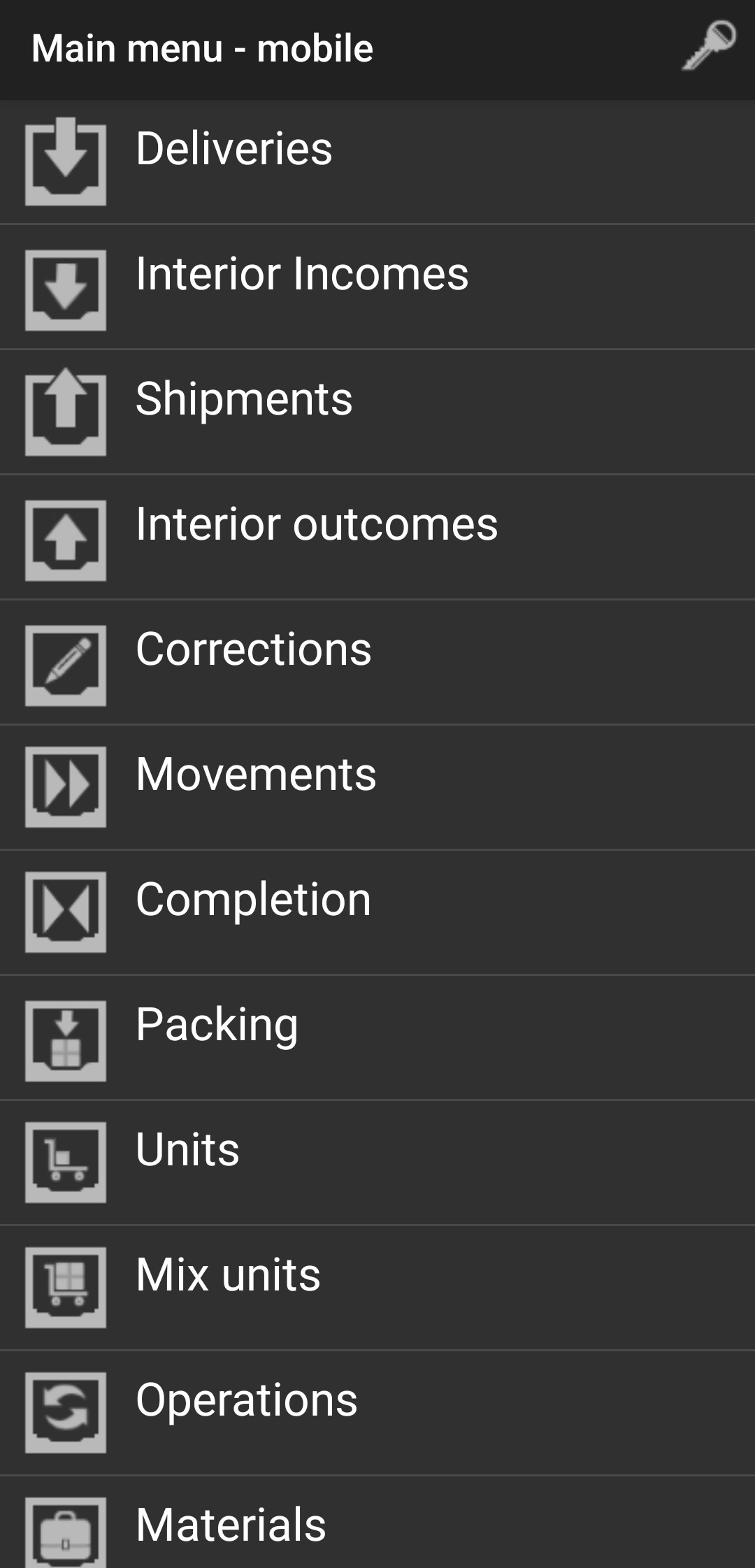
Movements
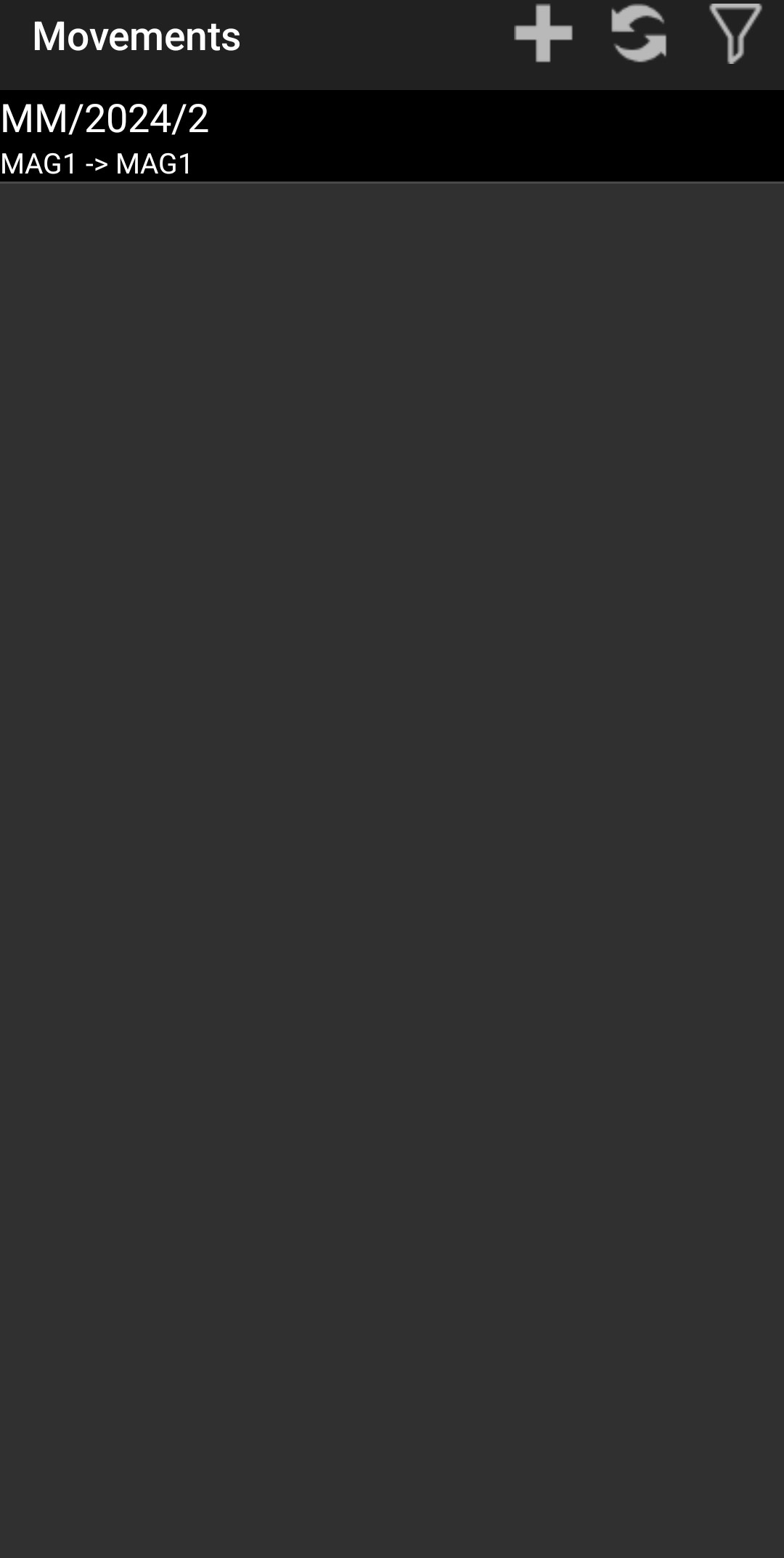
This view shows all ordered warehouse movements, and choose one.
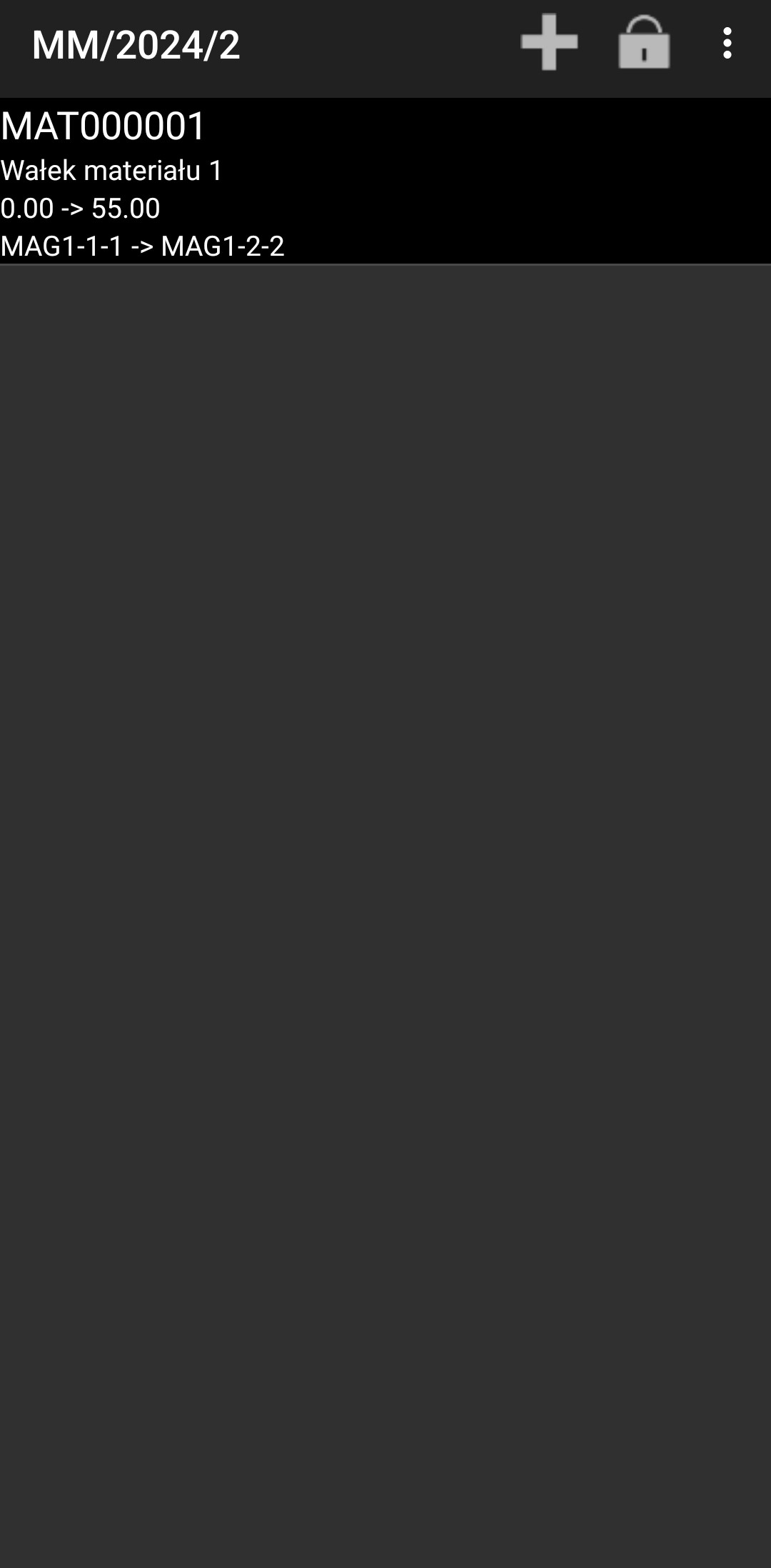
Choose specified material.
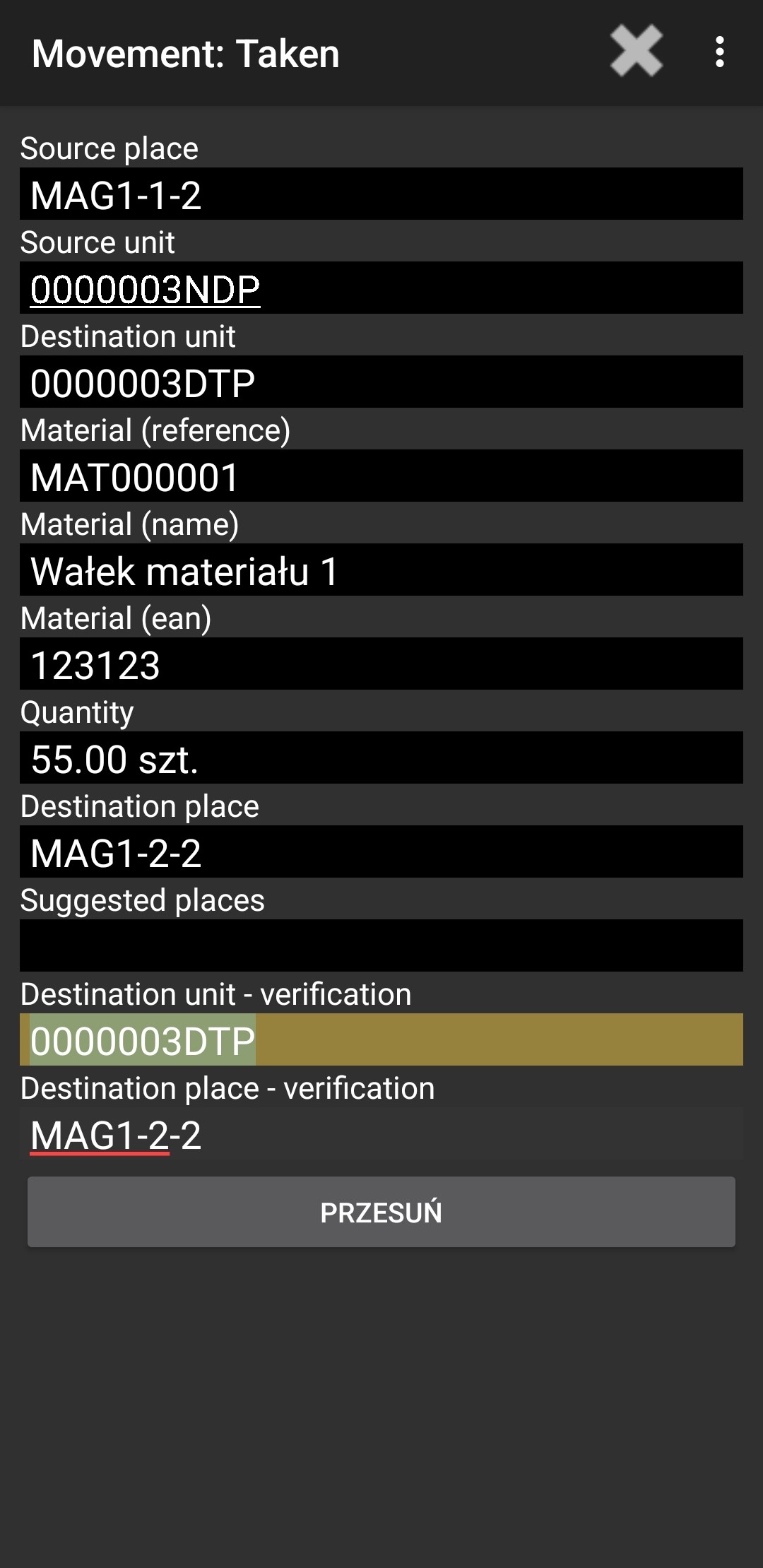
There you have to verify Source unit and insert Destination unit with quantity.
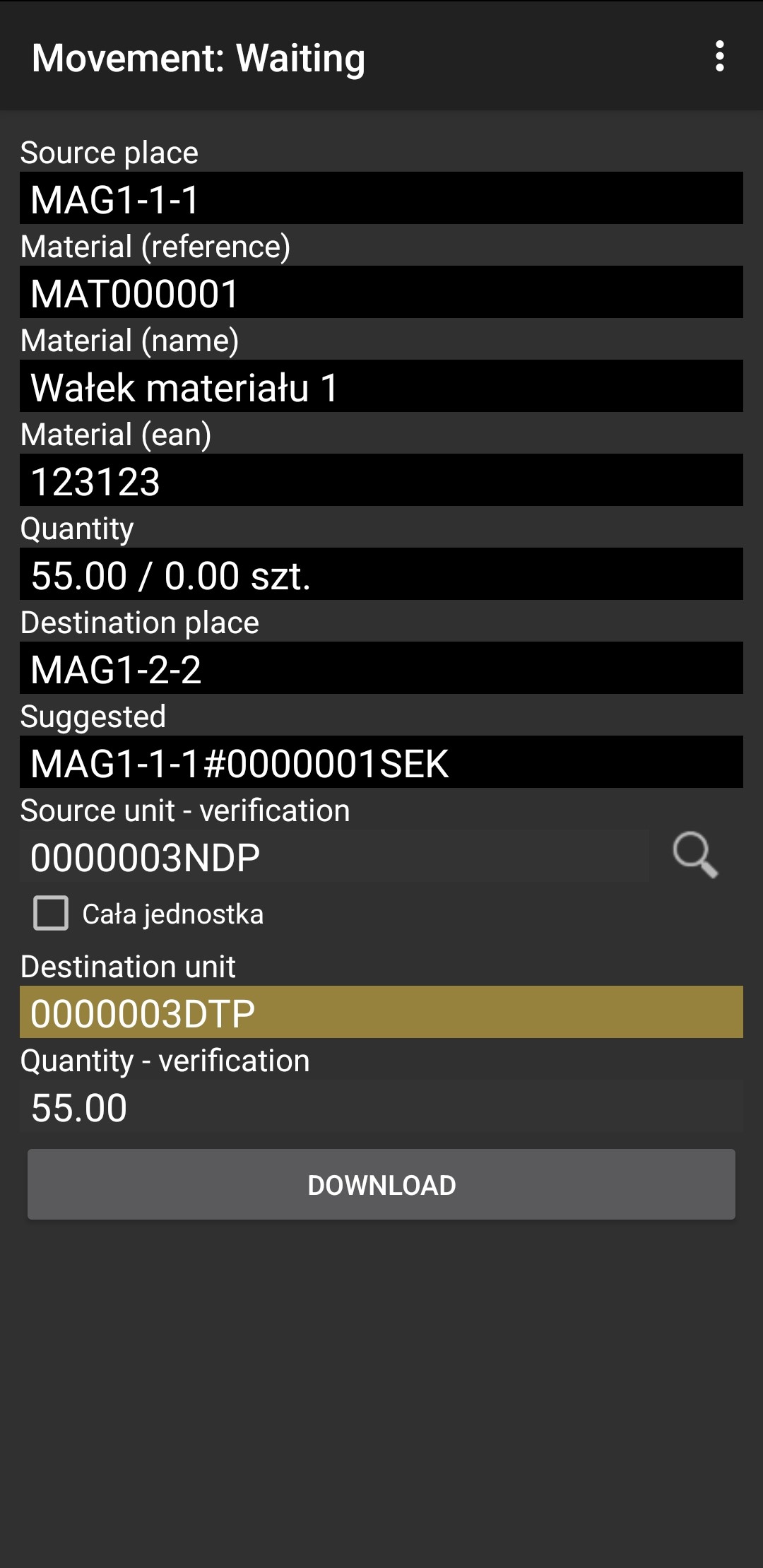
Then you have to verify by scan destination unit and destination place.
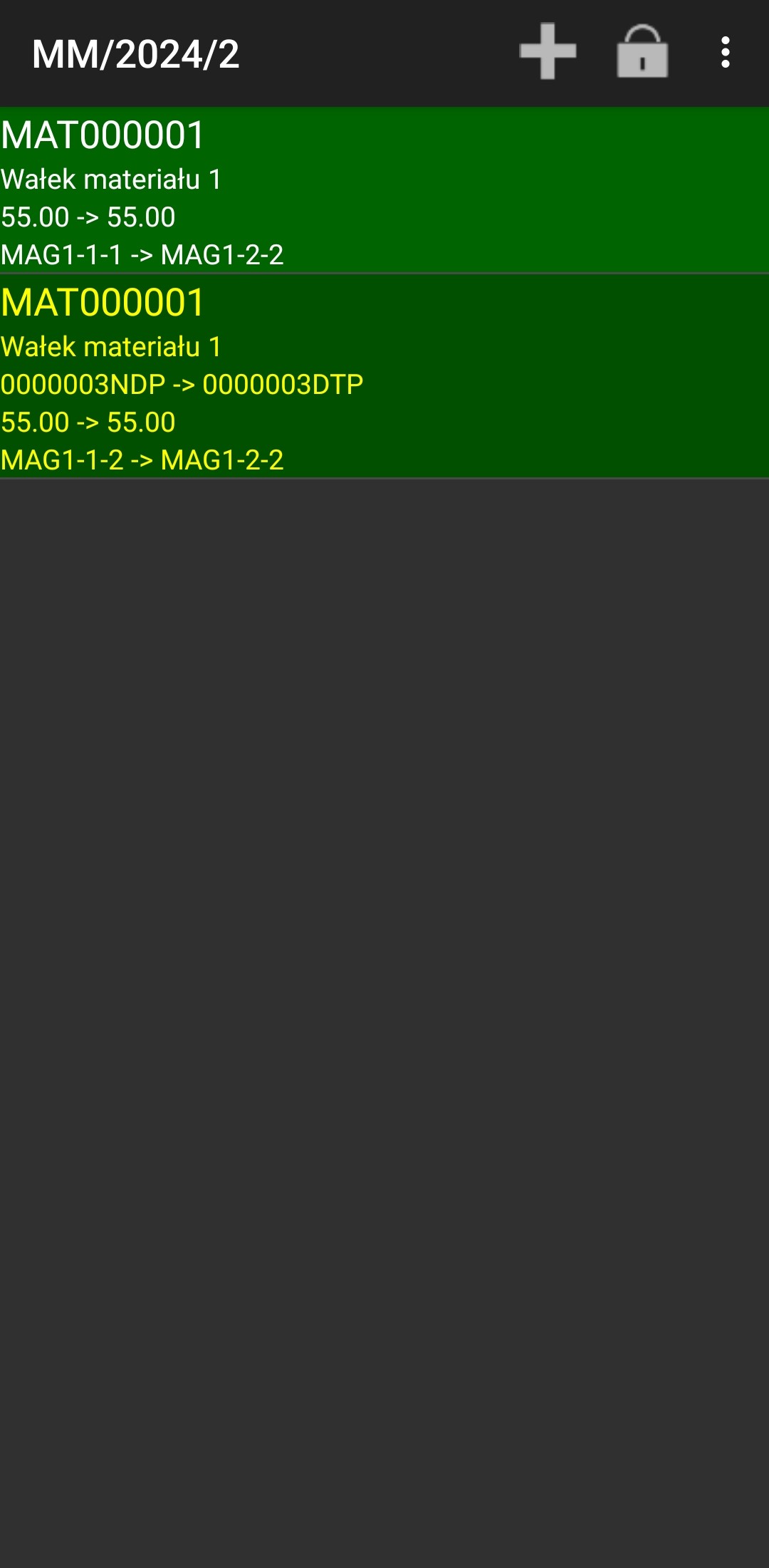
If everything is highlighted on green this means its okay and you can close document by clicking padlock.
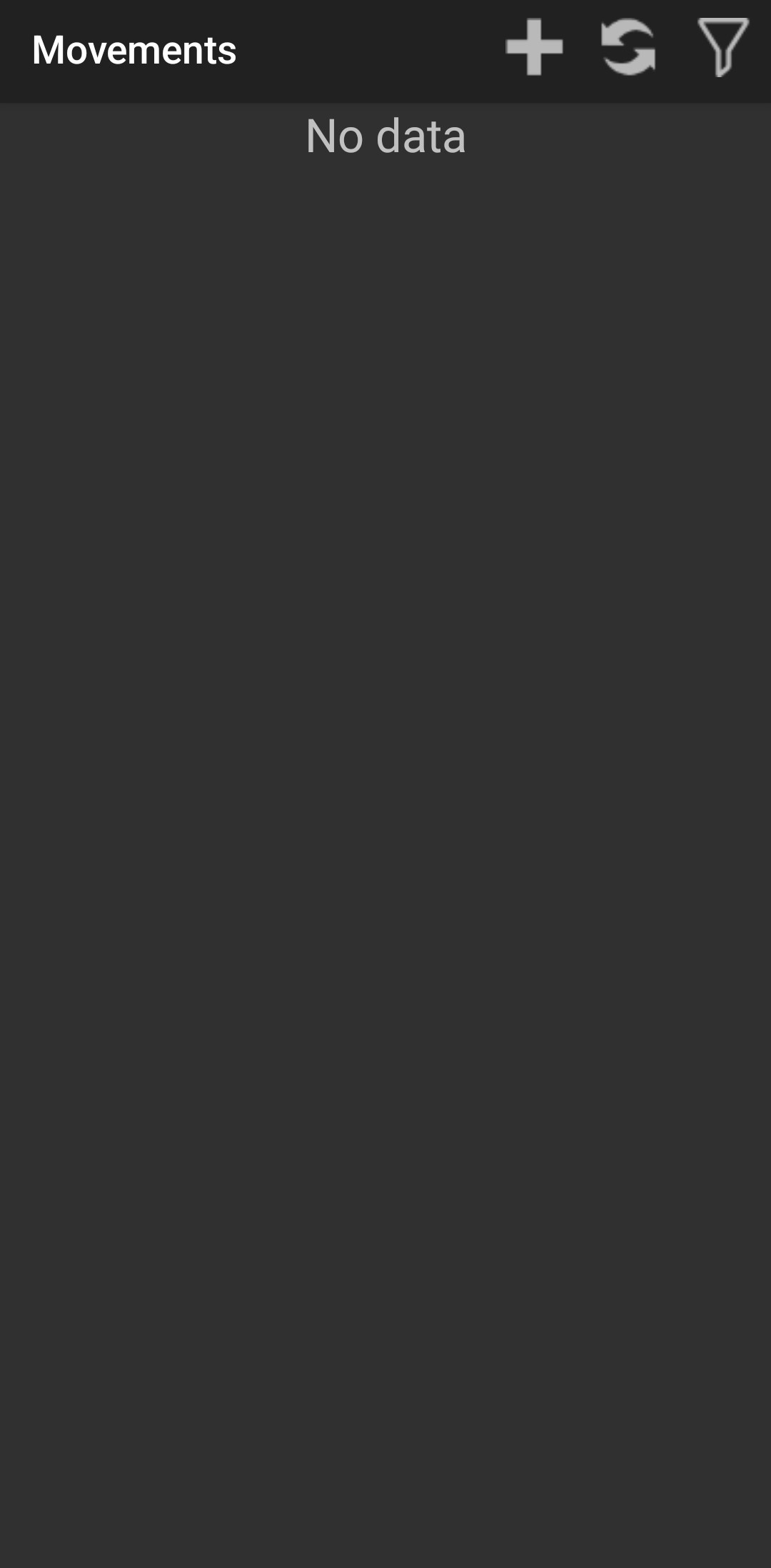
There you shouldn't anymore see this document.
Go back to menu and everything is done.