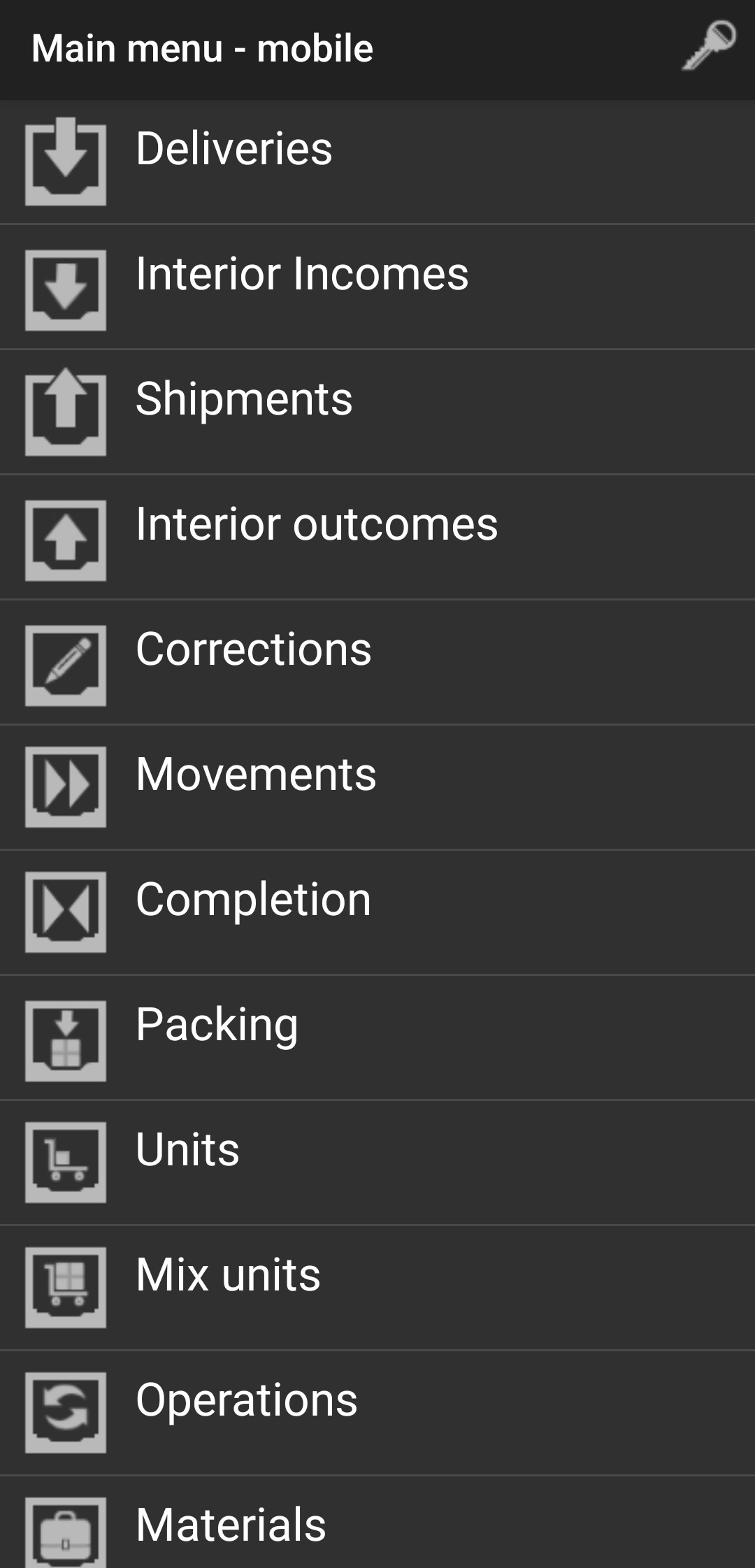
Interior Incomes
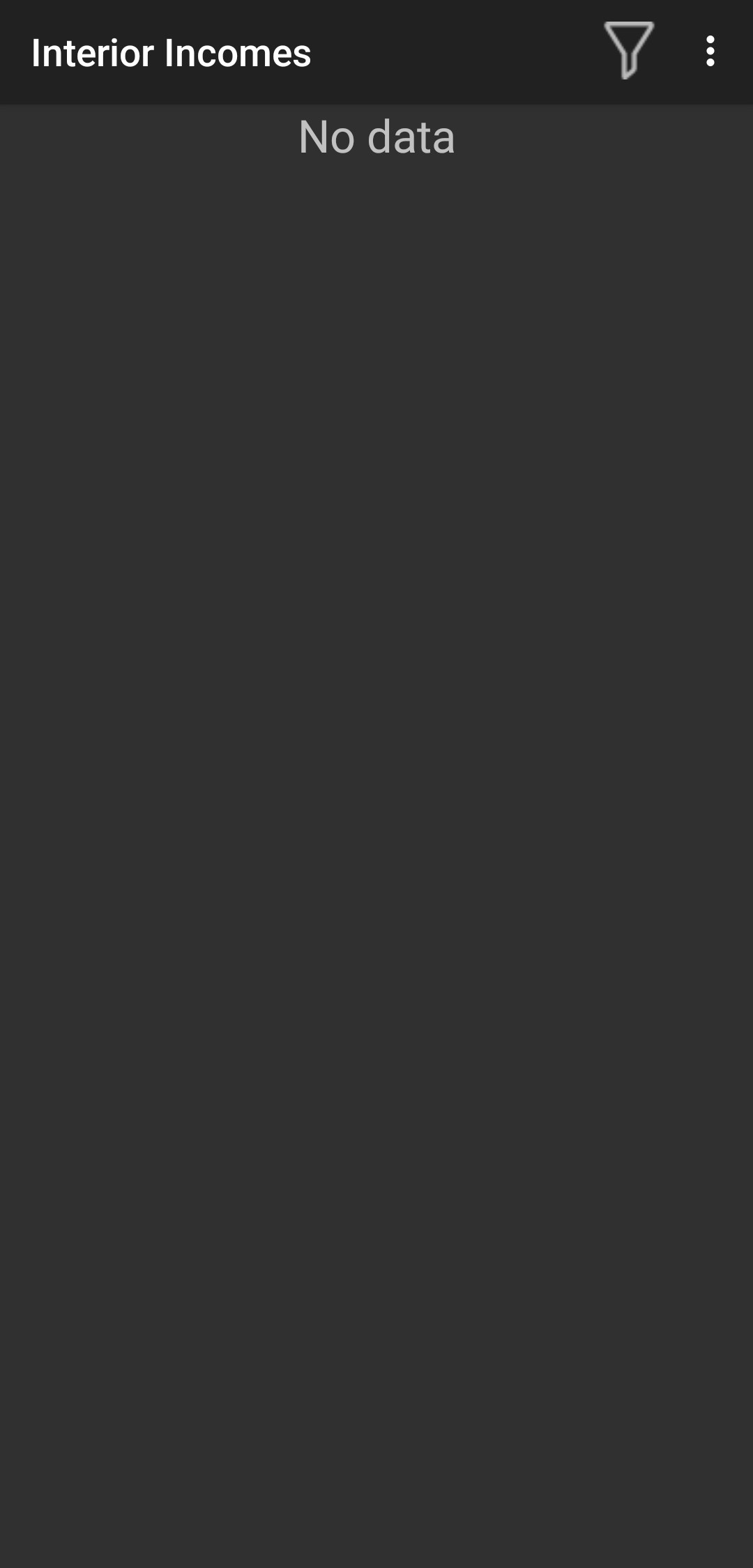
By press 3 dots you can add new interior income from the terminal.
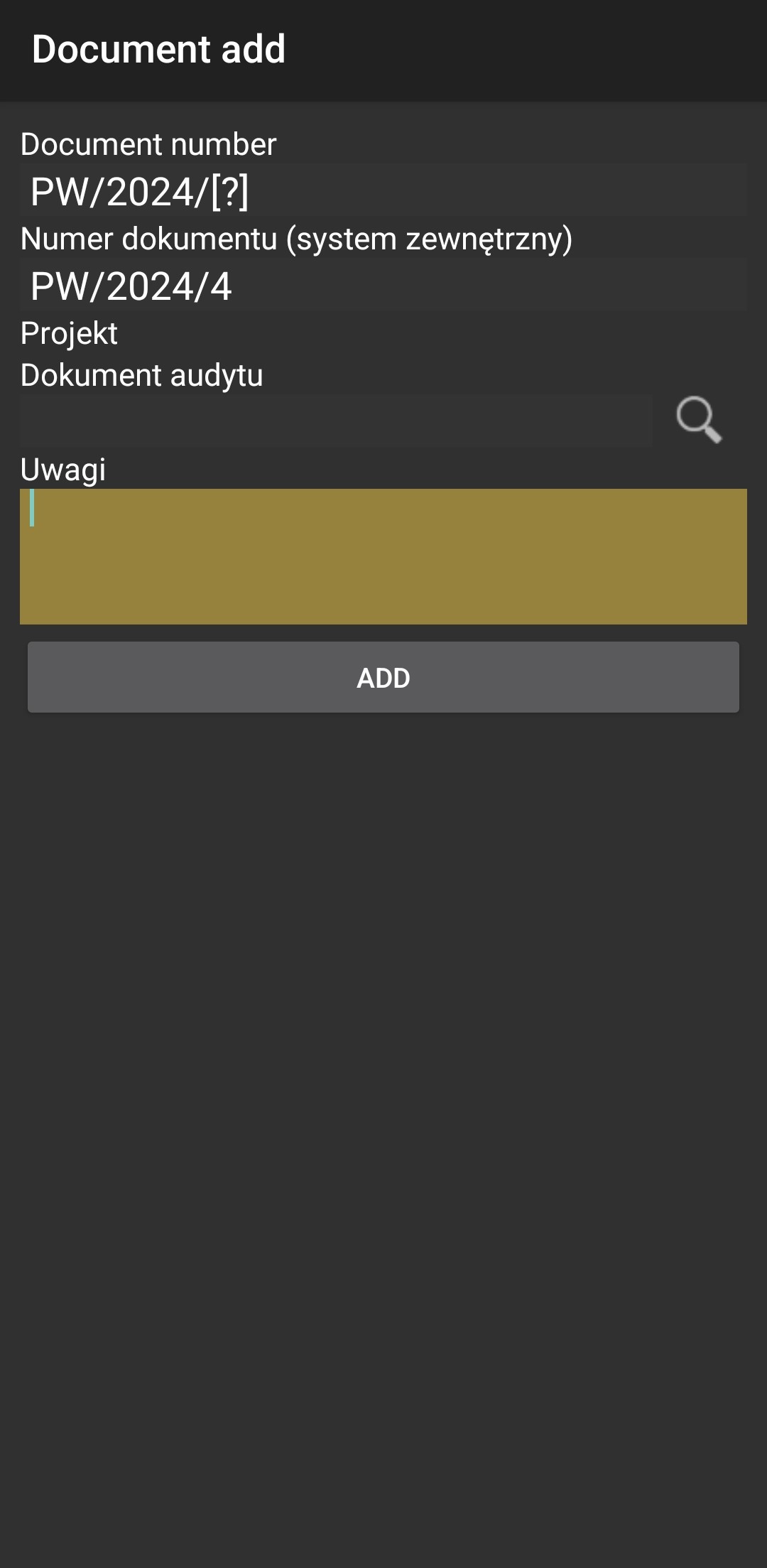
Type Number of document and optional comments.
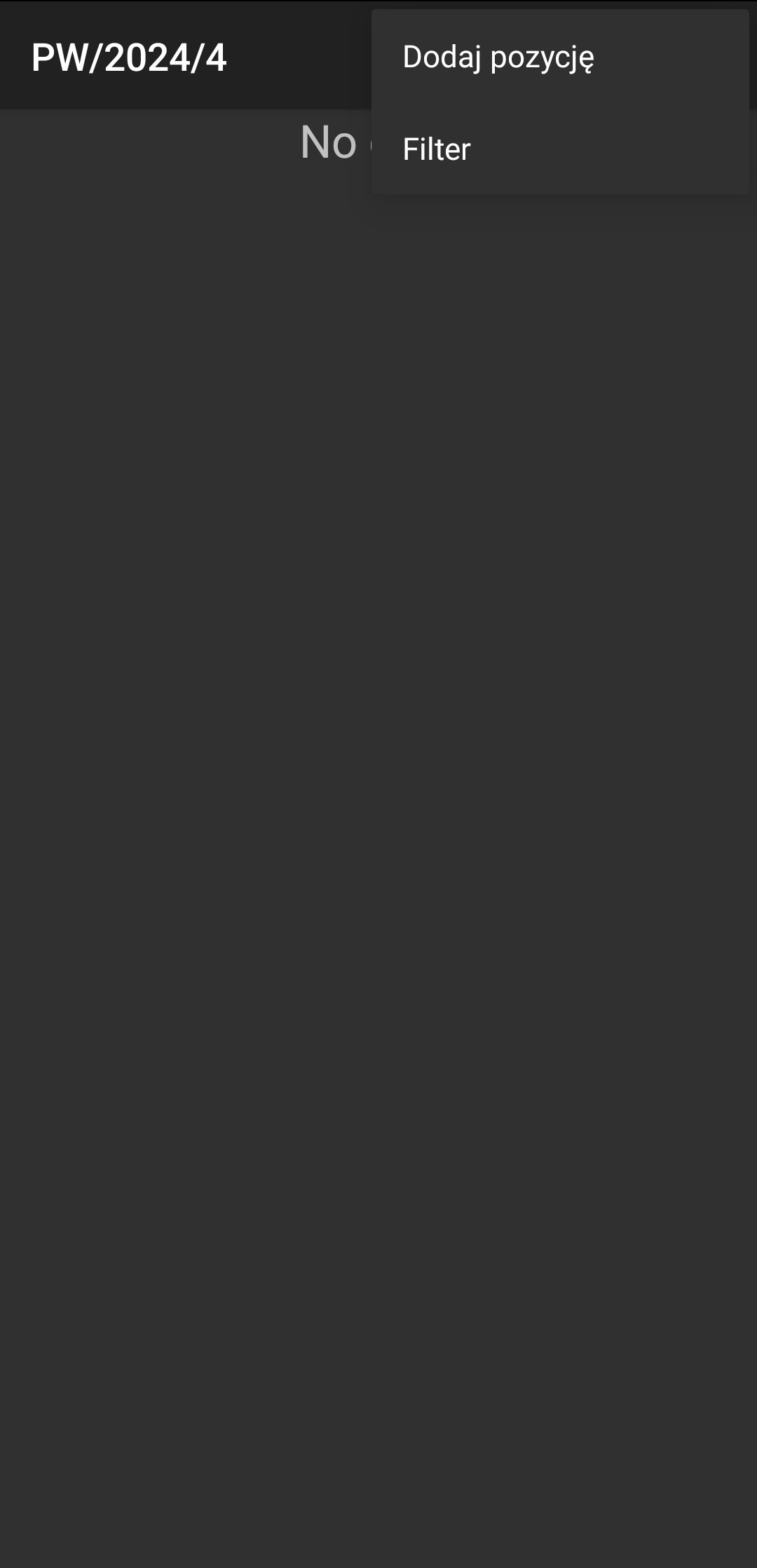
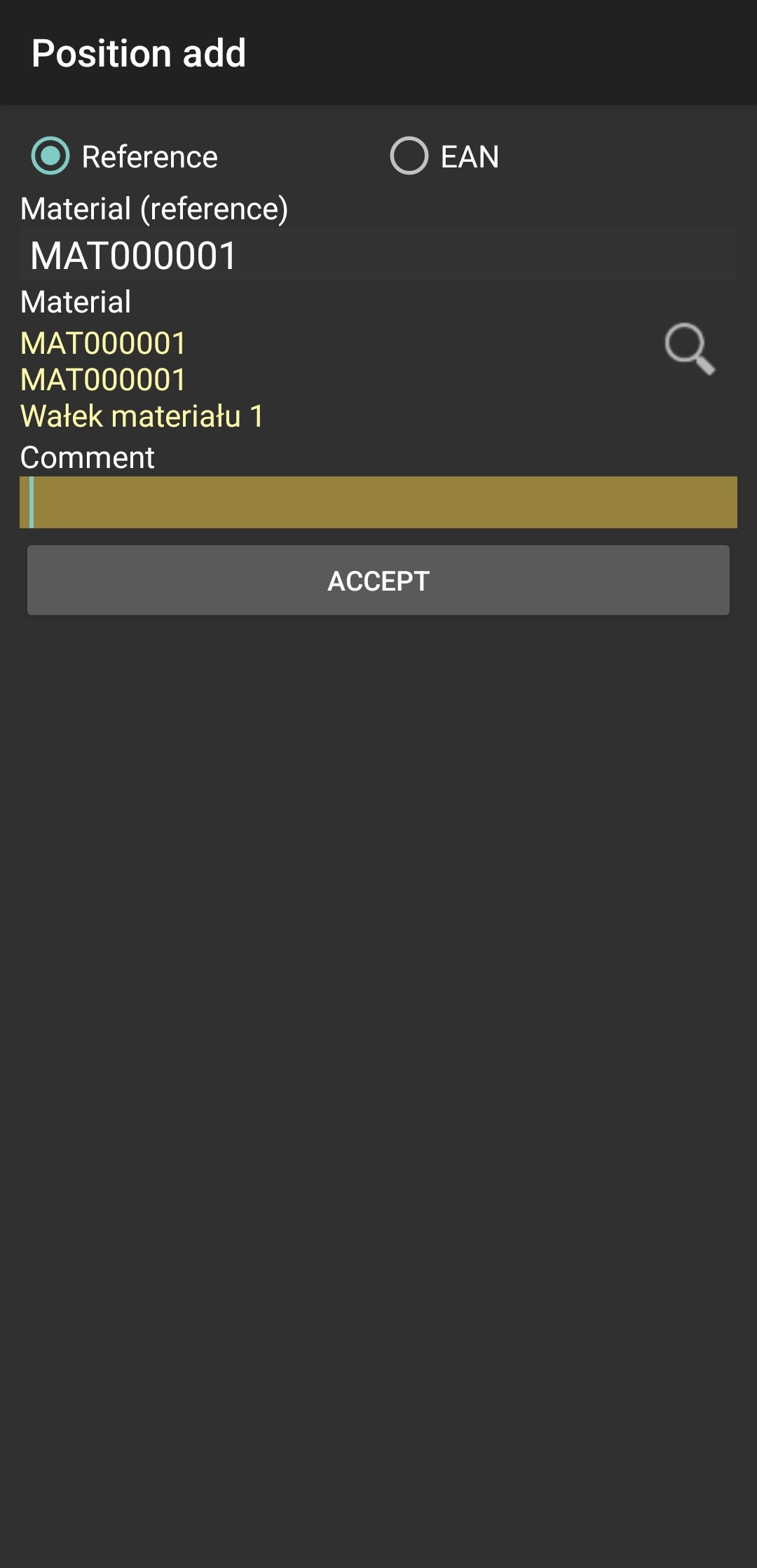
Now you can add position to your Interior Income document.
Scan material reference or press on loupe and choose material from list and click "ACCEPT".
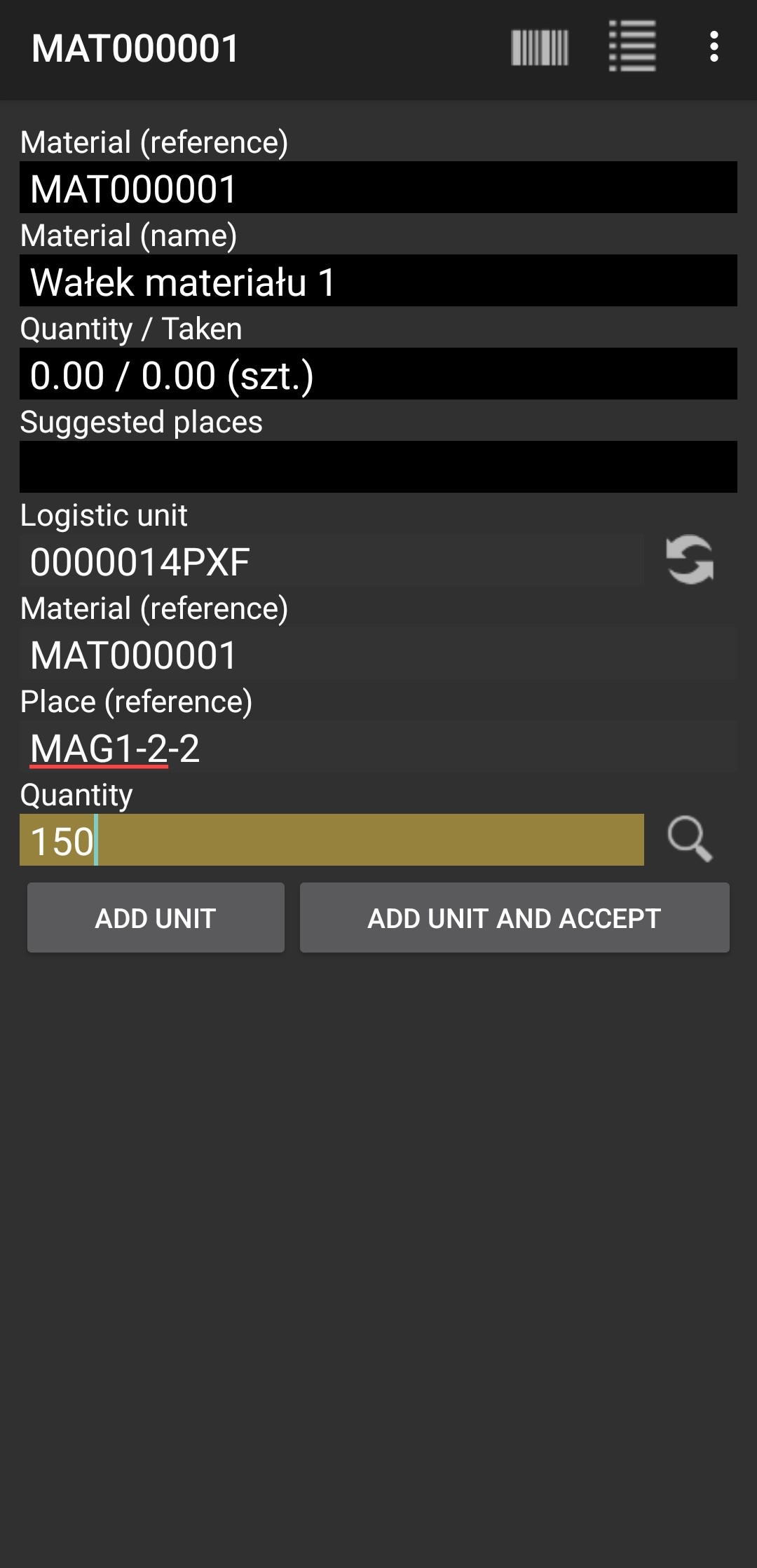
Now you have to add Logistic unit, material reference, place, quantity and press "ADD UNIT AND ACCEPT"
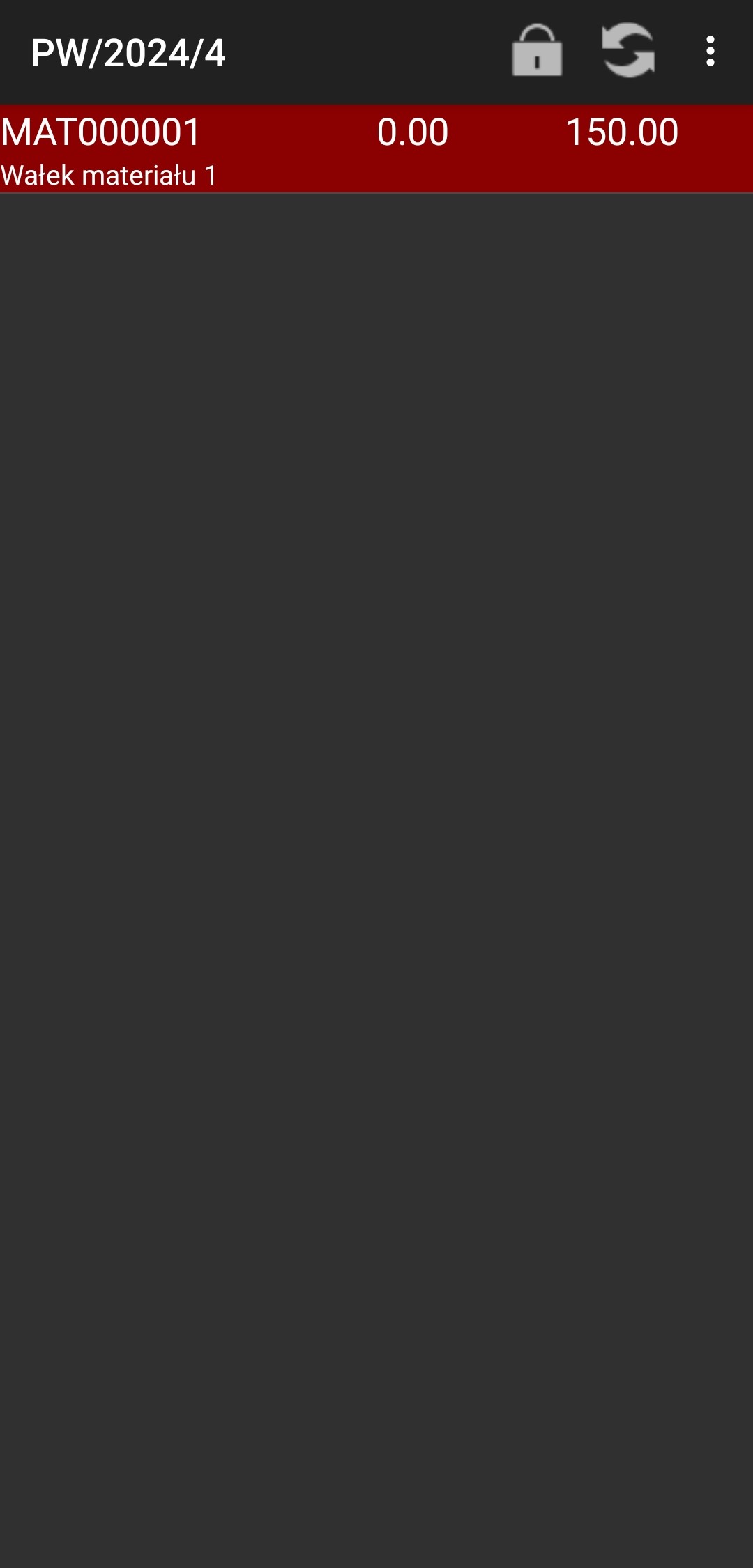
You should see position highlighted in red click padlock.
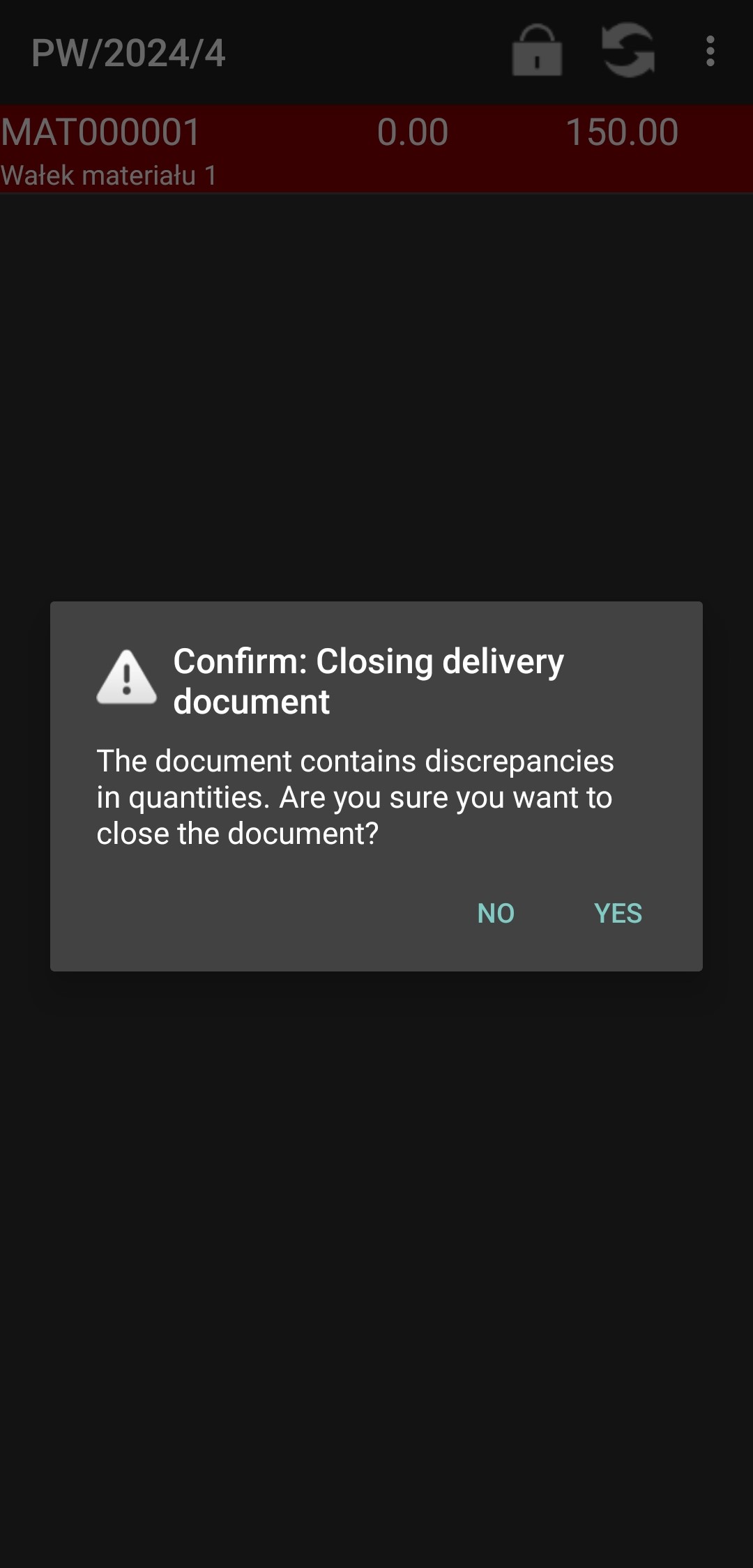
And then click "YES".
If everything is correct you shouldn't see this document on list.
Go back and everything done.