Mixed Units
Mixed Units in Weaver WMS
The Weaver WMS warehouse system allows working with heterogeneous mixed units (so-called mixes). Such a logistics unit can consist of different materials from multiple batches.
Setup and Configuration
Before working with mixed units, it is recommended to properly configure user permissions and settings:
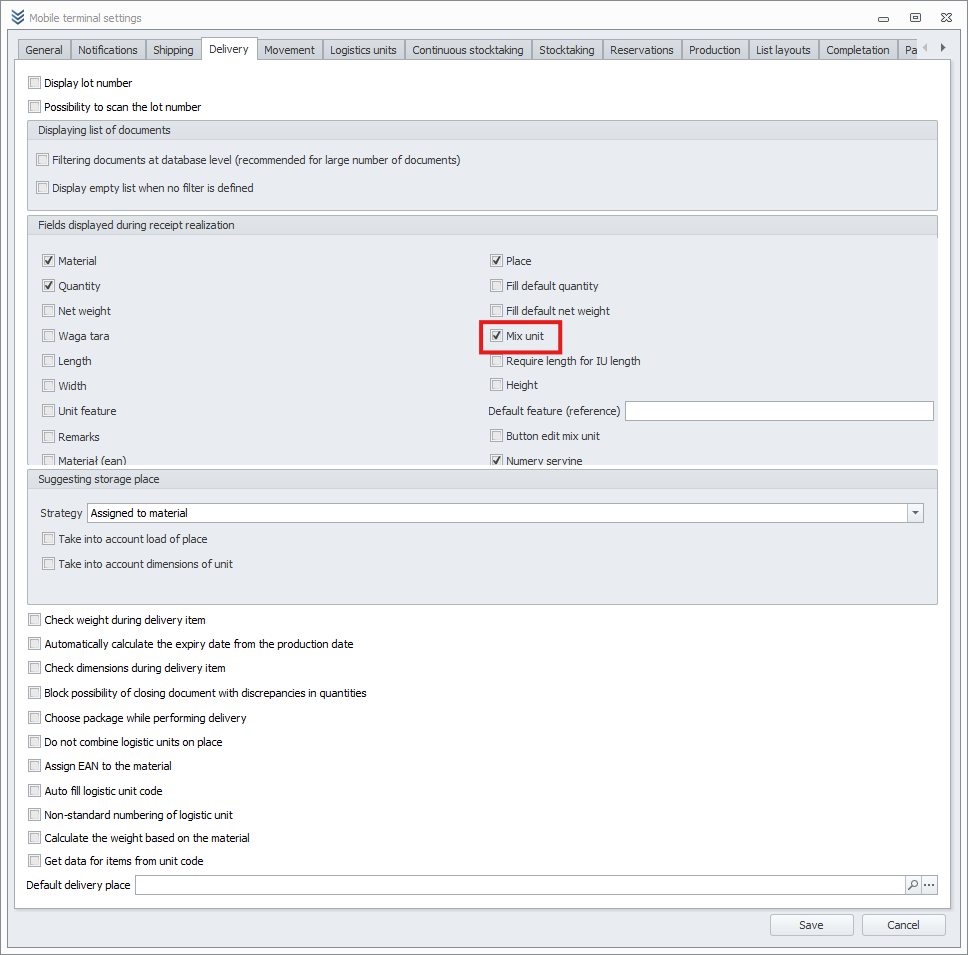
- In the desktop application, go to:
Main Menu -> Settings -> Users - For the selected user, open Mobile Terminal Settings and enable:
Receipts -> Mixed Unit
Adding Mixed Units on a Mobile Device
On an Android mobile device, you can create a heterogeneous mixed unit to which different materials will be added.
Go to:
Mixed Units -> Add on the Mobile Device

Important
- Print a code for the mixed unit before adding it.
- The mixed unit must be the only unit in the chosen location.
Desktop Application View
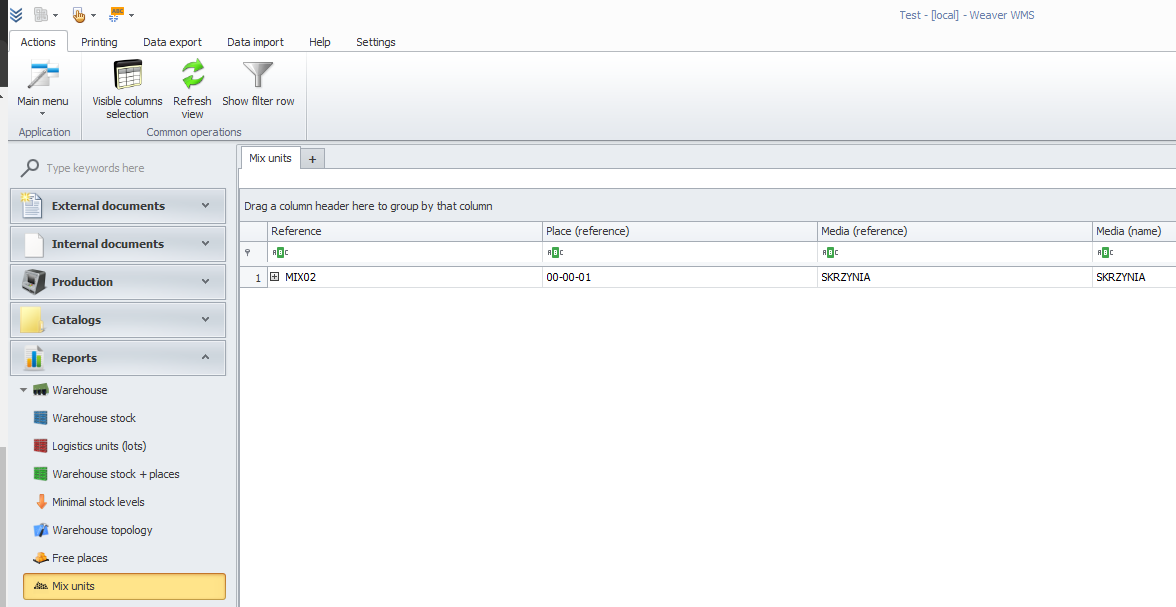
Both homogeneous and heterogeneous mixed units can be viewed in the desktop application by navigating to:
Menu -> Reports -> Mixed Units
Receiving Goods into Mixed Units
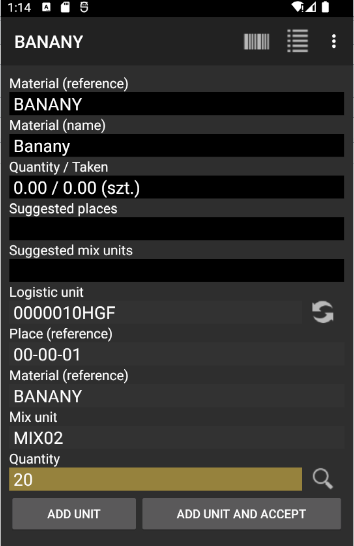
When receiving goods (e.g., using PW or PZ documents), you can scan the mixed unit’s code to add the received materials to it.
Adding a Mixed Unit to Outgoing Documents
You can add the entire mixed unit to an outgoing document, such as RW or WZ.
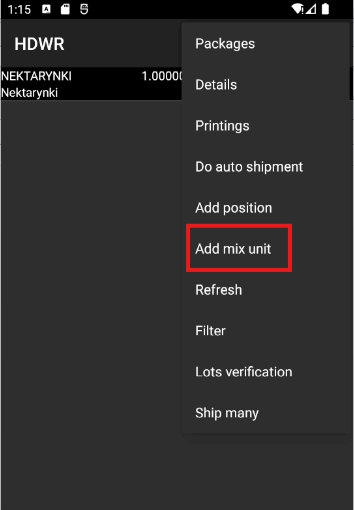
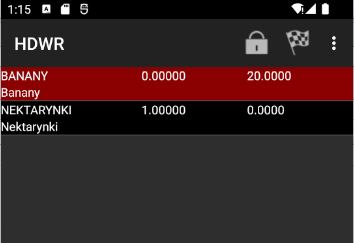
After adding it, a complete list of materials within that mixed unit will be displayed.