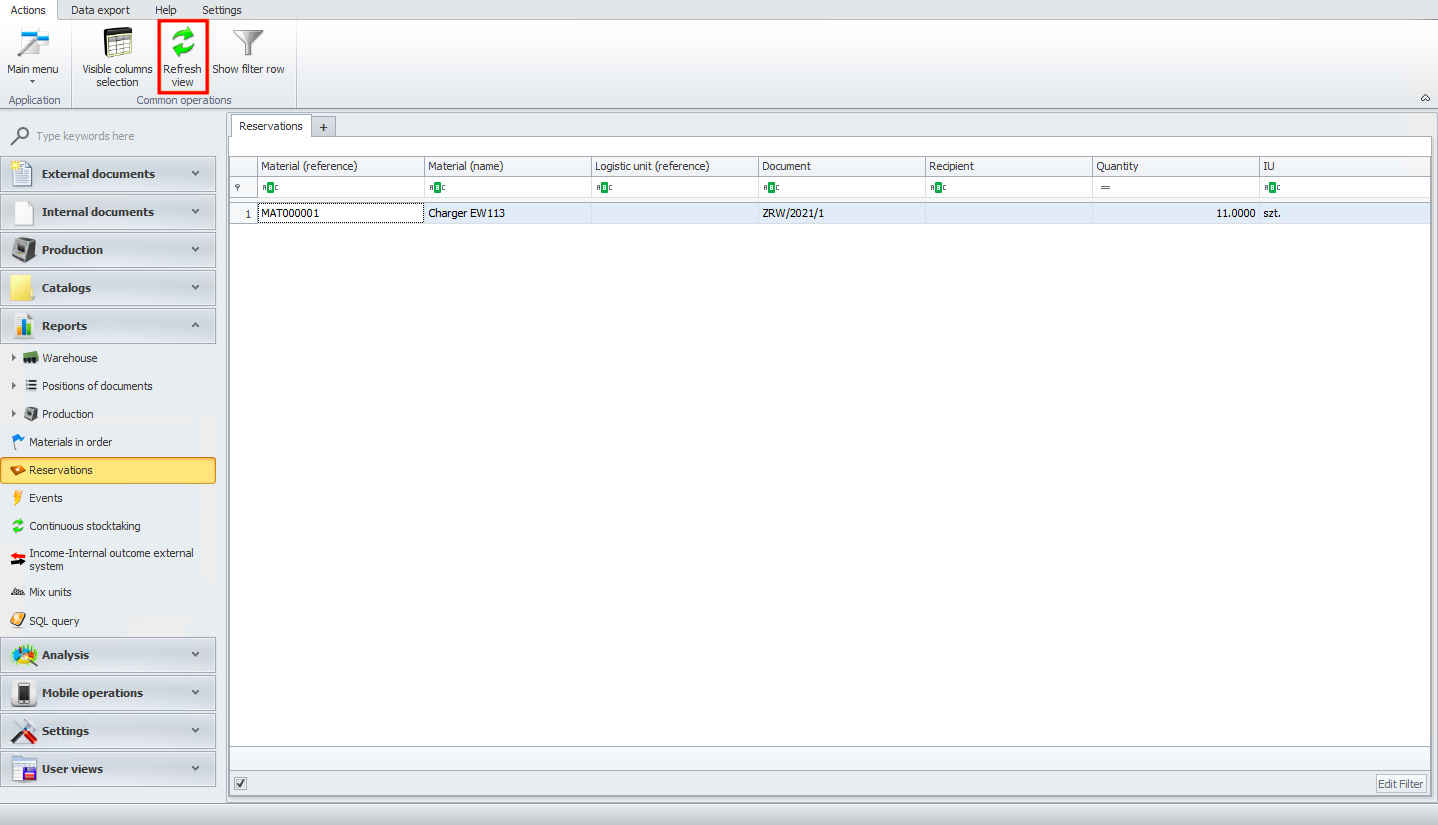
Reservations
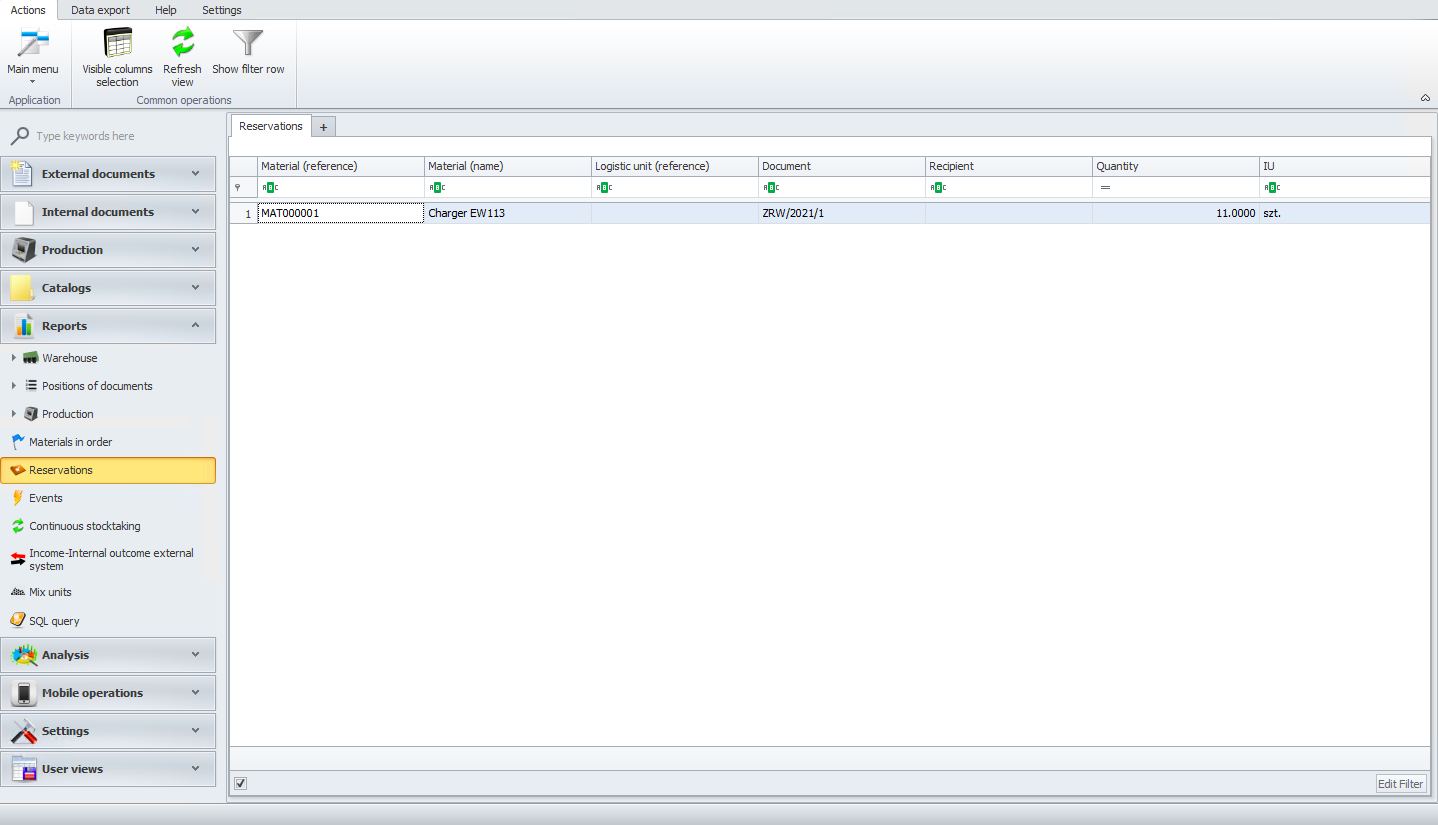
In reservations module you will see all your reserved materials.
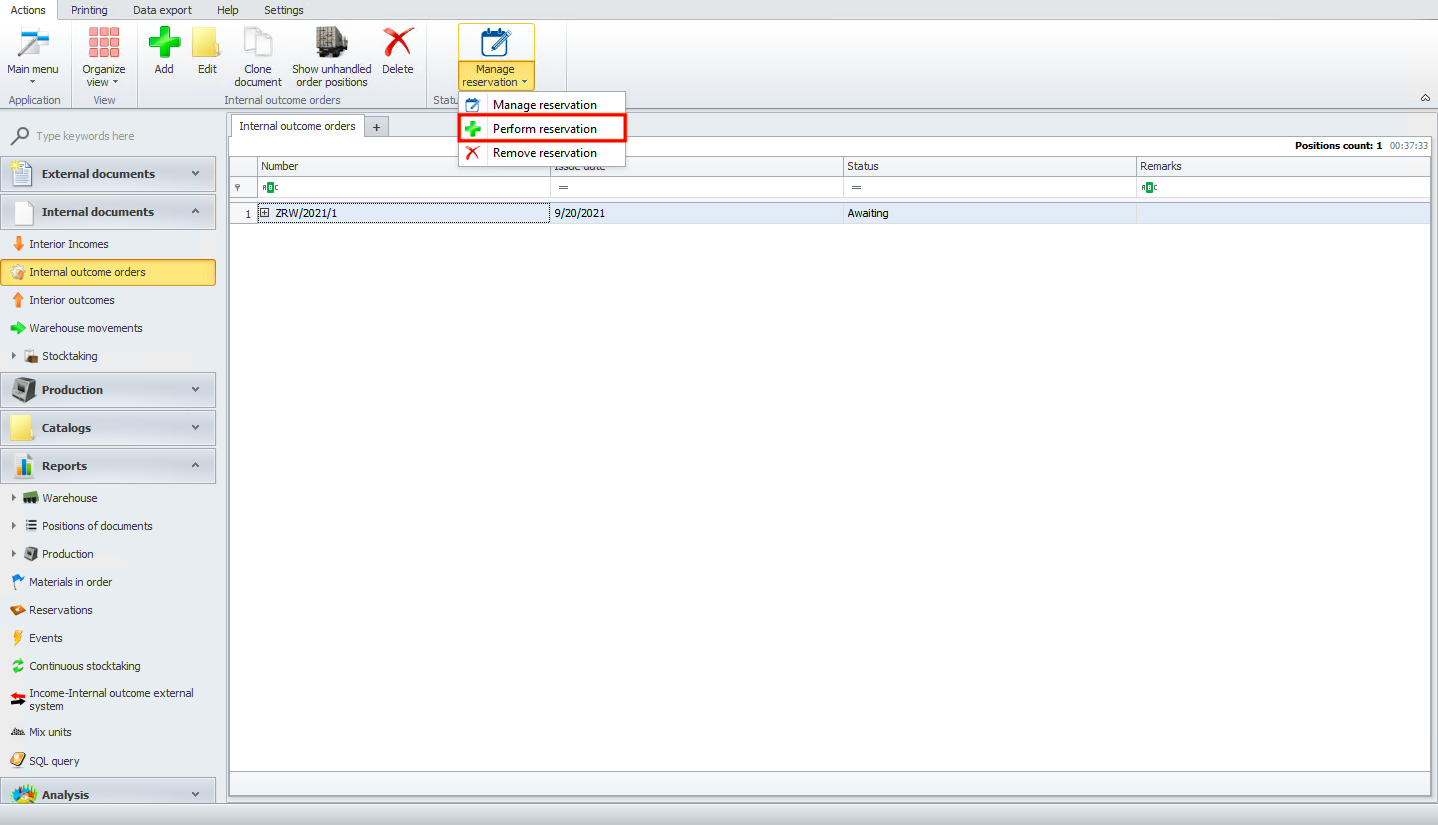
If you want to reserve material you can do it from interior outcome orders module. After adding the document please click on manage reservation and then perform reservation.
Please remember that if you do not see your reservation you need to refresh view or click on F5.