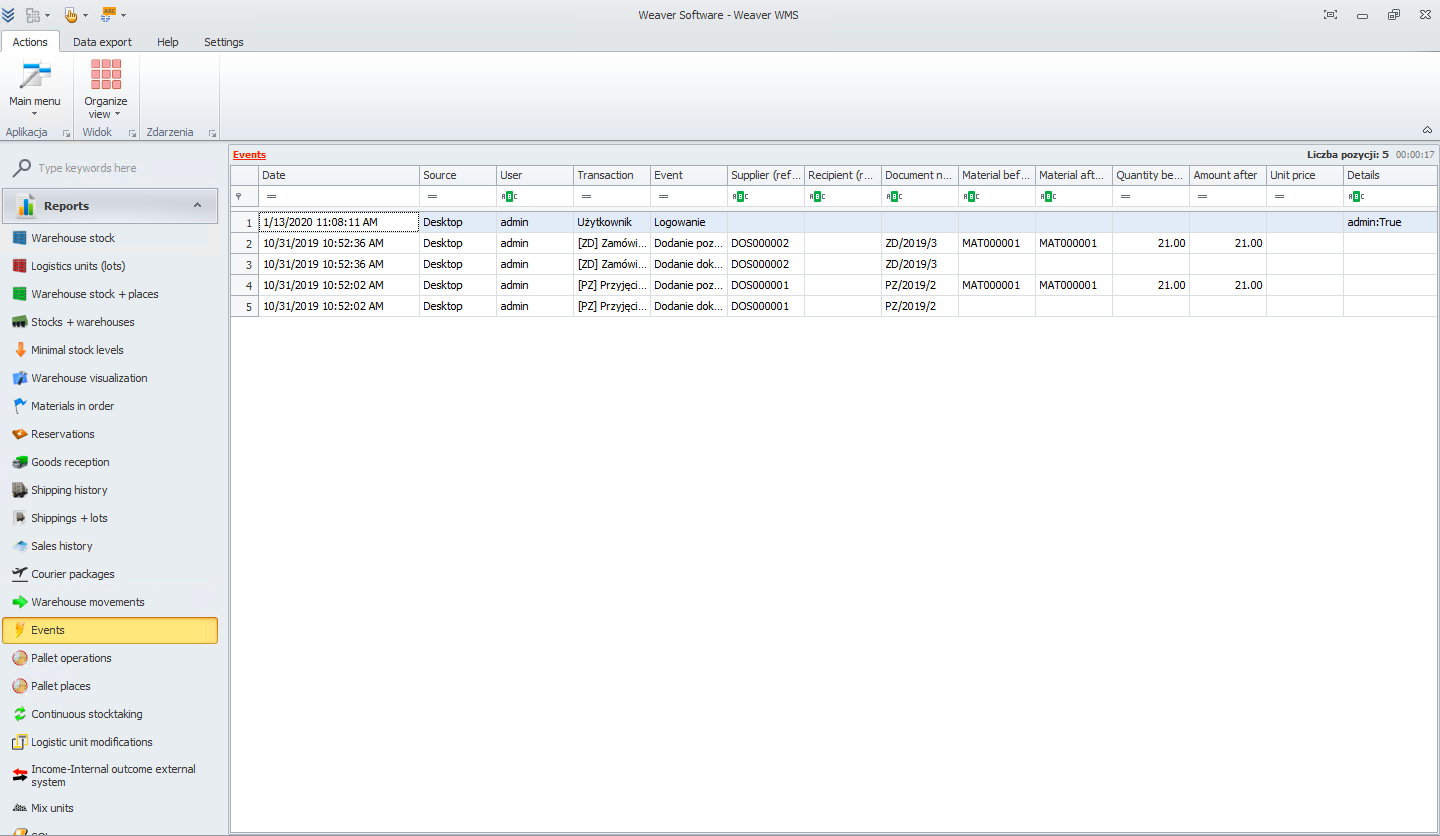
Events
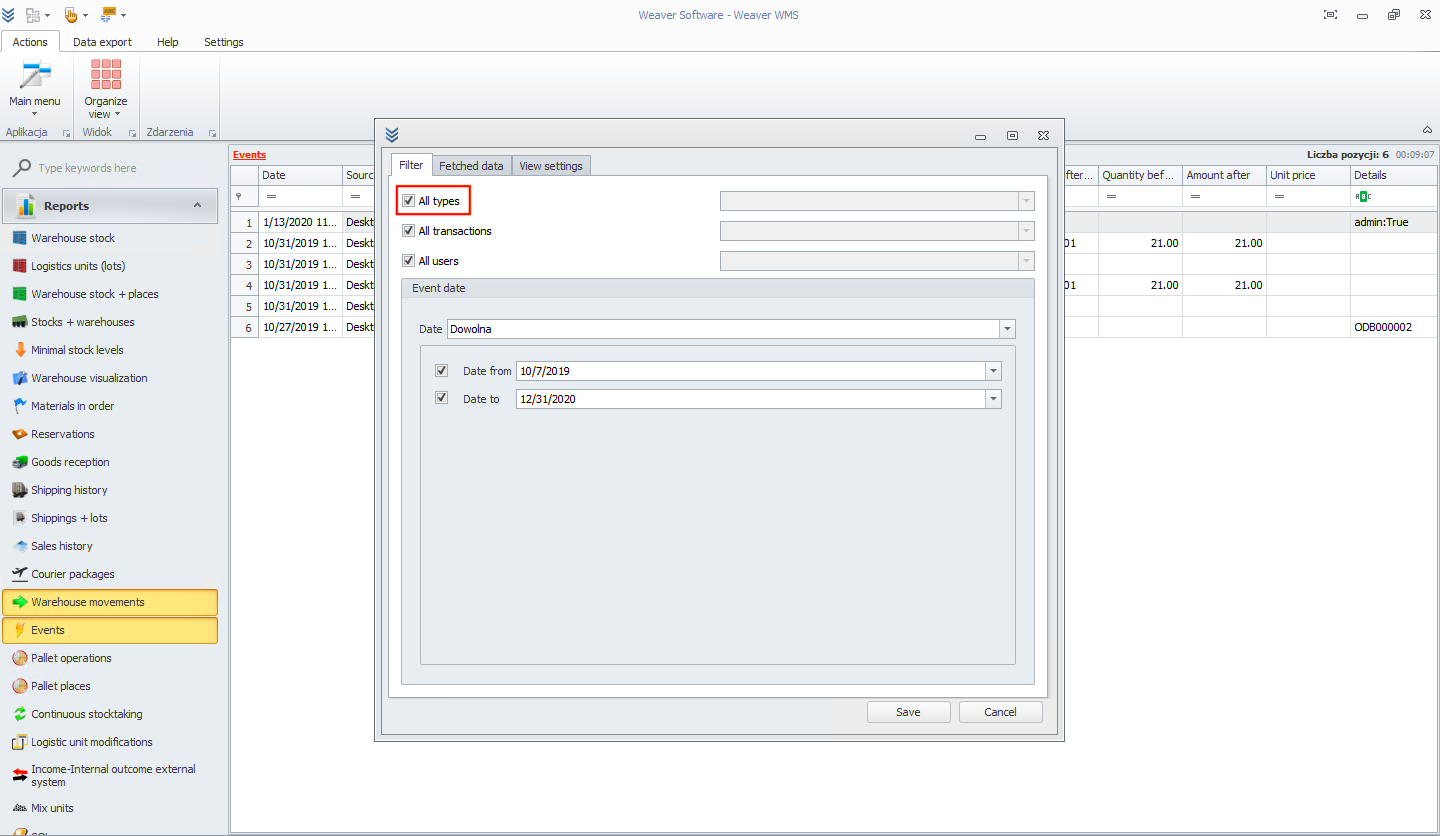
Here you will check all events that happened during the selected time. To start, please select what data you would like to see. First, you can choose type of events. Let's take, for example, all types.
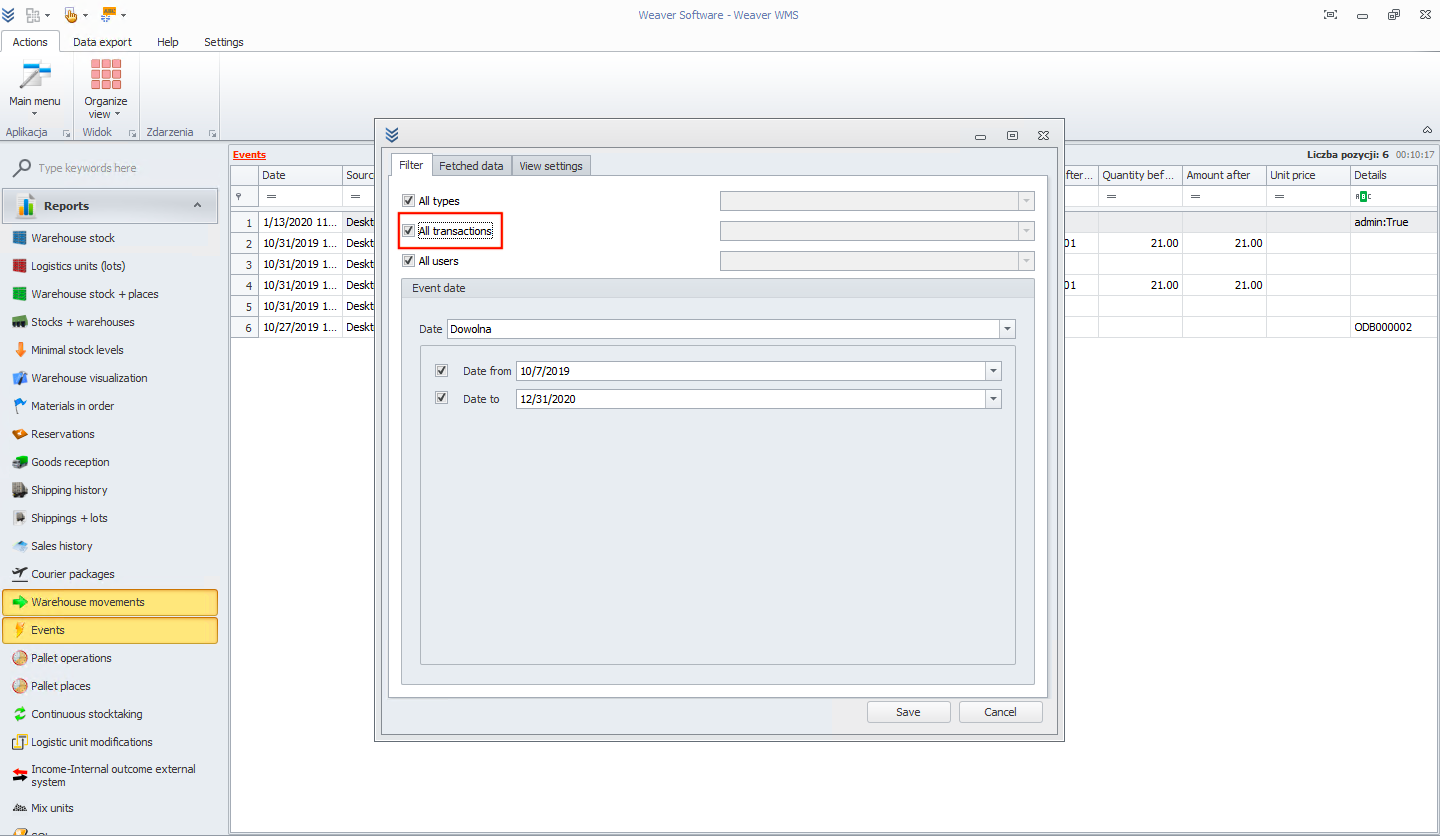
Now, let's choose only all transactions.
And left filter for all users.
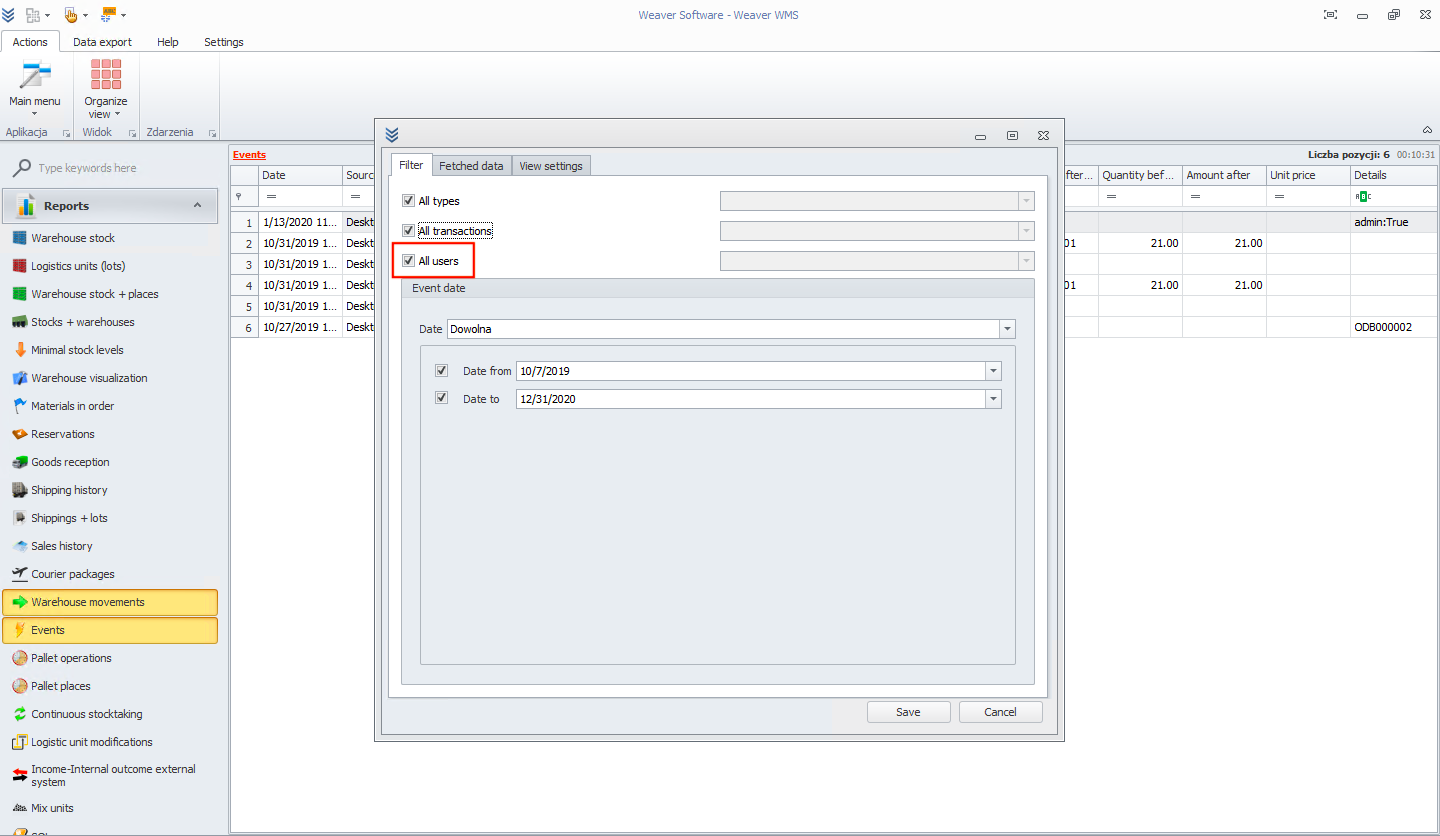
In the end, I will select the last two months for event date.
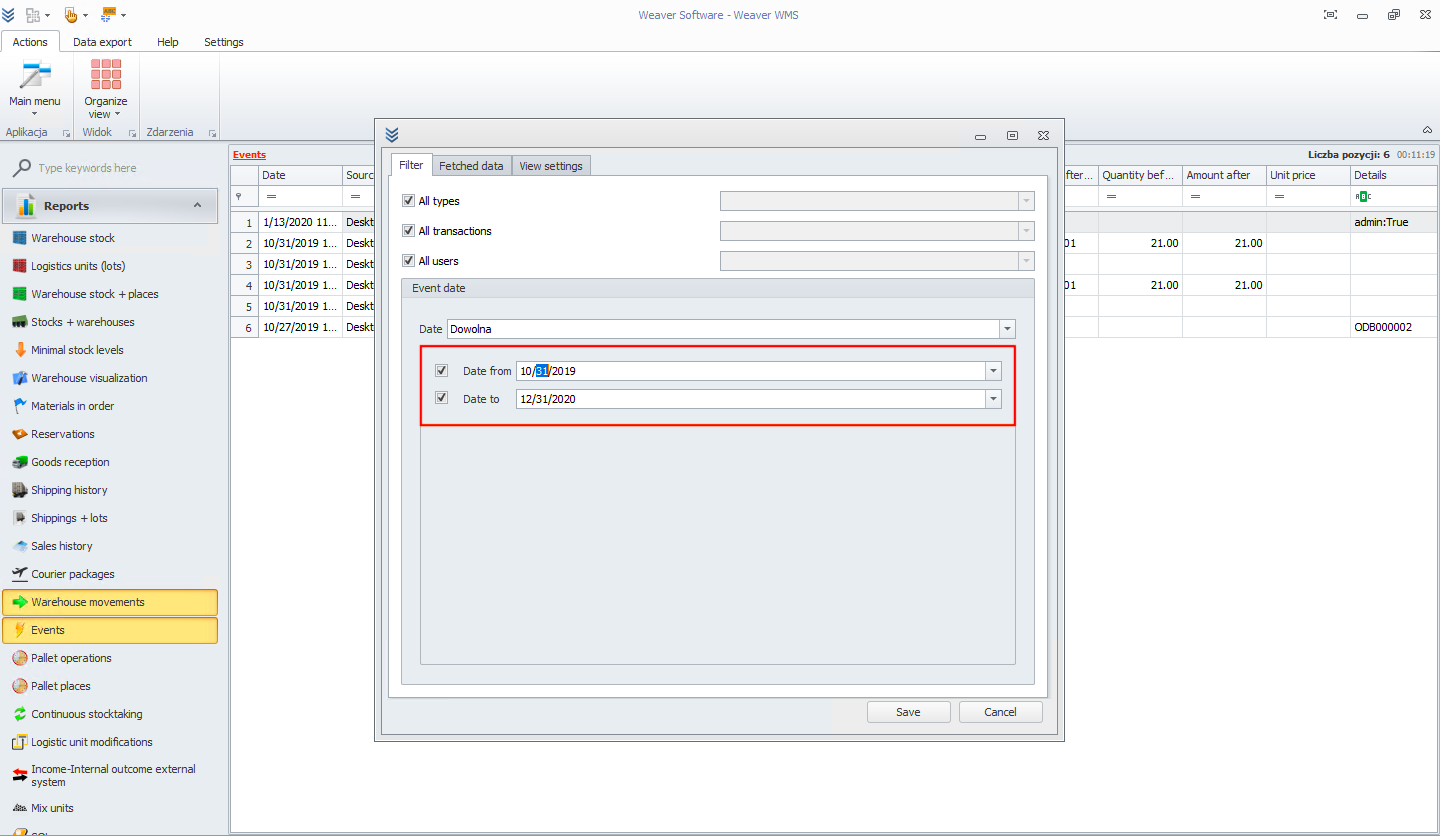
After clicking on the save button, all events for filtered data are visible.