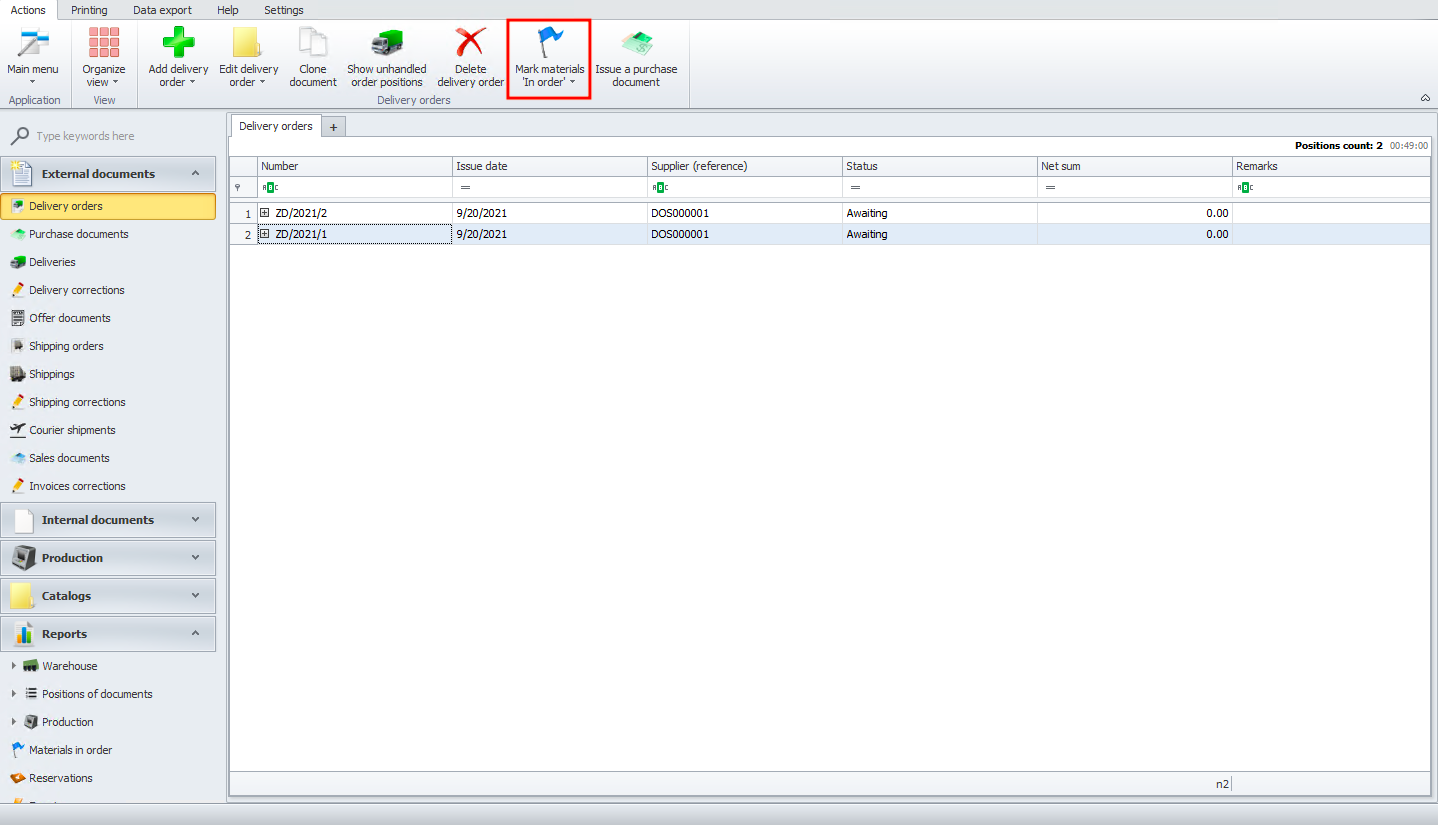
Materials in order
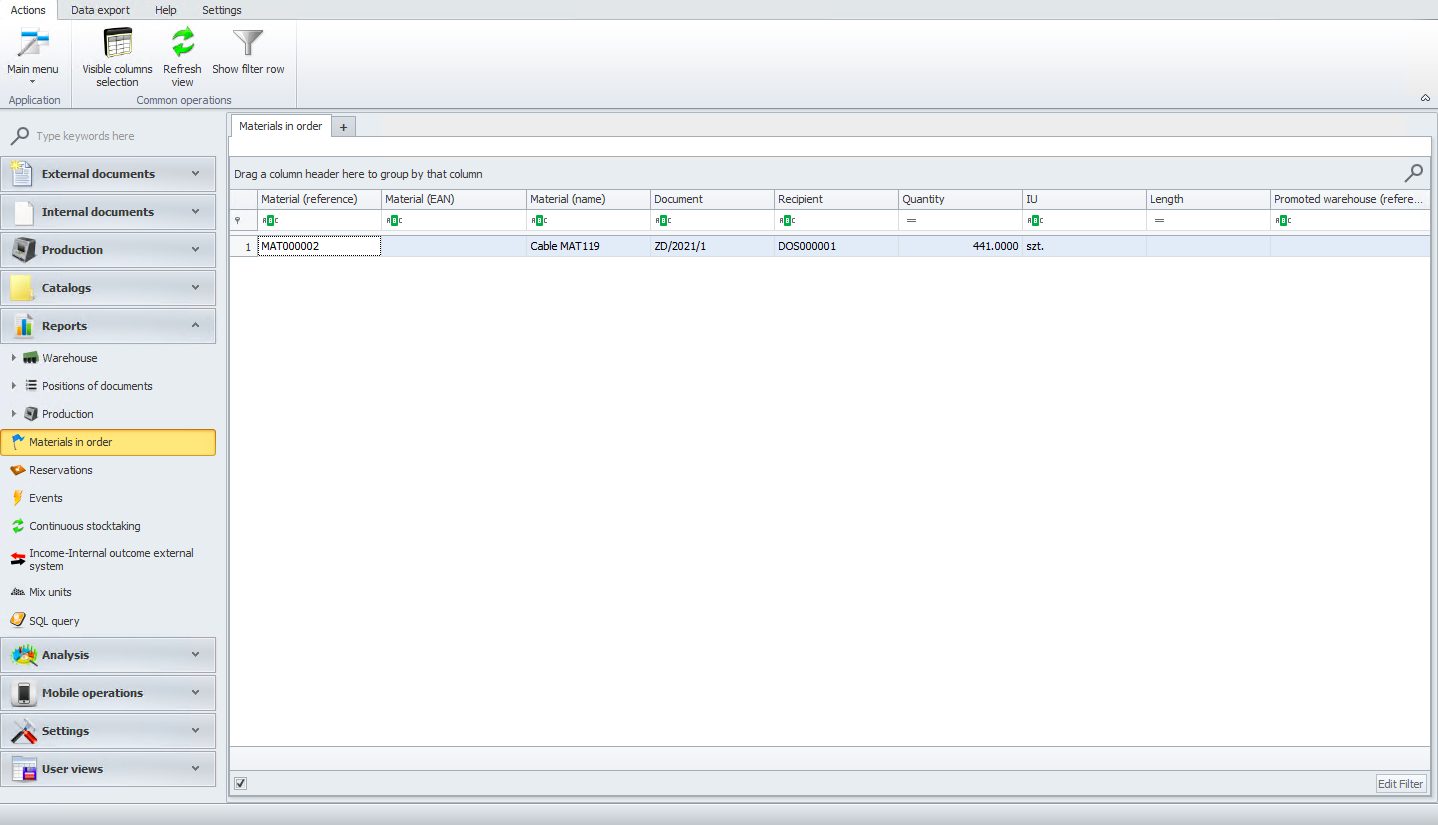
In the materials in order module, we can see all our materials that are currently in order.
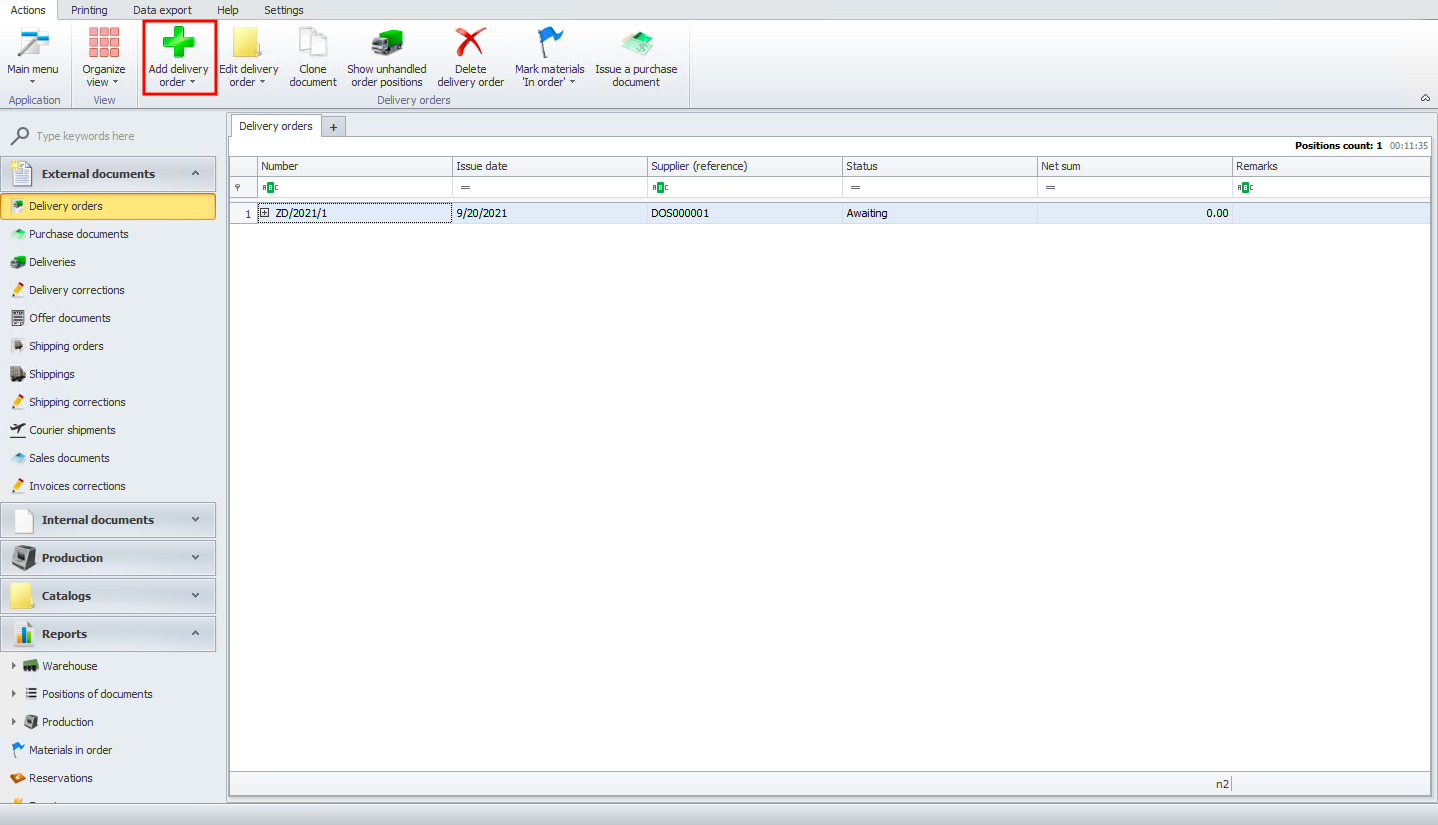
If you would like to see more materials in order, please go to the delivery orders module and click on the add delivery order button.
When the delivery order is ready, click on the mark materials 'in order' button.