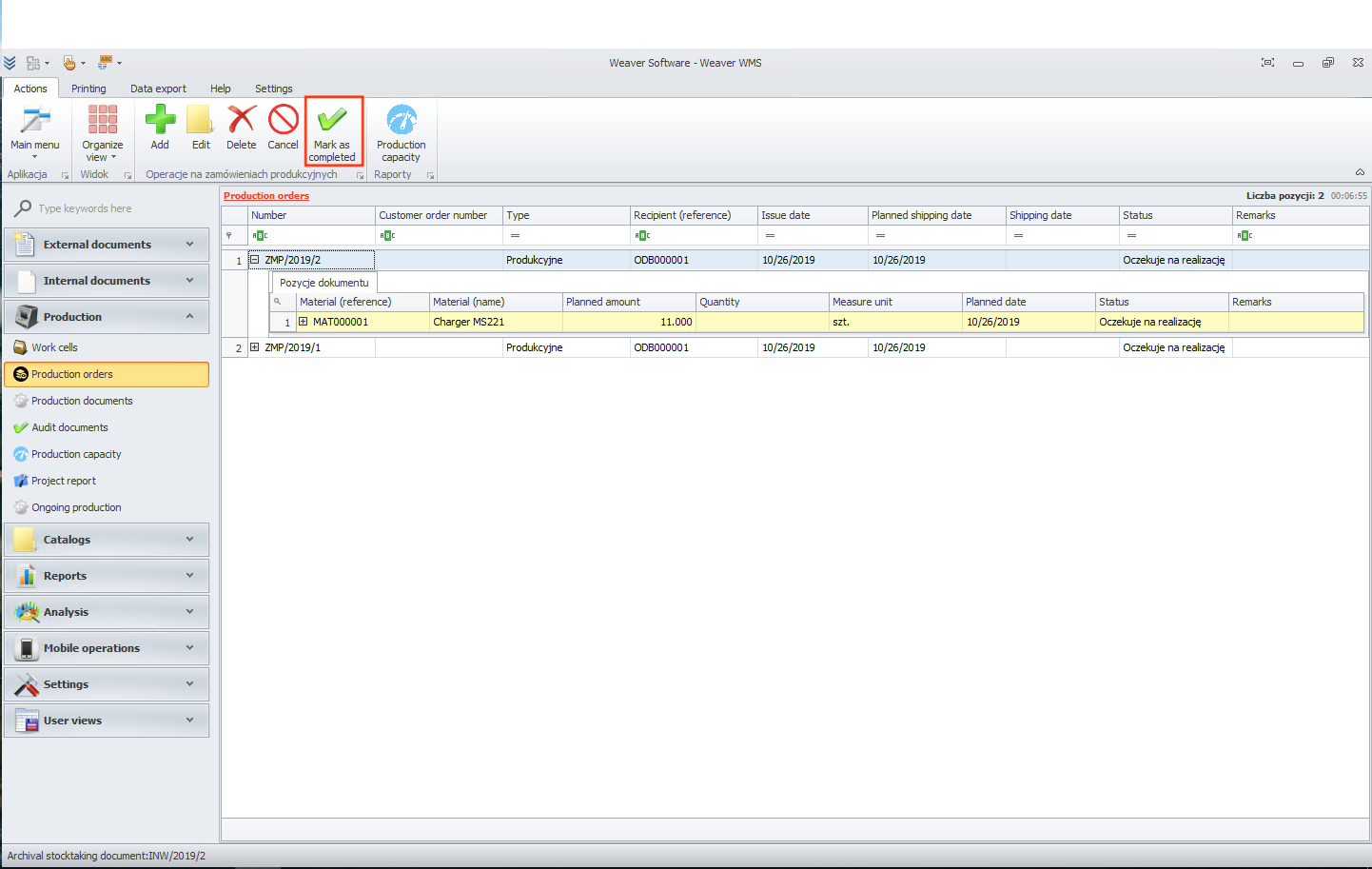
Production orders
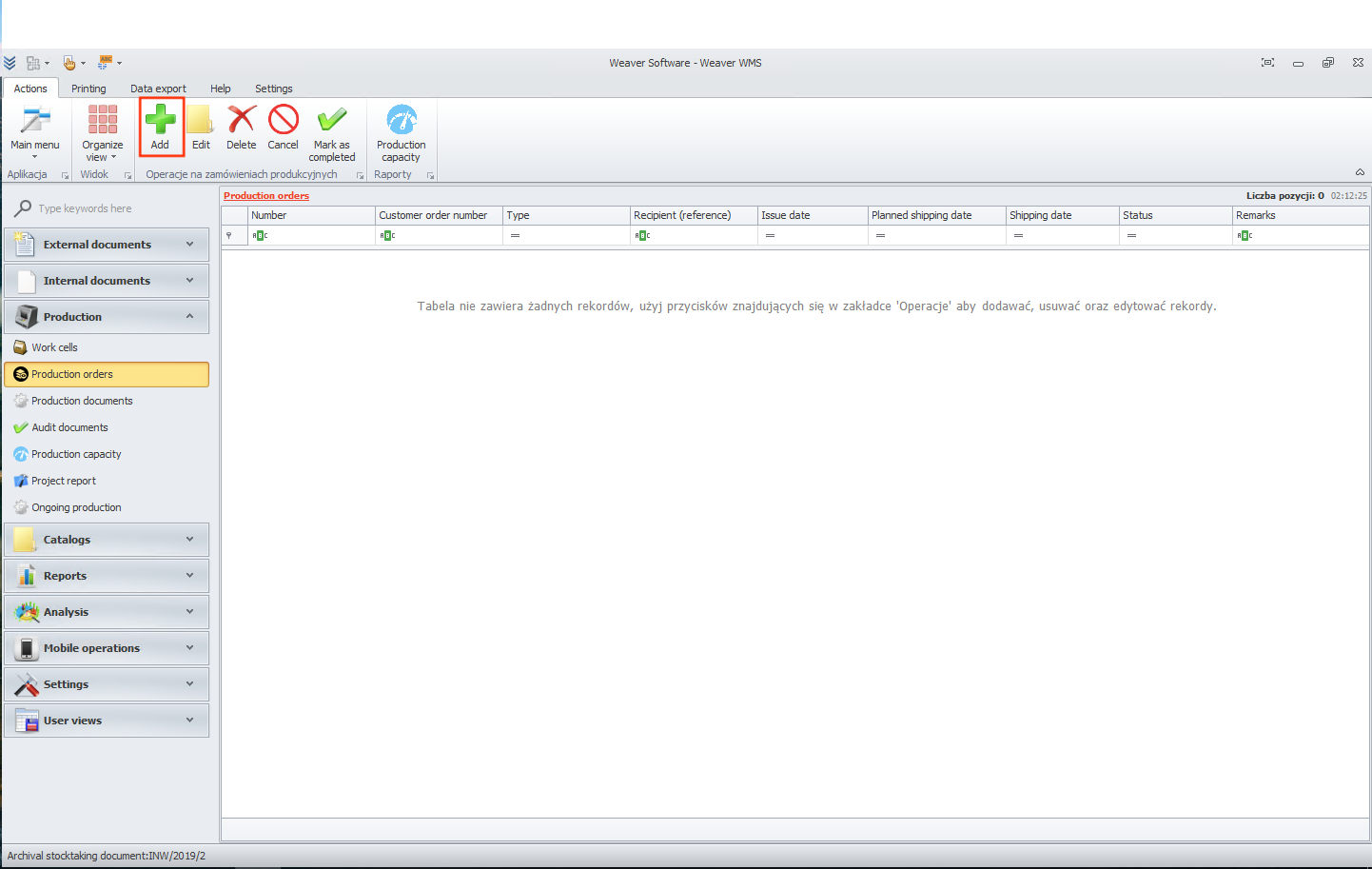
In this module you can add production order. To start just click on add button.
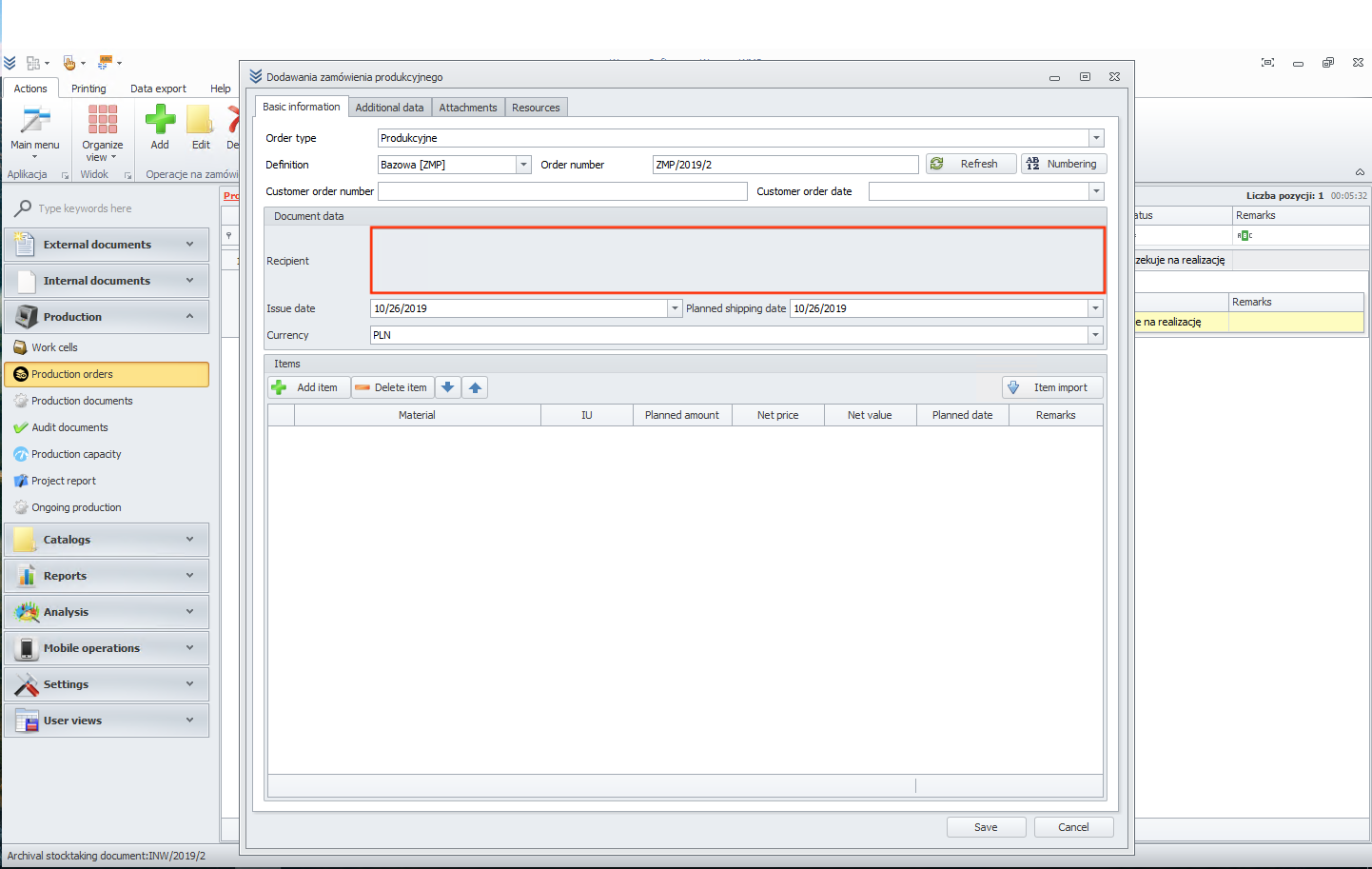
Now we need to add recipient.
You can add new one or choose from list.
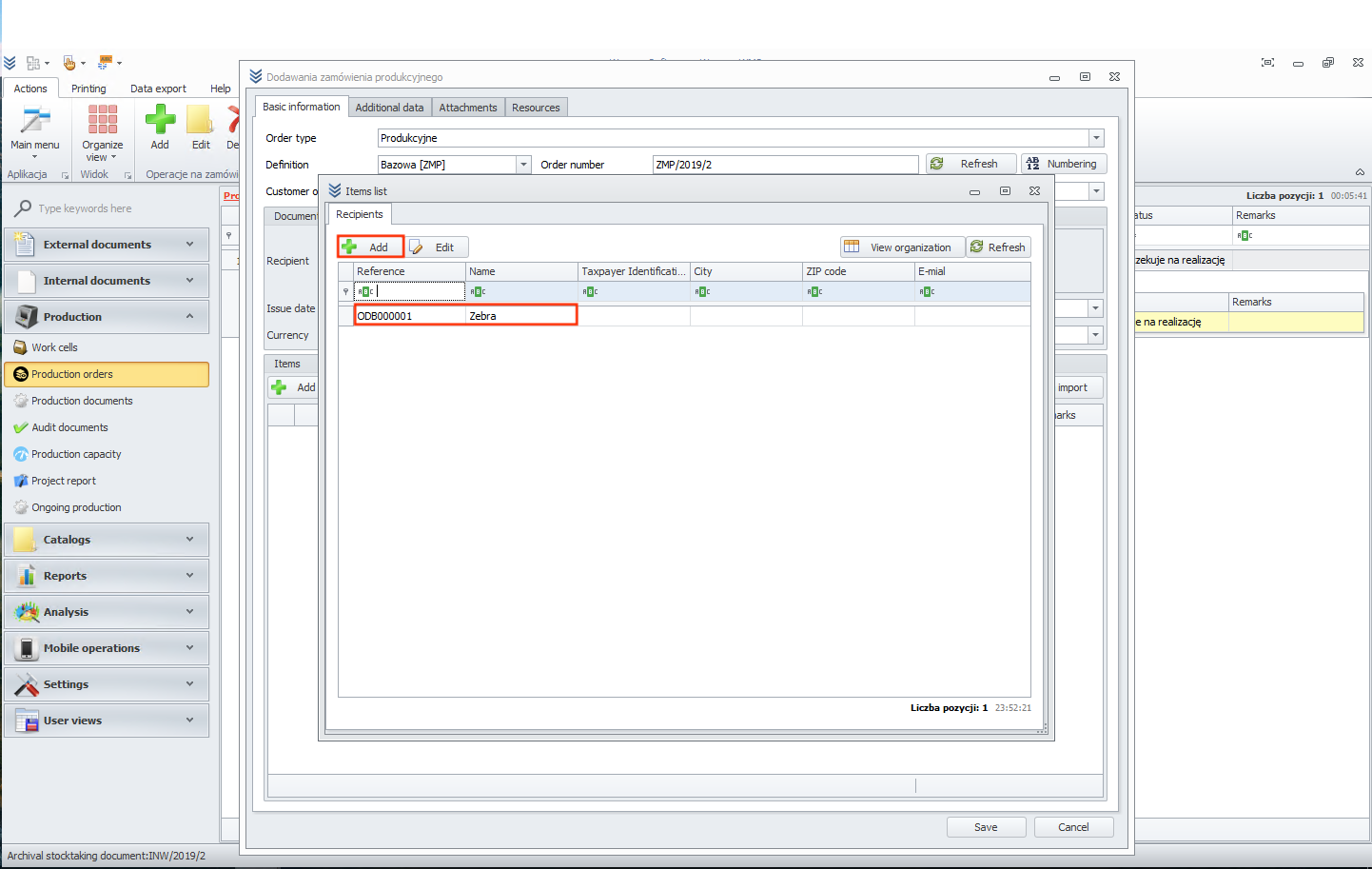
In next step click on add item button.
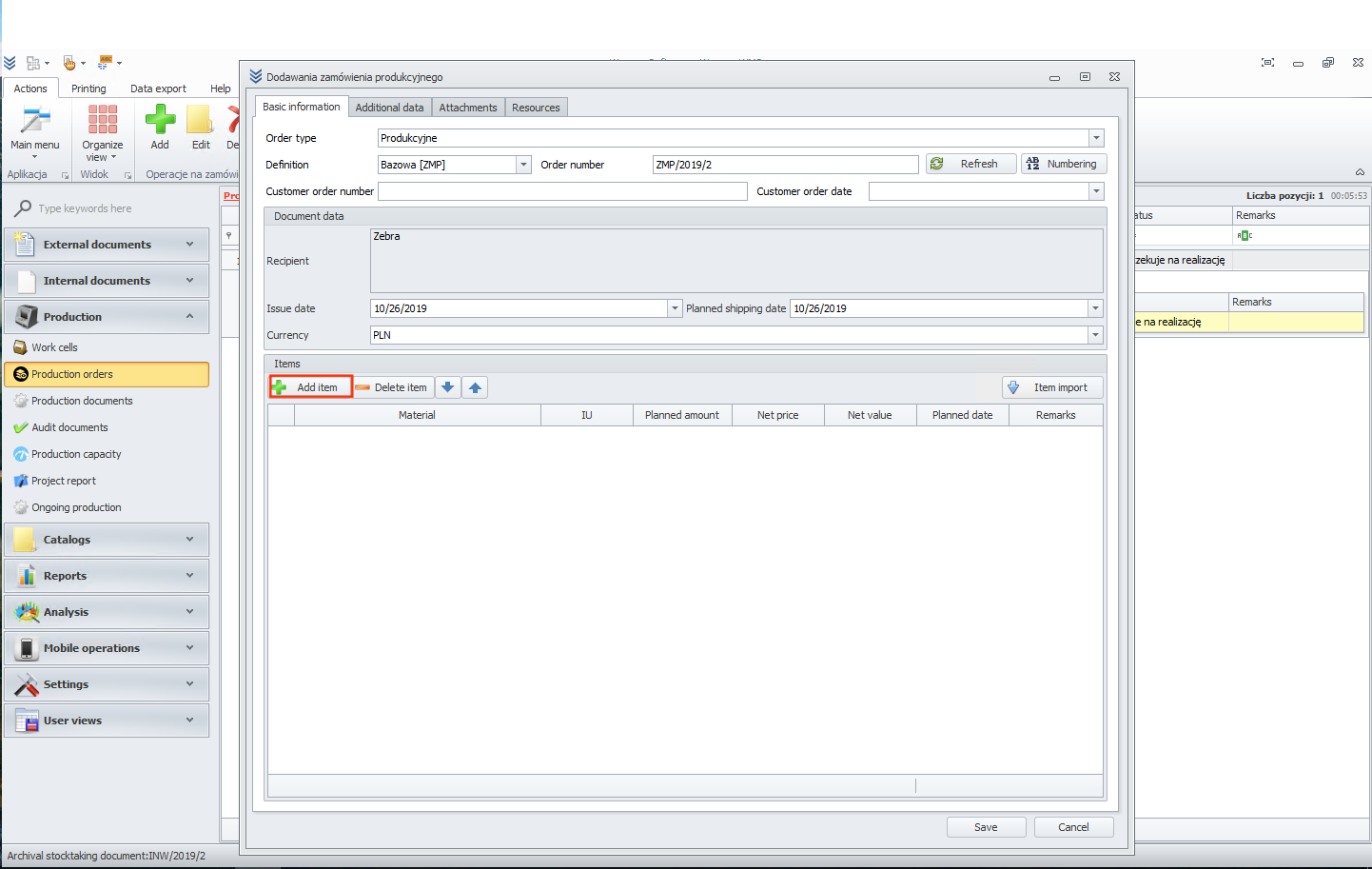
Now we need to add material.
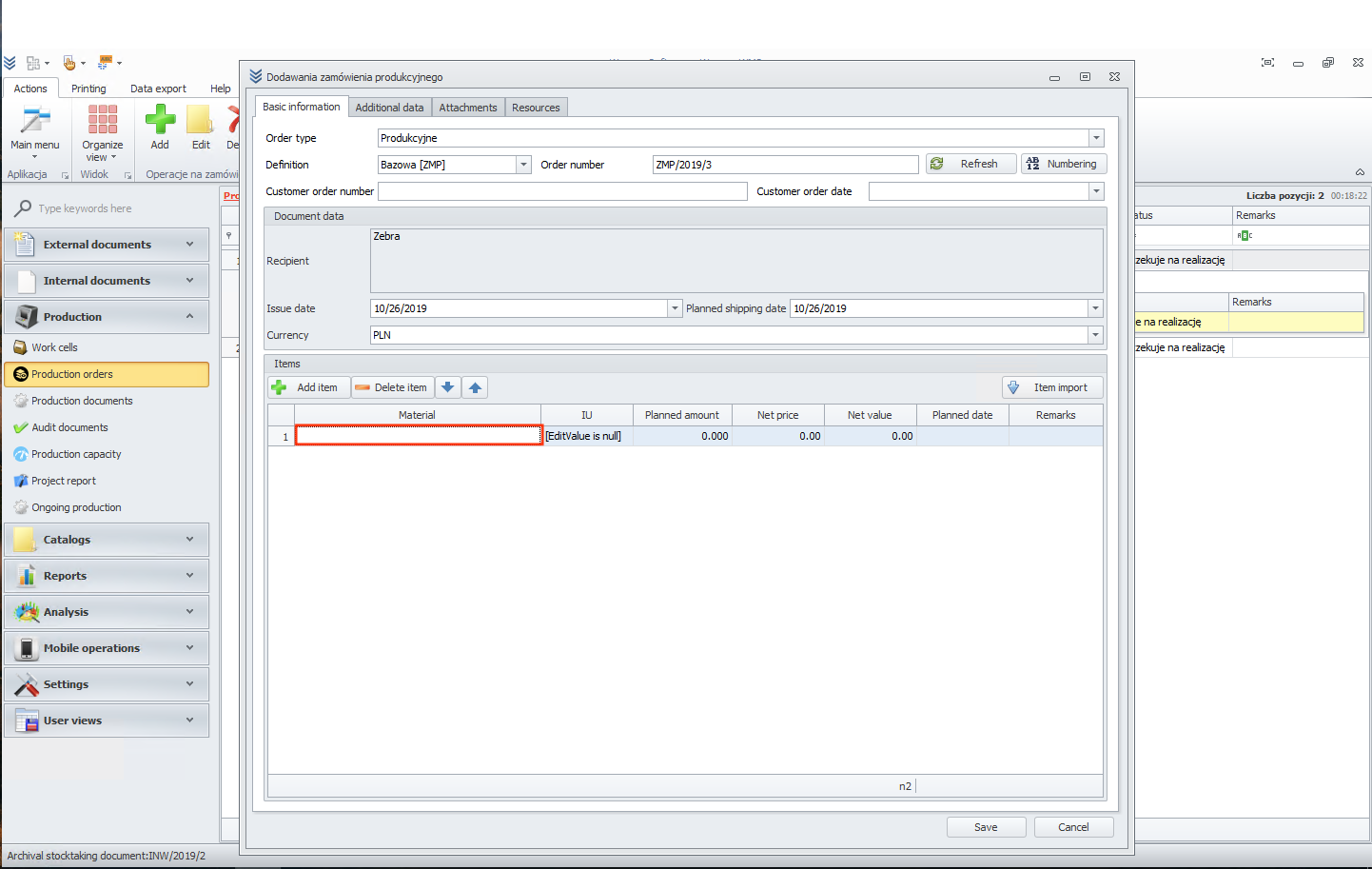
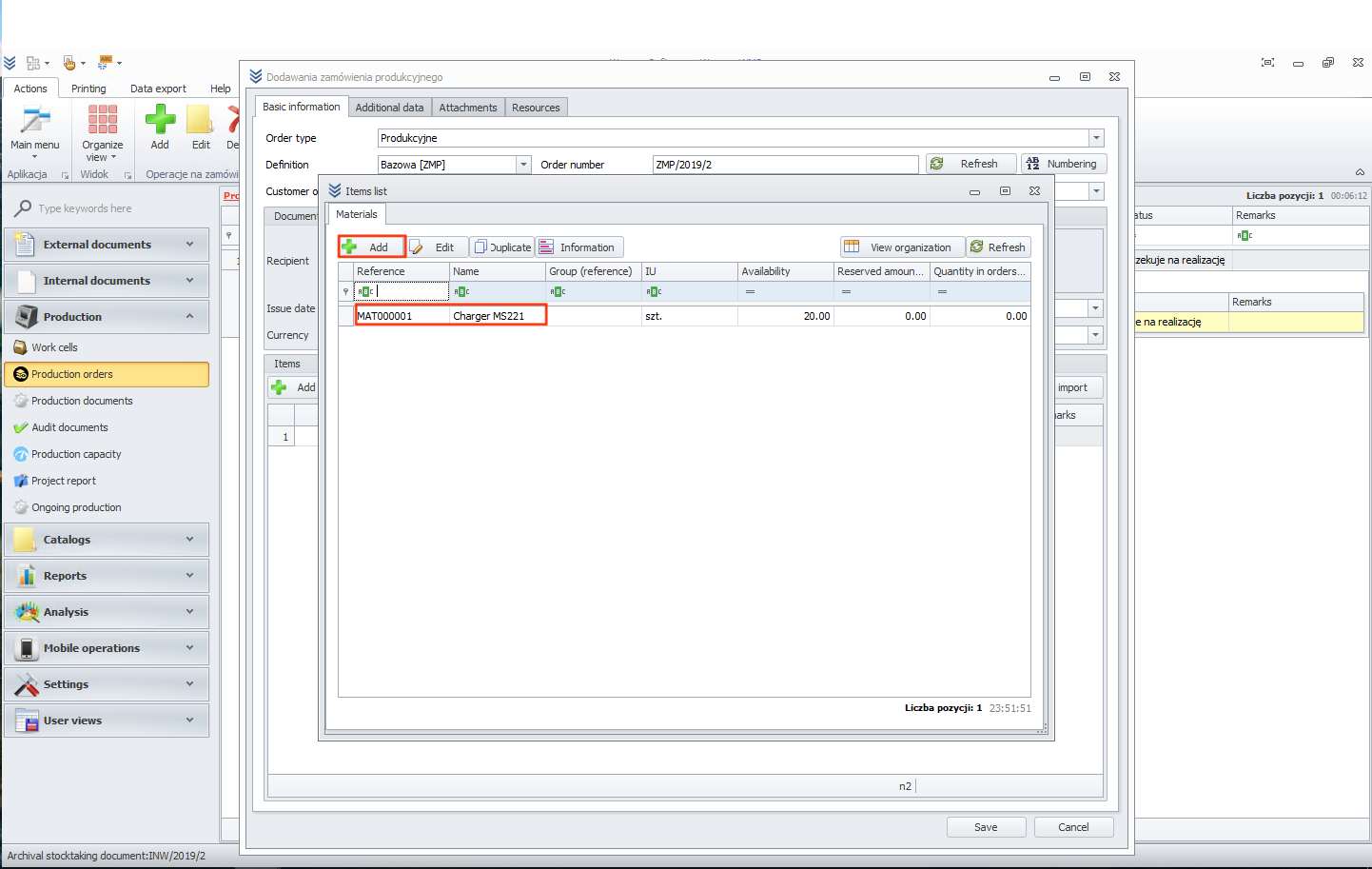
Like when we added recipient, we can add new one or choose from list.
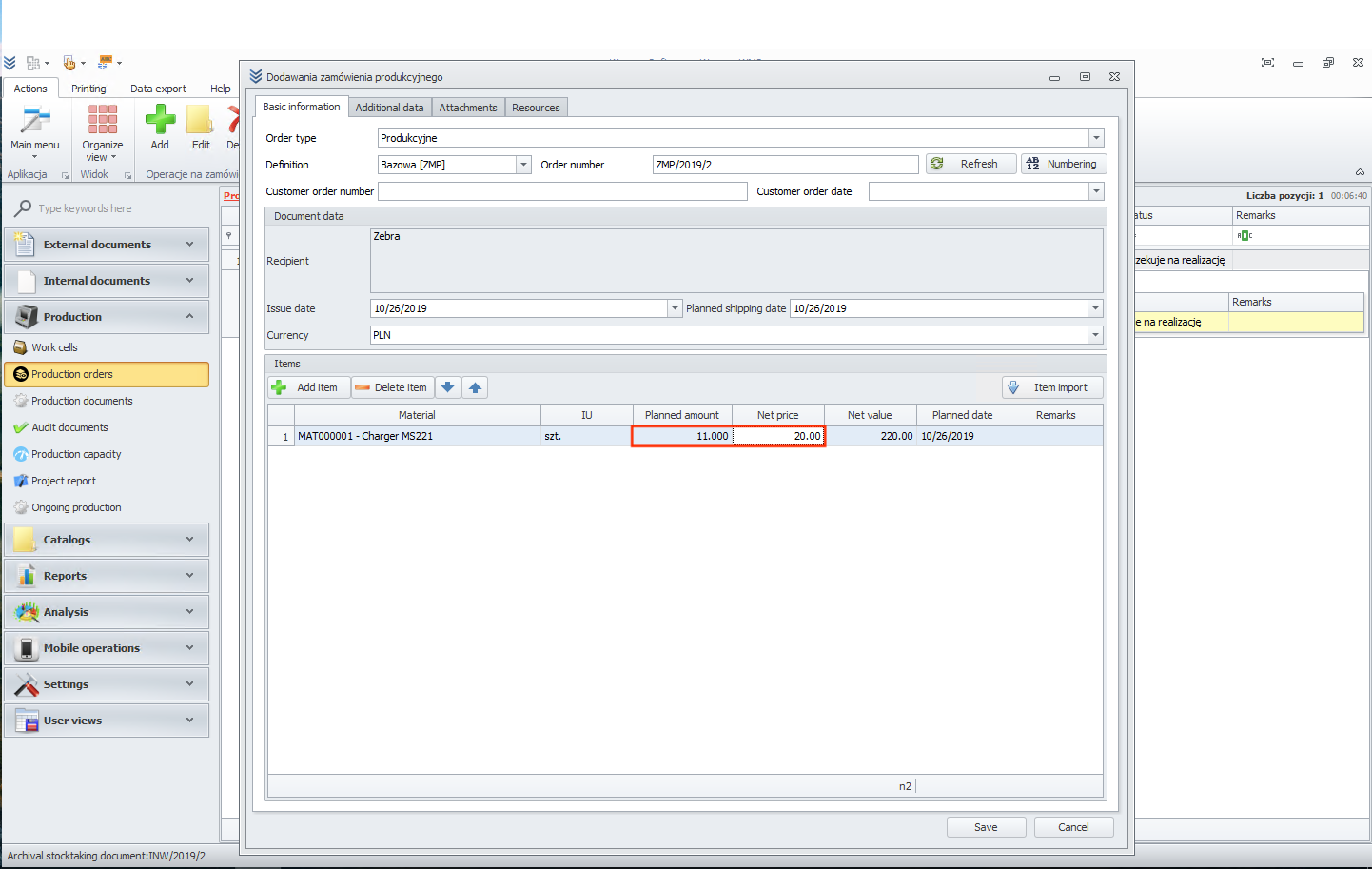
In the next step, we can set up quantity and price.
Now please click on save button. As you can see, the document is ready but in awaiting status. When your order is done, you can click on the mark as completed button to change the status.