Audit Documents
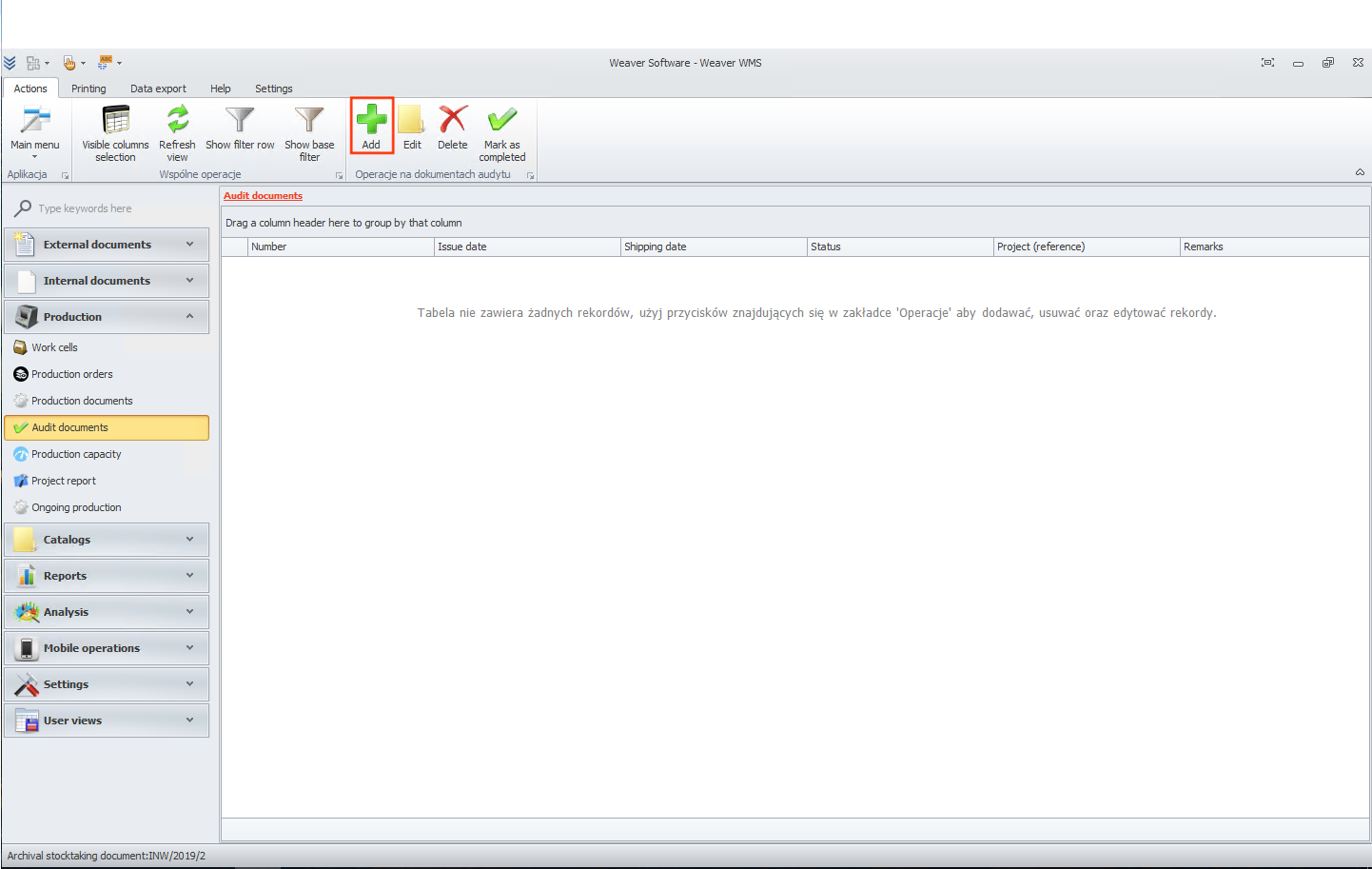
One of the interesting additional modules in Weaver WMS is the module where you can add Audit Documents. It can be found in the Production section. To start working with this document, click the Add button.
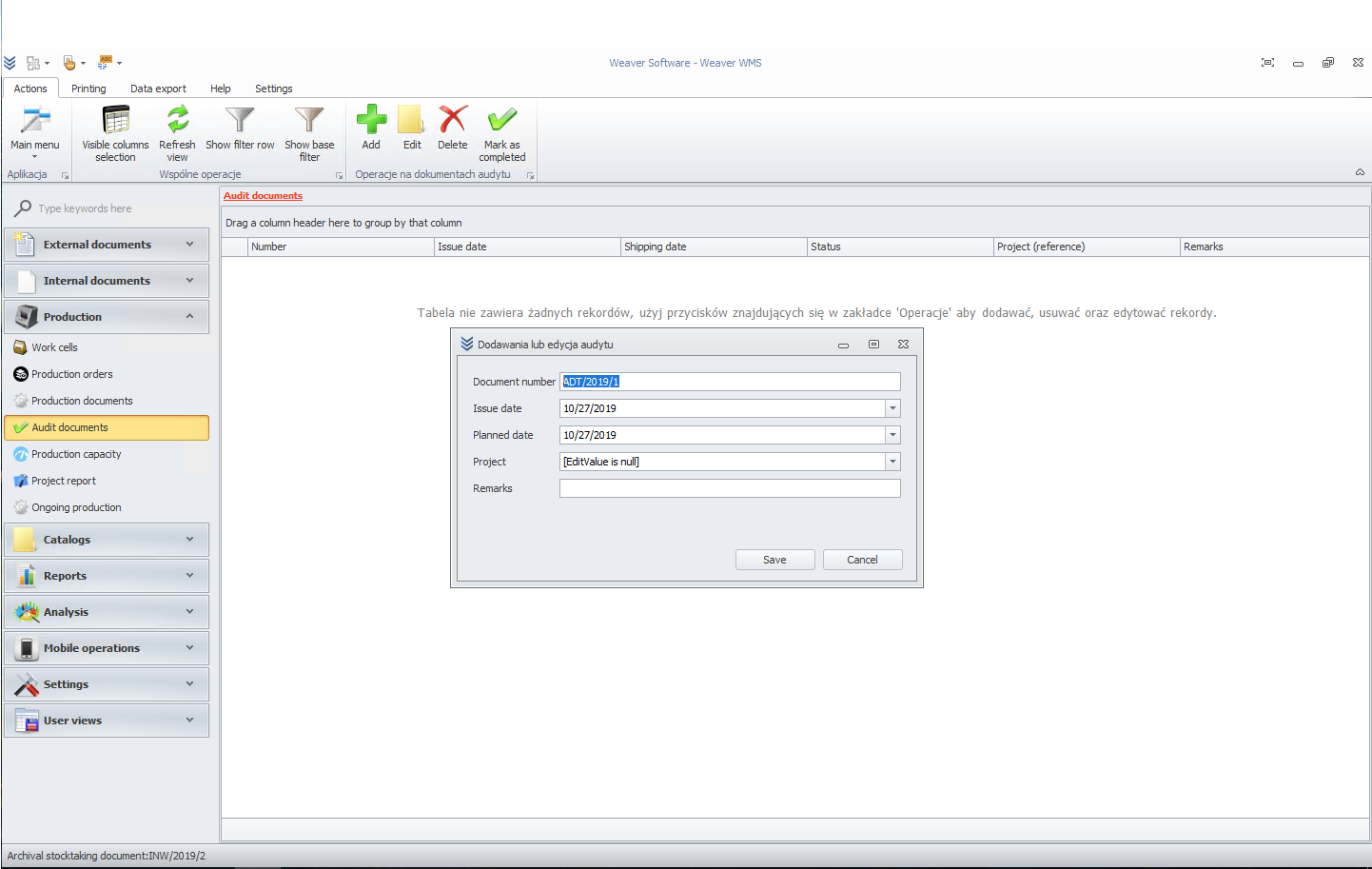
Now you can change the issue date and Planned date. If desired, you can add Notes. Finally, click the Save button.
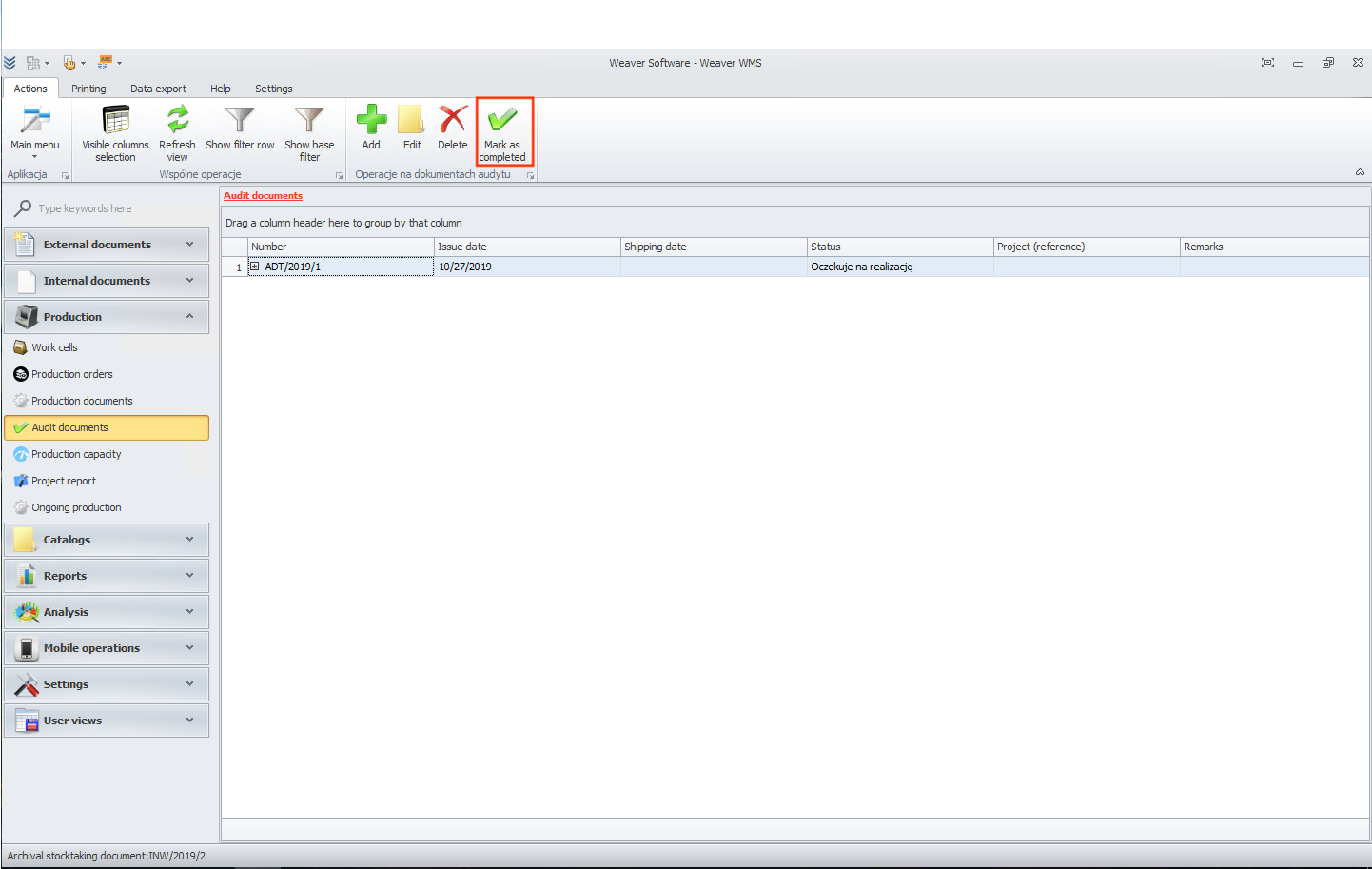
After completing the audit, you can click the Mark as completed button.