Services
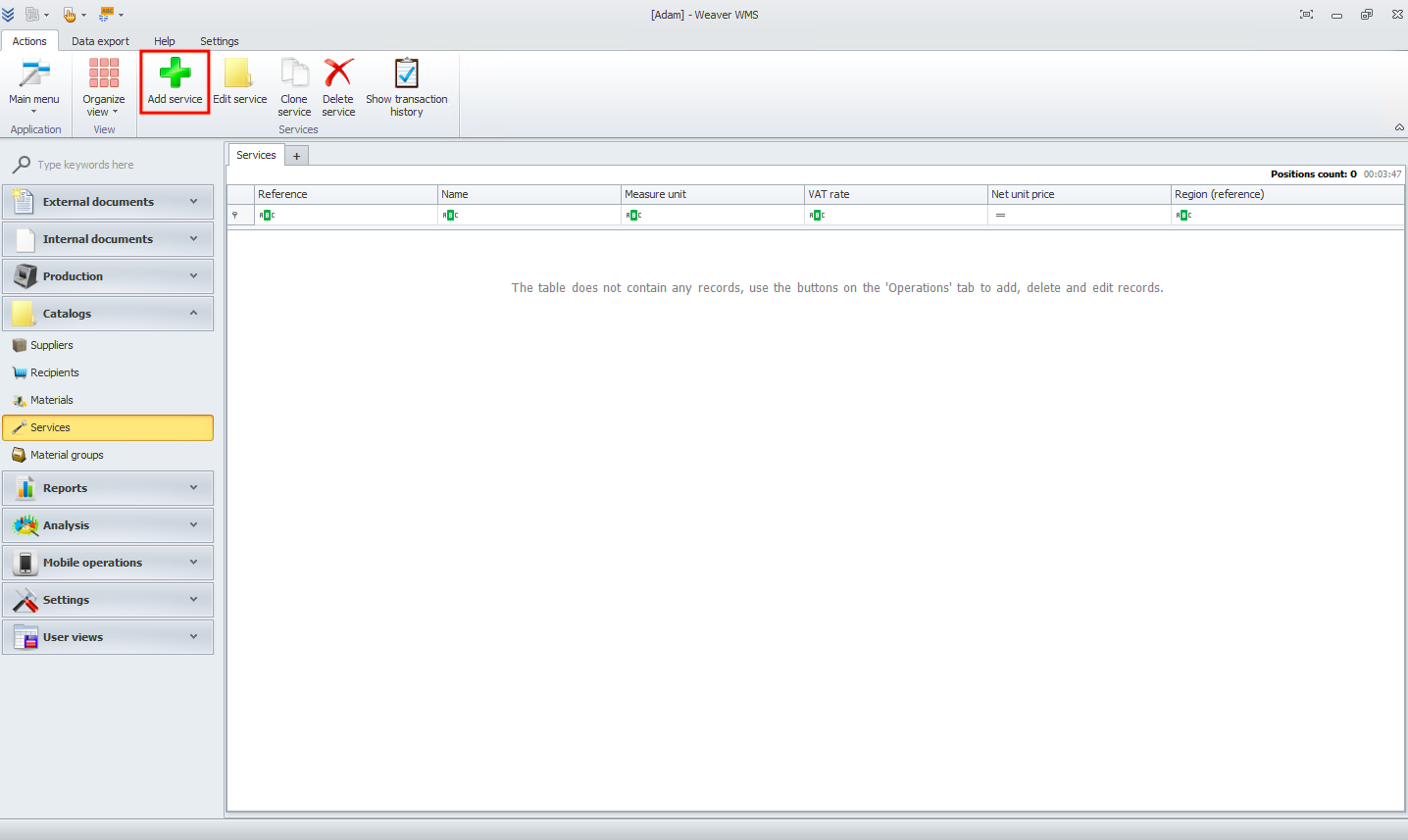
In this module you can add services. To start click on add service button.
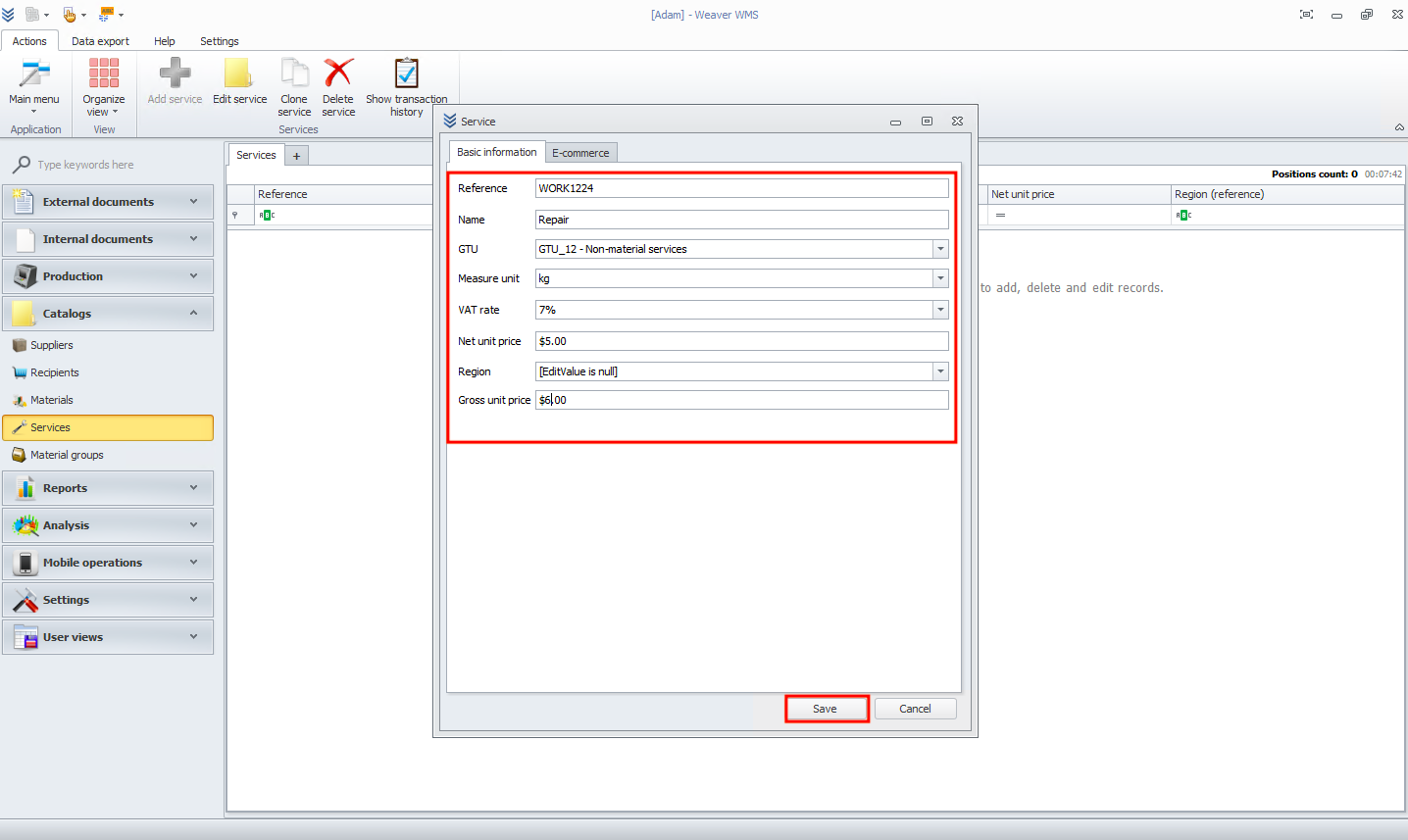
Now add basic information about your service. In the end click save button.
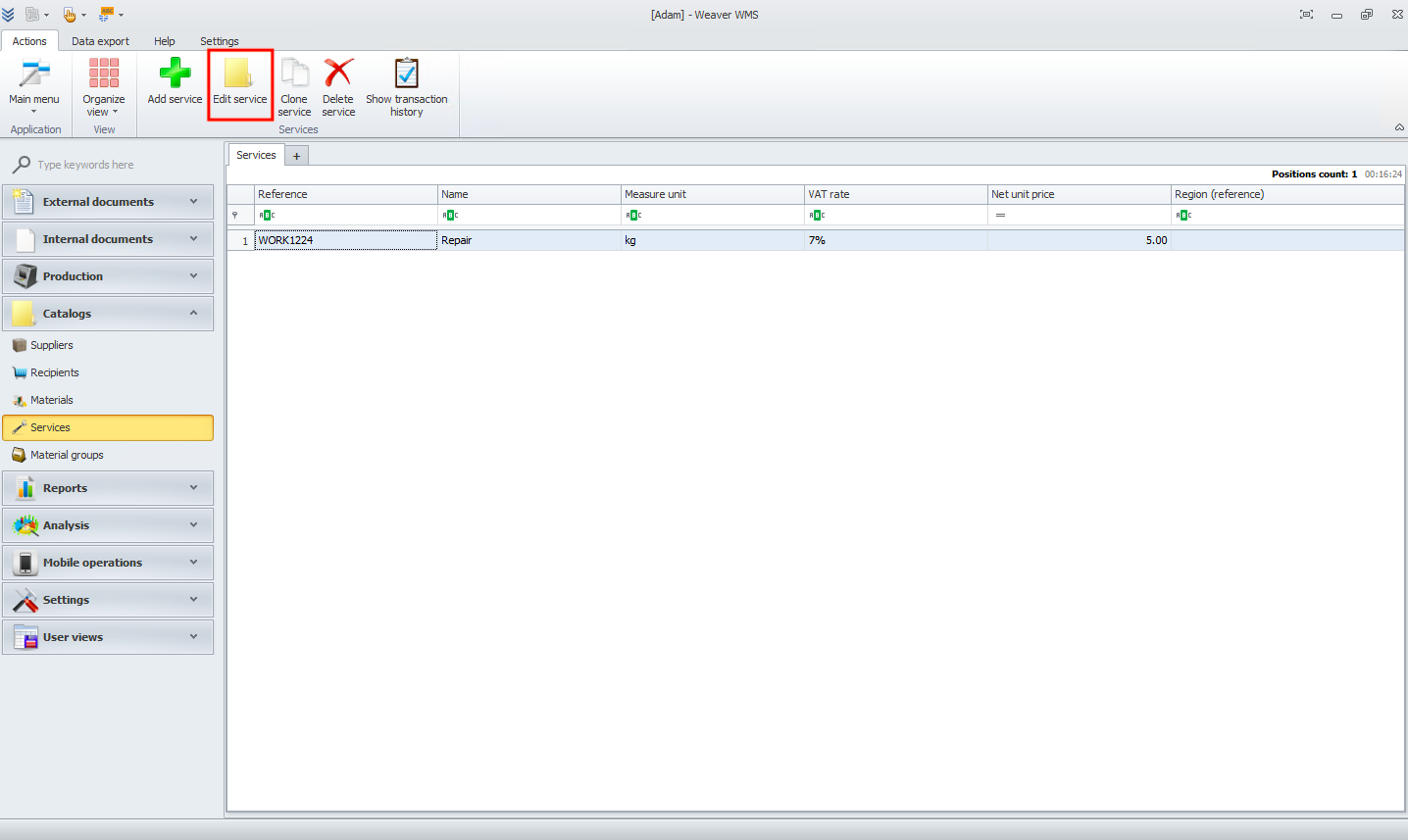
If information that you added are incorrect you can change it by clicking on edit service button.