Quantity Correction
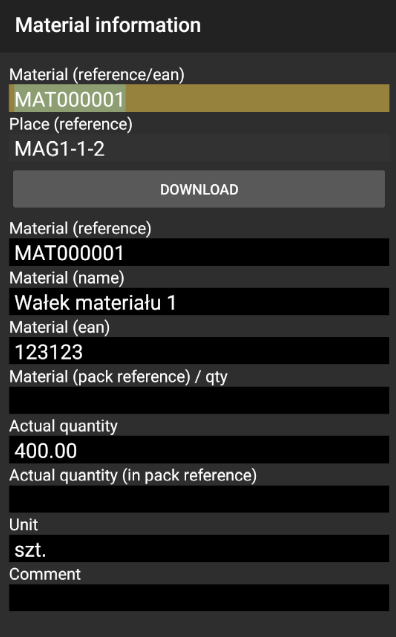
To make a correction on specific place and material code insert both and click download.

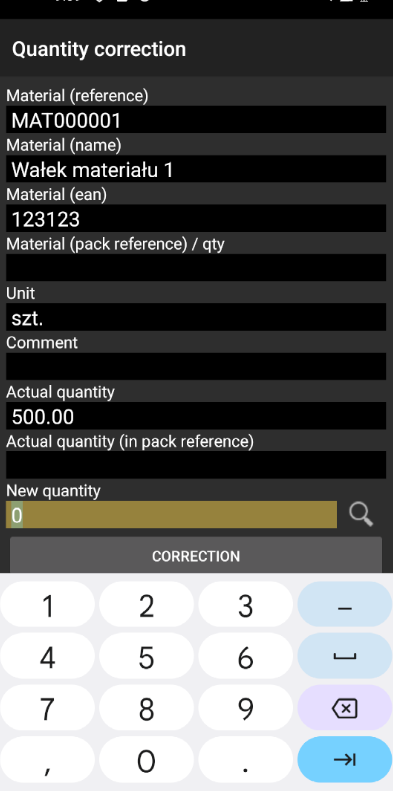
There you see actual quantity and you can insert new quantity and click correction.
Then you can check quantity after correction in Information.