Filters
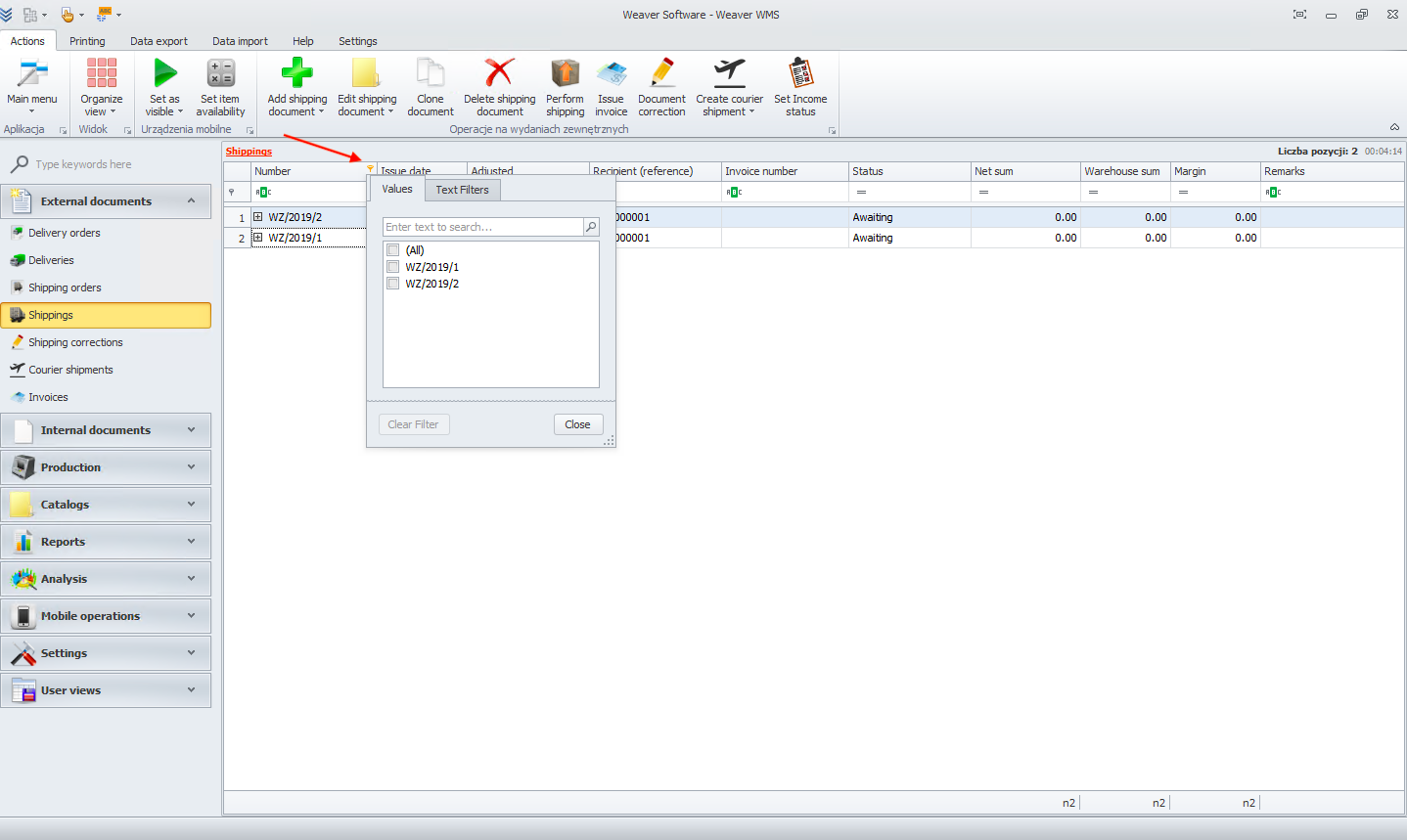
Filters in Weaver WMS allow you to filter data in every column. To start filtering, click on the filter button in the column you want to use.
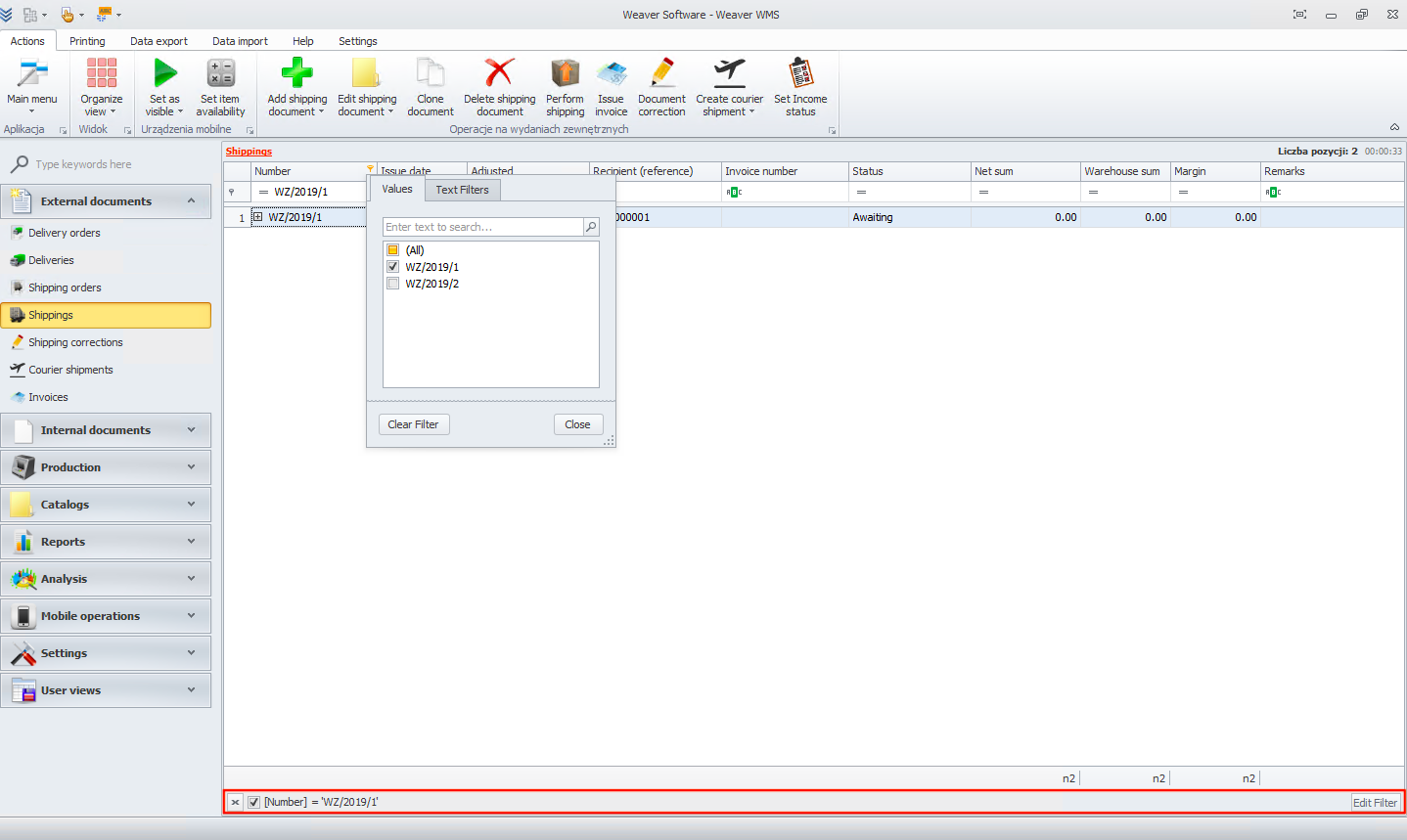
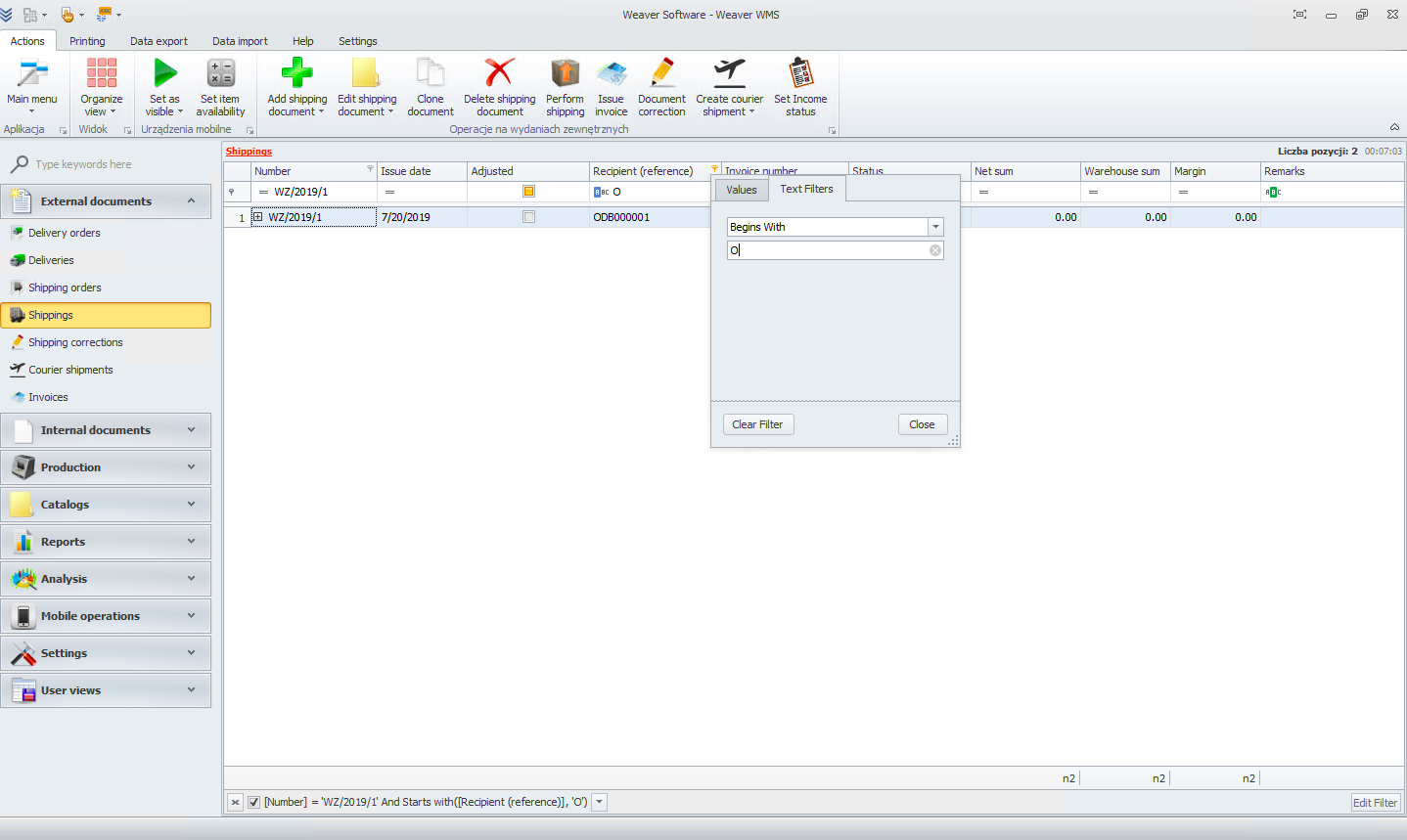
You can filter by a specific document. After that, you will see the filter at the bottom of the page and an edit button.
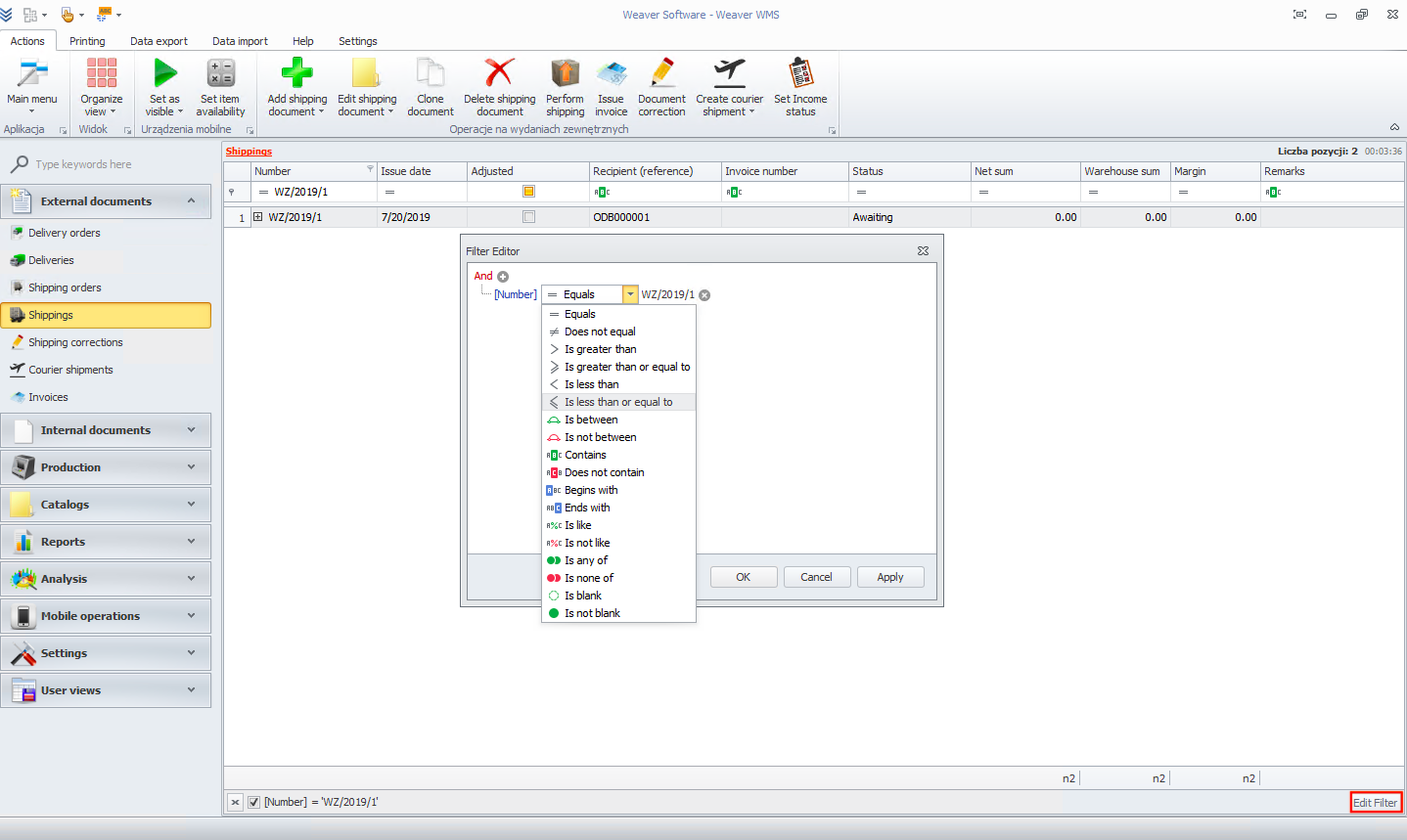
If you click on the edit filter button, you will see the filter editor. You can change the filtering however you like.
You can also filter by text. To start, go to the text filter tab and choose whatever you like. For example, in this case, I'm looking for documents that begin with a specific letter.
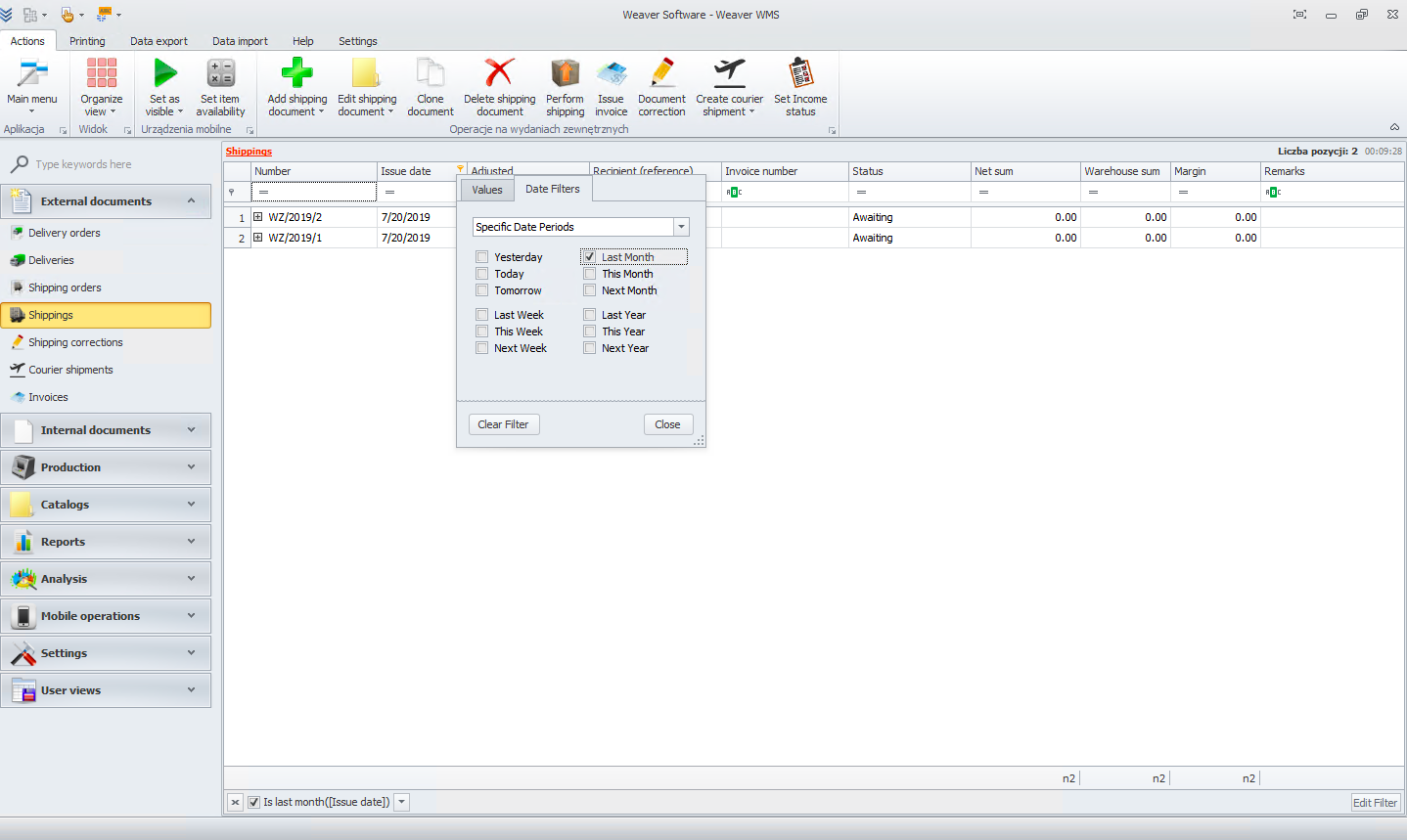
Another valuable filter is the date filter. You can find documents from a specific period of time, like in this example, from last week.